IMPORTEND QUESTION:
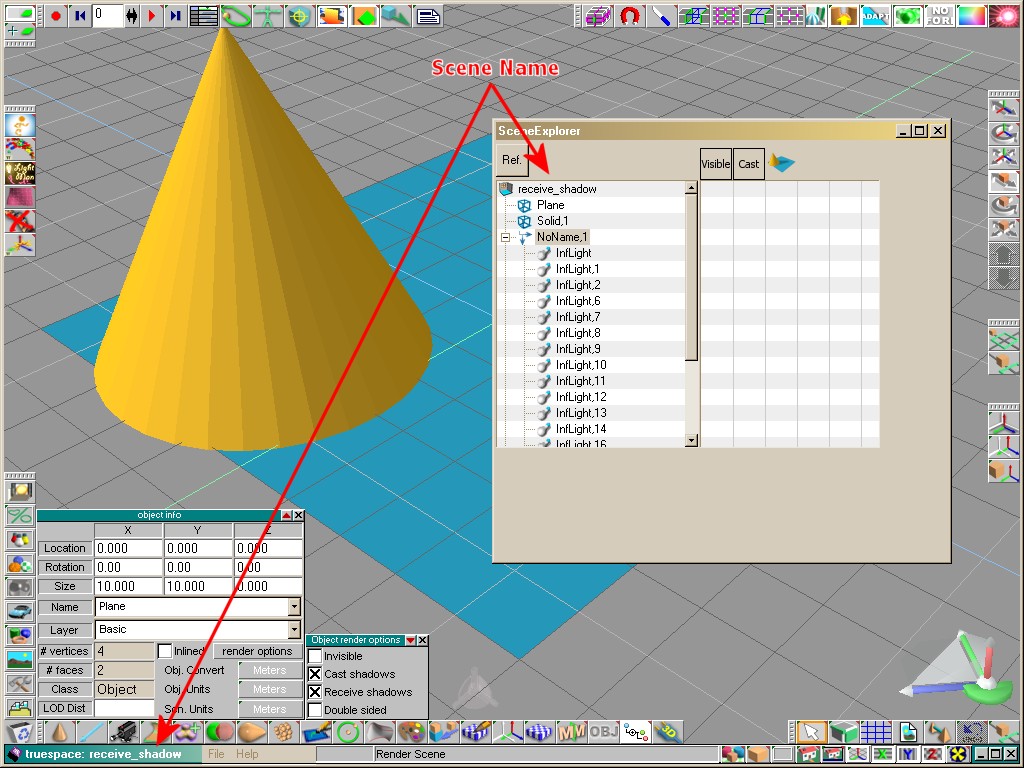
This post is about "which objects are showed in the Scene Explorer Plugin". So read carefully and do your test's.
I explain:
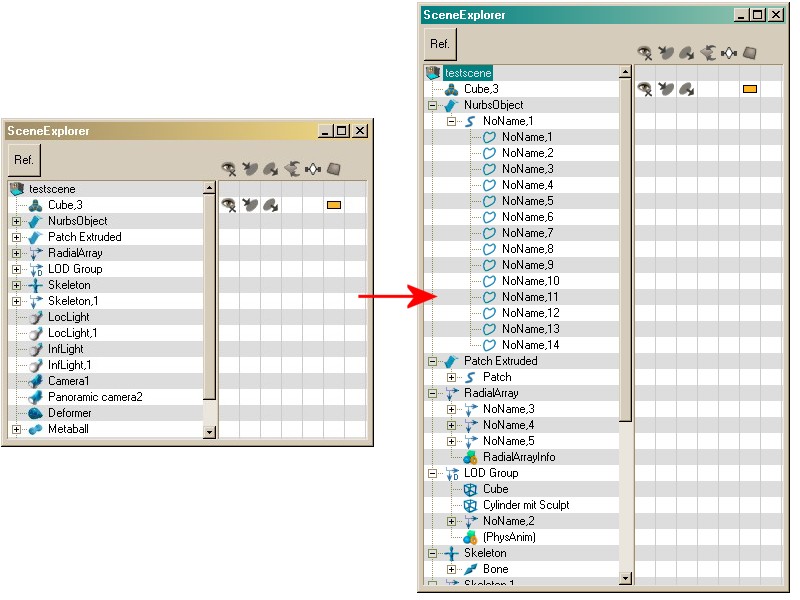
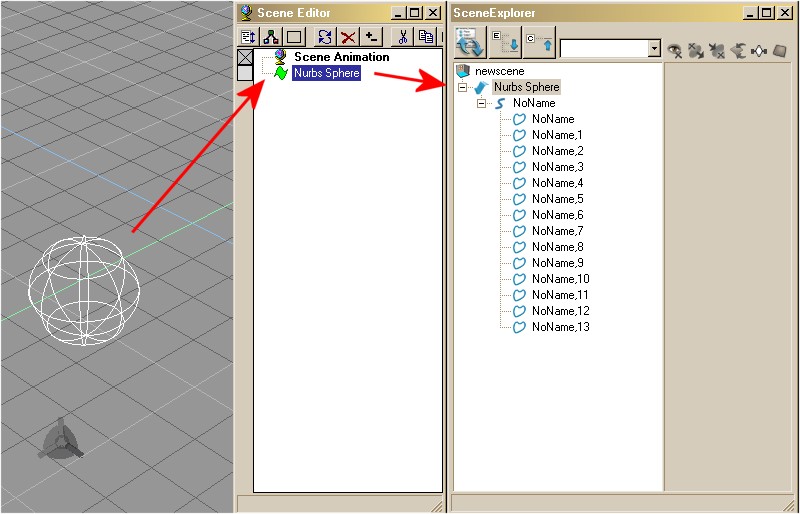
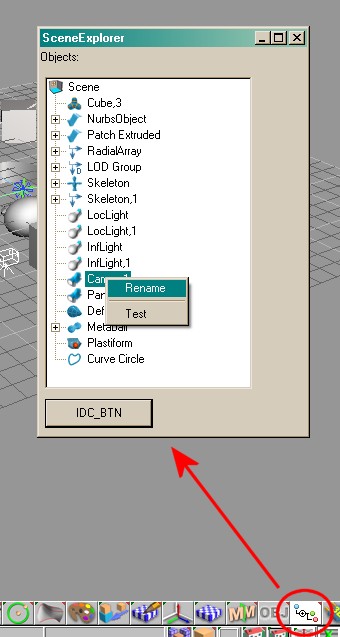
In a trueSpace scene are various objects (i.e. Polyhedrons, Subdivision Objects, Metaballs, Array Objects etc.). Not all objects which are detectable are shown in the KFE (KeyFrameEditor). For example a Nurbs Object. In the KFE you just see one Node for this object. In the scene are truely this node, a child node (group object) and under this so many childs as curves this object has. See image:
In the most cases that was showed in the KFE is enough. Normaly you never edit a single curve from a nurbs object thrue the KFE - you would (and you should) use the Edit Mode to make changes here.
Another example is a Subdivision Object. Here shows the KFE more as really is there in the scene. A Subdiv object is showed as SubDiv plus a Mesh Child. Truely in the scene is just the SubDiv object. The child is build from the KFE himself. That is the reason that tS reacts weird if you select this Mesh object.
To show all this objects is not a problem at all, it is just a point of usability and the background for this question are especially the ARRAY OBJECTS
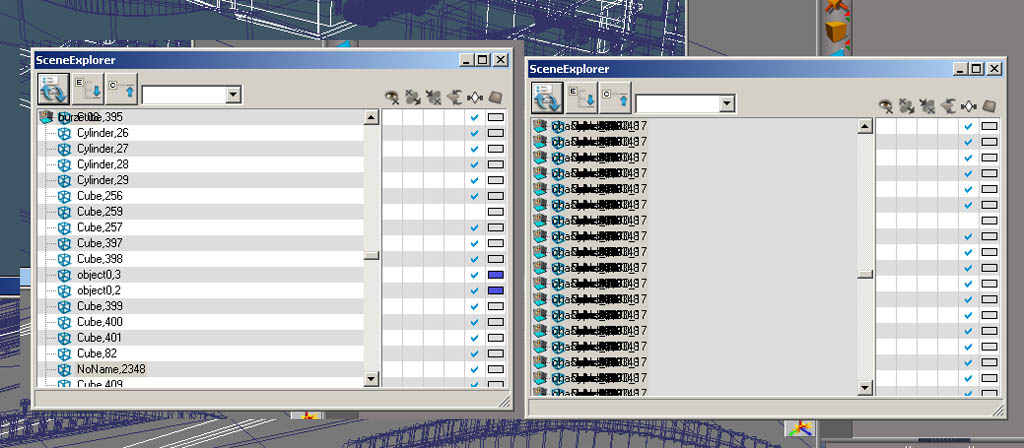
If you create a Grid Array for example and give him 10x10x10 childs (1000 !). The KFE needs on my PC nearly 3 seconds to refresh the tree structure. My SceneExplorer needs nearly 1 second. Well this is faster but could be even faster.
On the other hand it is diffcult for me (at this point) to detect if the number of childs for a array object has changed. If you create more childs i can detect this but not if you decrease the amount of childs. I get no event from tS for this action and as conclusion the tree is not correct. A click on one of this "wrong" objects can crash tS.
From my experience i normaly never need to touch directly the child objects from such a array.
This keeps as back to the question -> which objects (or members) of a scene should be showed?
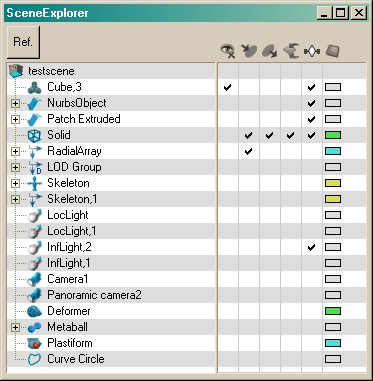
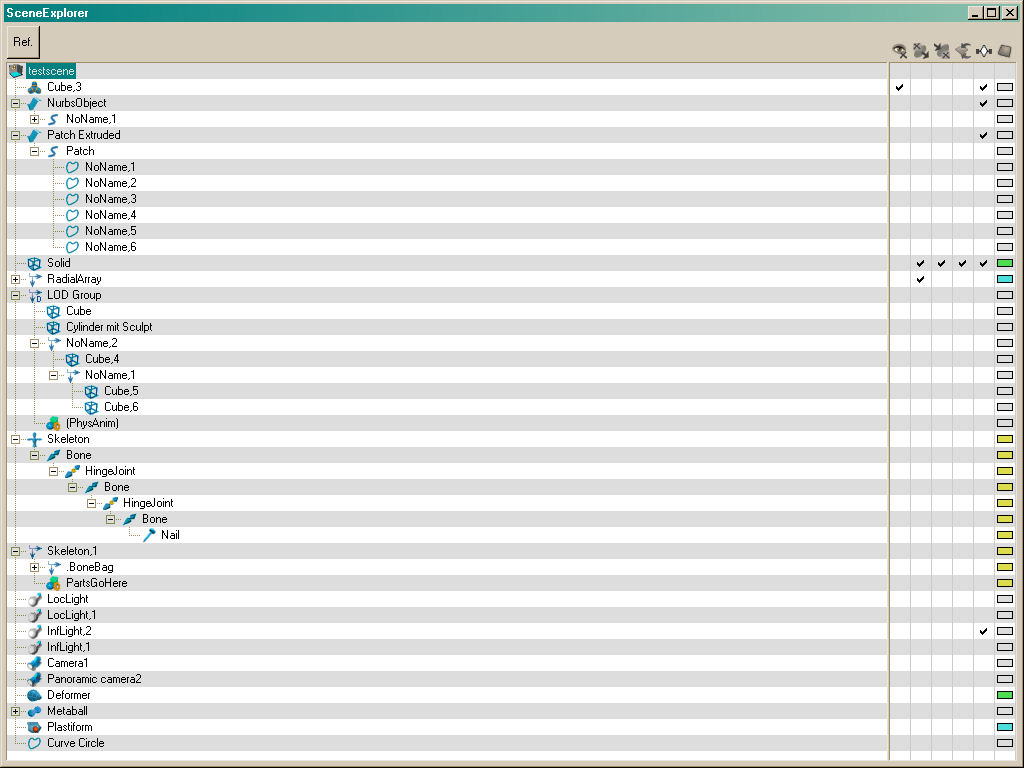
So, create in tS a few different objects and look into the KFE which objects you can select AND which you want to select. For comparisation you can use the MotionStudio Plugin. His SceneTree shows also ALL objects which are detectable.
I hope i have understandable explained what i want, so please help me with this and find the right decisions.
Thanks, DD




 :
:

 it is a good




 :
: