Well, I created a texture in paint .net and saved it as a .jpeg and imported it. When I try to apply it to my model it won't apply. The textures that came with truespace apply just fine but mine won't I can't figure it out. Also, when I click on the manual in the help window I can't get it to come up. I'm using windows 7 if that makes any difference.
EDIT: I should also mention that the texture video tut work run on my computer because of missing sound codexs. If anyone knows what the sound codexs that this video uses that would be nice because I can't find info on it.
http://www.caligari.com/products/trueSp ... ate=Master"
Can't apply my texture.
-
Sigrin
- Seaman Recruit
- Posts: 4
- Joined: 10 Dec 2009, 02:23
Can't apply my texture.
-
Steinie

- Captain
- Posts: 2958
- Joined: 21 May 2009, 17:38
- Type the number ten into the box: 10
Re: Can't apply my texture.
Codex problem:
http://forums1.caligari.com/truespace/s ... ostcount=5"
To give you specific instructions on texturing you need to tell us which side of trueSpace you
are working on.
Model Side or workSpace Side?
Look inside your tS directory and see if you have the PDF files. I notice there is no link for the PDF manual
on the Caligari Site anymore. I am hoping it is included with the downloads.
http://forums1.caligari.com/truespace/s ... ostcount=5"
To give you specific instructions on texturing you need to tell us which side of trueSpace you
are working on.
Model Side or workSpace Side?
Look inside your tS directory and see if you have the PDF files. I notice there is no link for the PDF manual
on the Caligari Site anymore. I am hoping it is included with the downloads.
- Attachments
-
-
Sigrin
- Seaman Recruit
- Posts: 4
- Joined: 10 Dec 2009, 02:23
Re: Can't apply my texture.
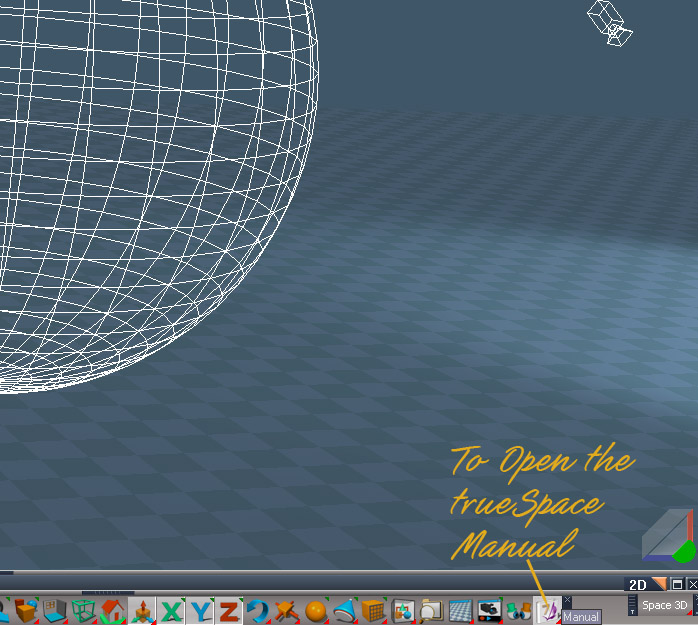
There aren't model side or workspace tabs like I noticed in most screen shots. It's the one where you can right click to go into wireframe and then right click again to go back to texture. I also seems to be missing most the buttons I see in screen shots.

-
clintonman

- Captain
- Posts: 5659
- Joined: 21 May 2009, 21:08
- Type the number ten into the box: 0
- Location: California
Re: Can't apply my texture.
Try using the vlc media player to play them. In the past it played some items for me that windows media wouldn't.
http://www.videolan.org/vlc/download-windows.html"
http://www.videolan.org/vlc/download-windows.html"
-
Sigrin
- Seaman Recruit
- Posts: 4
- Joined: 10 Dec 2009, 02:23
Re: Can't apply my texture.
Well, I got the videos to display but without sound. I noticed when the guy exports the UV map this he gets a nice big image while I get a 16 pixel by 16 pixel image. This whole texturing part is getting really confusing and I still can't get my texture to go onto my model? I save the texture from the image editor (I've tried with both .png and .bmp) and then go to truespace and right click in the textures panel and click import. The image imports just fine but when I try to drag it onto the model like I can do with the textures that come with it nothing nothing happens.
Edit: After stumbling around for a couple hours I managed to apply the texture but I would apreciate some help with getting the UV map things to export at a high resolution.
Edit: After stumbling around for a couple hours I managed to apply the texture but I would apreciate some help with getting the UV map things to export at a high resolution.