How to create a mirror image
-
chromedragon
- Seaman
- Posts: 6
- Joined: 01 Mar 2010, 04:41
How to create a mirror image
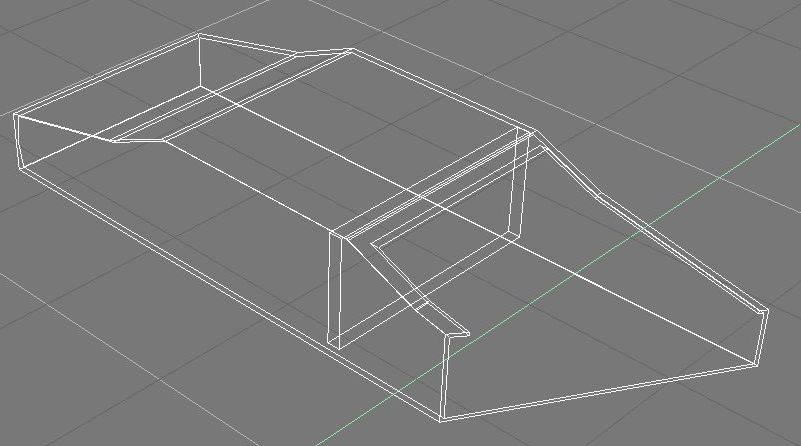
I have been playing around with Truespace and in doing so, I created an object that I would like to have an opposite or a mirror image. I do see a Mirror button and a 1 to 1, but for whatever reason, it is not giving me a copy that is opposite. I have added an image of the object in hopes someone could help me do this.
- Attachments
-
-
pugman 1
- Captain
- Posts: 1555
- Joined: 21 May 2009, 19:26
- Type the number ten into the box: 0
- Location: Germany
Re: How to create a mirror image
Hi chromedragon. if you want to mirror the half of the car
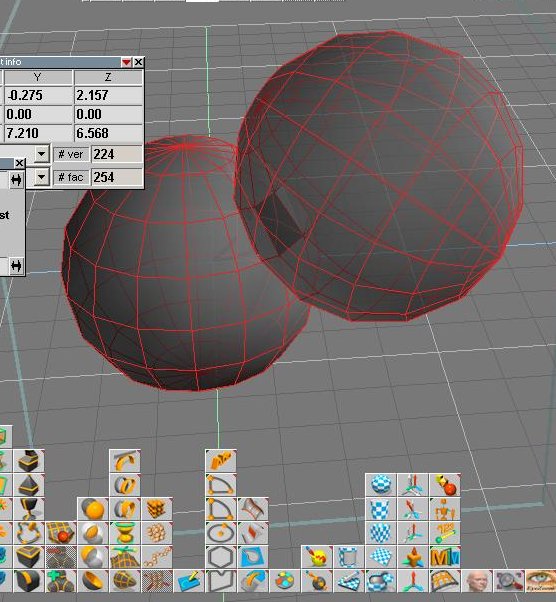
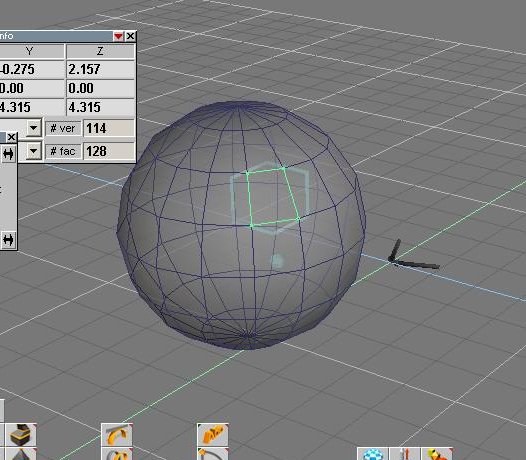
do it like the pic ,add middle ring ,delete the faces you dont want
select middle ring hit mirror. hope this helps
do it like the pic ,add middle ring ,delete the faces you dont want
select middle ring hit mirror. hope this helps
- Attachments
-
-
fahembree
- Chief Petty Officer
- Posts: 108
- Joined: 22 May 2009, 02:28
Re: How to create a mirror image
I no expert but mirroring has always given me problems. One way I found that a  lways works
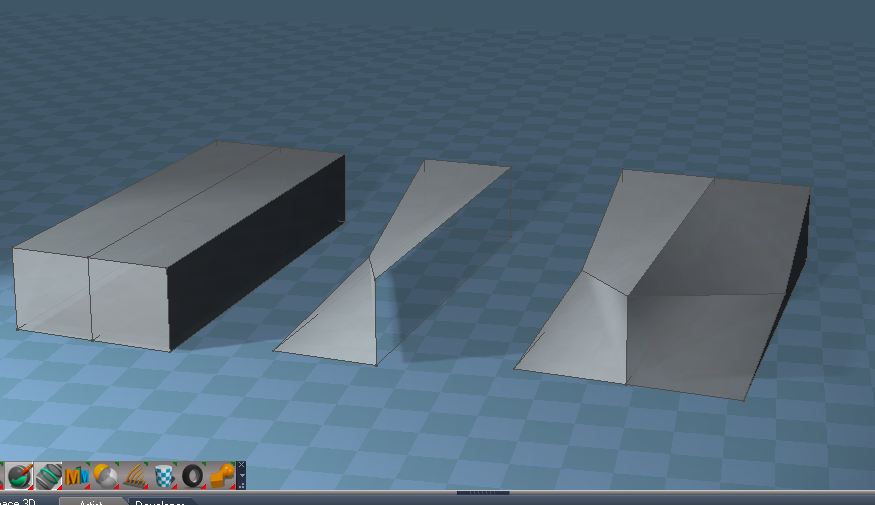
is to select a face on the object you want to mirror about and then use mirror modeler command.
lways worksis to select a face on the object you want to mirror about and then use mirror modeler command.
- Attachments
-
-