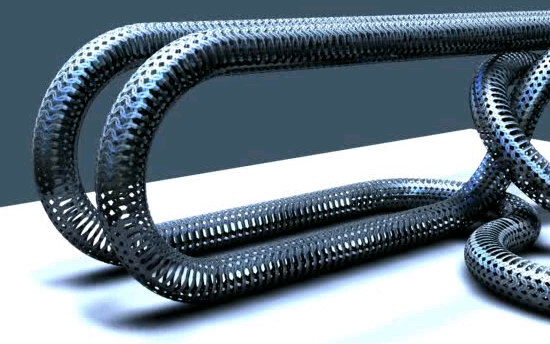
Plugins are often used to automate an action to facilitate the work. But sometimes we can optimize what we have at our disposal. Some features of TS are not often used because they are not intuitive and require a minimum of logic. Here is an animated example produced with the modelside without plugins. Notice how the mesh is deformed by touching the ground. In fact the object move but does not rotate. Is the texture that moves. also the mesh is not really deformed. Is an optical illusion which completes the effect. Is the kind of trick I like to do just for fun.
Don't forget to download the animation, the pic have no interest without the effect:
New model side function
-
marcel

- Captain
- Posts: 2247
- Joined: 21 May 2009, 19:52
- Type the number ten into the box: 0
- Location: paris - France
New model side function
- Attachments
-
-
- Testc7c1.zip
- (1.32 MiB) Downloaded 245 times
Design - illustration - Animation
http://www.crea-vision.fr
http://www.crea-vision.fr
-
froo
- Captain
- Posts: 2554
- Joined: 22 May 2009, 12:13
Re: New model side function
Very nice marcel. How'd you do it? 
-
v3rd3
- Lieutenant Commander
- Posts: 1191
- Joined: 21 May 2009, 20:04
Re: New model side function
You must be tired of me saying Wow! .... Wow!
-
Emmanuel

- Chief Warrant Officer
- Posts: 670
- Joined: 14 Jun 2009, 06:47
Re: New model side function
Nice animation Marcel !
I can't figure the trick involved here
I can't figure the trick involved here
-
marcel
- Captain
- Posts: 2247
- Joined: 21 May 2009, 19:52
- Type the number ten into the box: 0
- Location: paris - France
Re: New model side function
I will post a wip on my artist folder for the part 6 of my movie and explain that.
Design - illustration - Animation
http://www.crea-vision.fr
http://www.crea-vision.fr