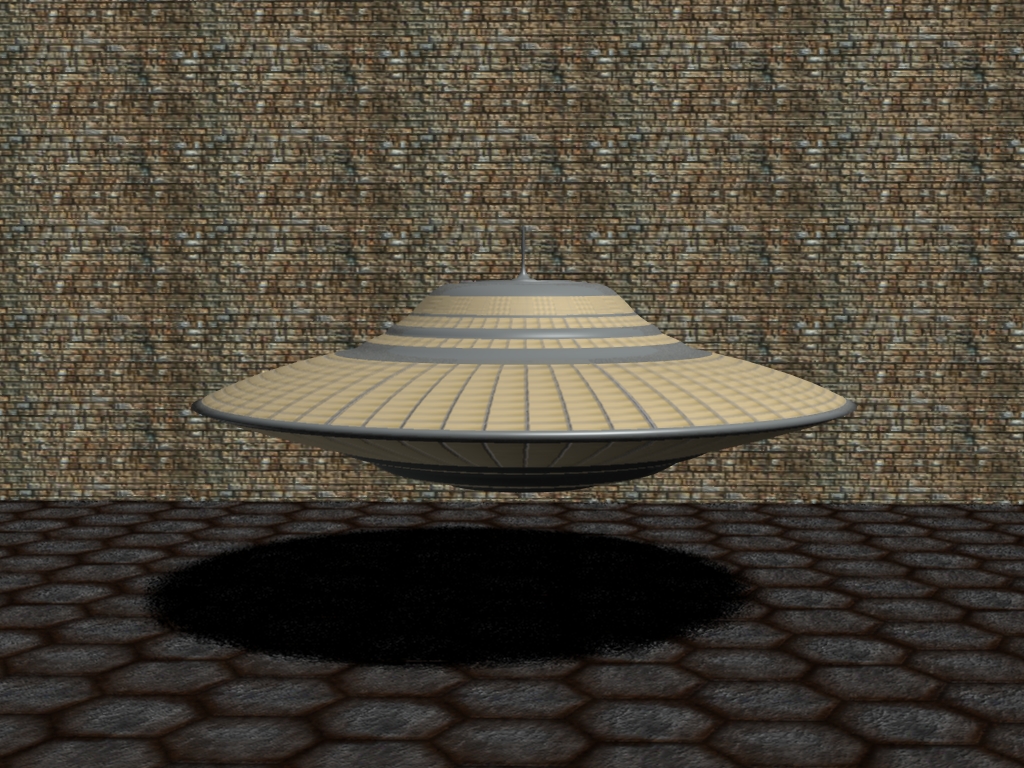
Is there a top view and a bottom view with the texture on it? If so you may be able to map each one in it's proper place since your ship has a hard edge where the top and bottom meet. Other than that I am stumped on that one. You may have to do some texture application one face at a time. Where you have the shiny metal parts, just face paint them a metal texture that is close to the picture. Mad Mouse and others would be better suited to answer this one. That is all I have.
GraySho
Petty Officer Second Class
Posts:36
Joined: 21 May 2009, 18:48
Type the number ten into the box: 0
Location: Austrian in Spain (Guadalajara)
Re: Flying Saucer.. I need Texture help
Postby GraySho »
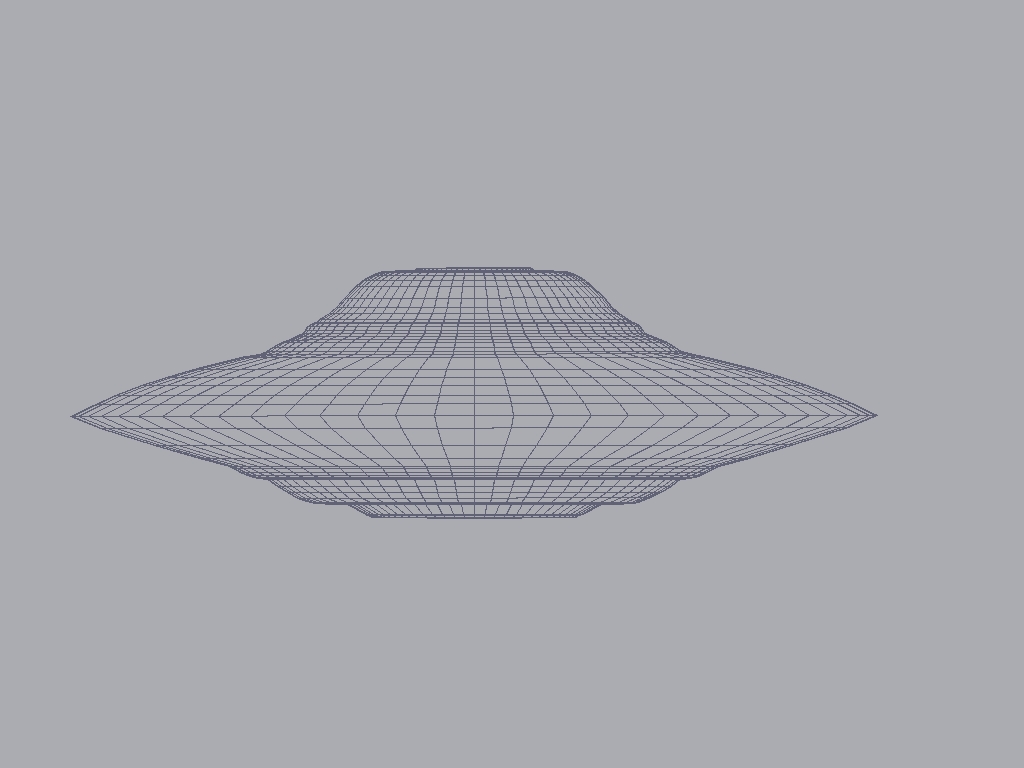
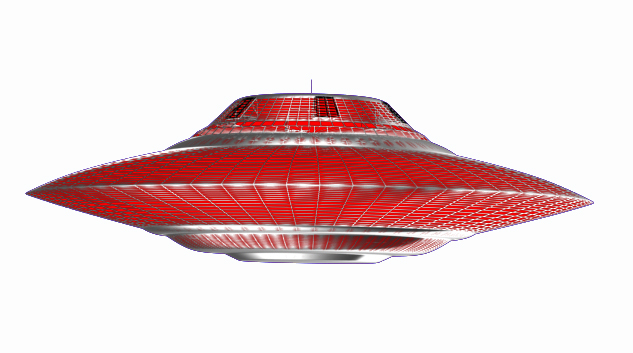
I guess you would have to paint the texture yourself. Given that it´s just two colors and the silver stripes basically match with de edges of your mesh it should be a piece of cake. Use your top view screenshot, duplicate the layer in Photoshop or similar (this would work best if the wire color would be white, background color black). Color the basic layer completly red. Change the wire color on the duplicated layer to somewhat silver using the tool of choice. Fill the solid silver areas manually using circle select tools. Choose addition as blending mode for the second layer. Cleanup with blurring, level, sharpen etc. whatever looks best to you.Done. Repeat for underside of the ship. You can use the second layer of your image to convert it to a specular map to make only the silvery parts shiny.
Note that I only had your low res source, with a highres screenshot the result would be much crisper.
Attachments
ranger0101
Master Chief Petty Officer
Posts:363
Joined: 22 May 2009, 13:15
Type the number ten into the box: 0
Location: Orrville Ohio U.S.A.
Re: Flying Saucer.. I need Texture help
Postby ranger0101 »
Thank's Everybody...
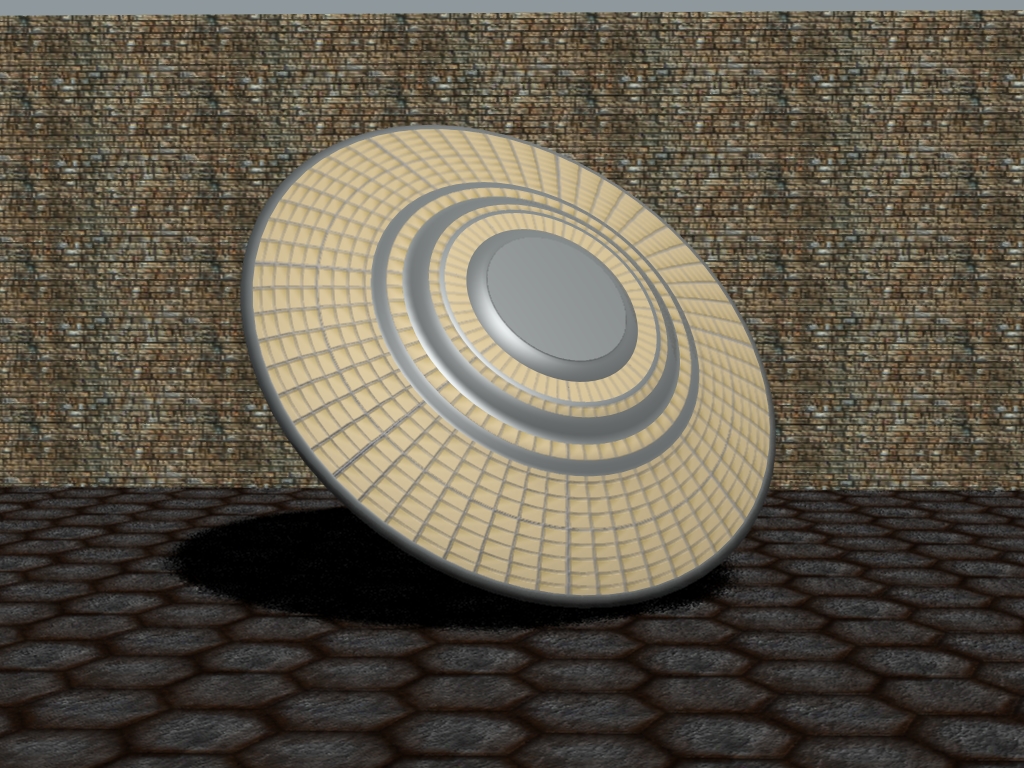
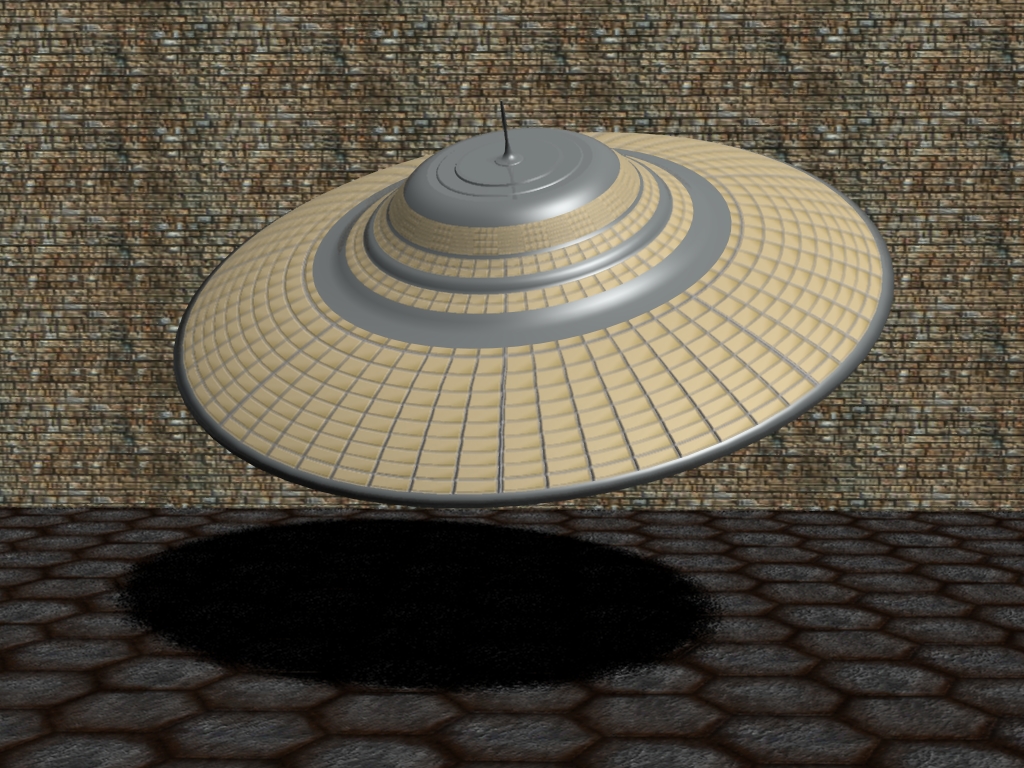
I had to go into PhotShop and make the texture
from scratch... I just made a grid pattern with the
right colers and used a cylindricle projection...
Then UV tweak to adjust it...
I hope this French directer guy likes this and decides
to buy something...