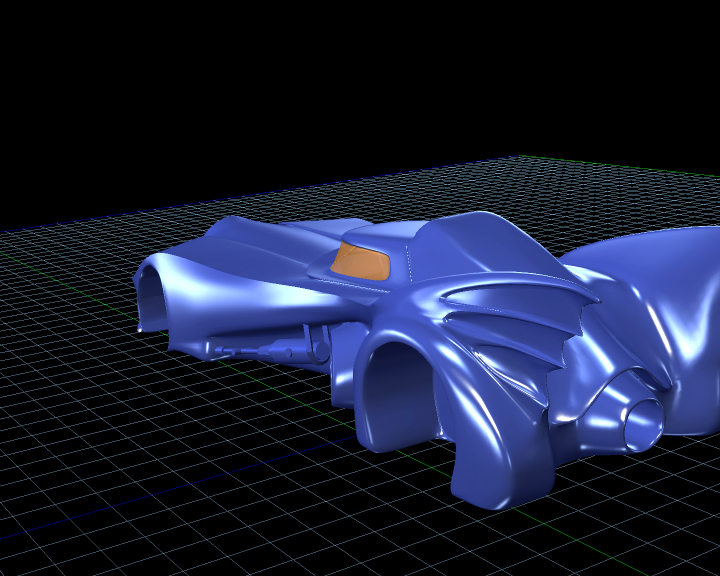
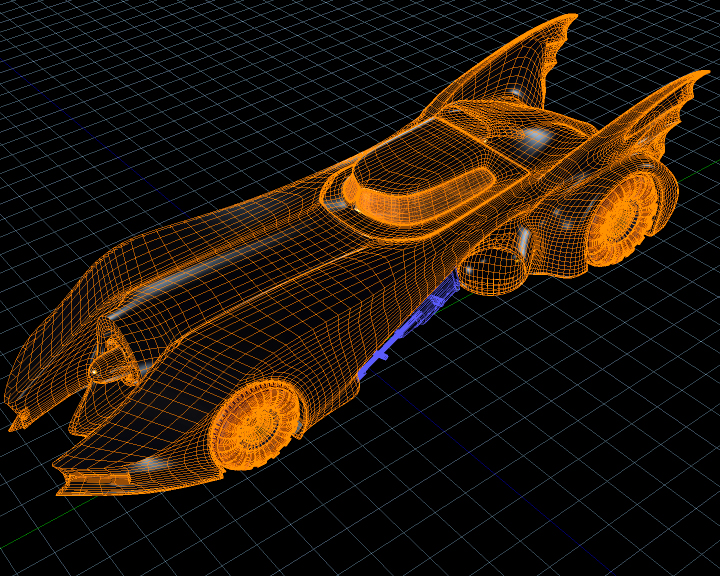
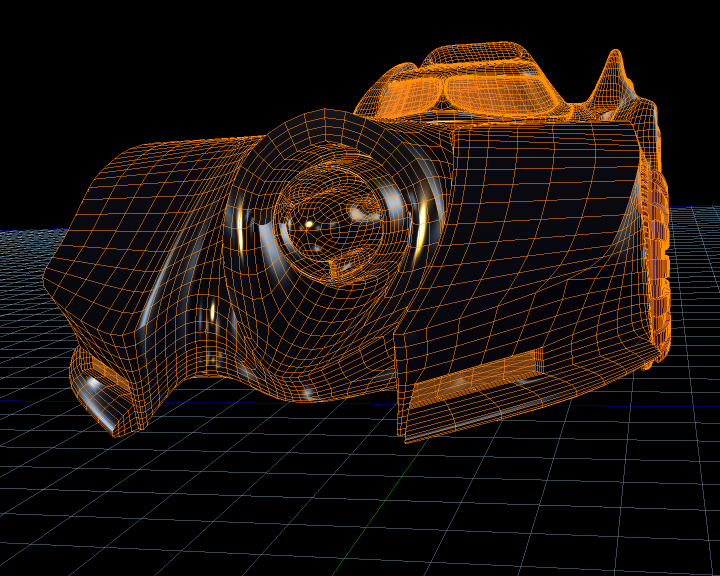
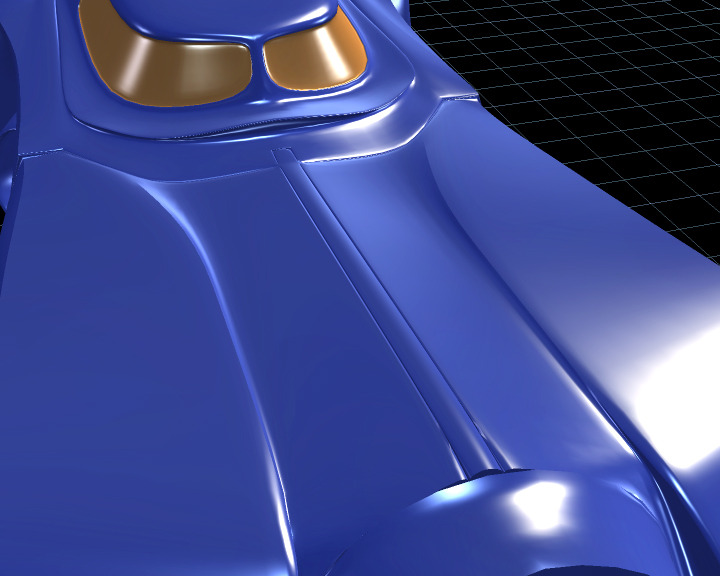
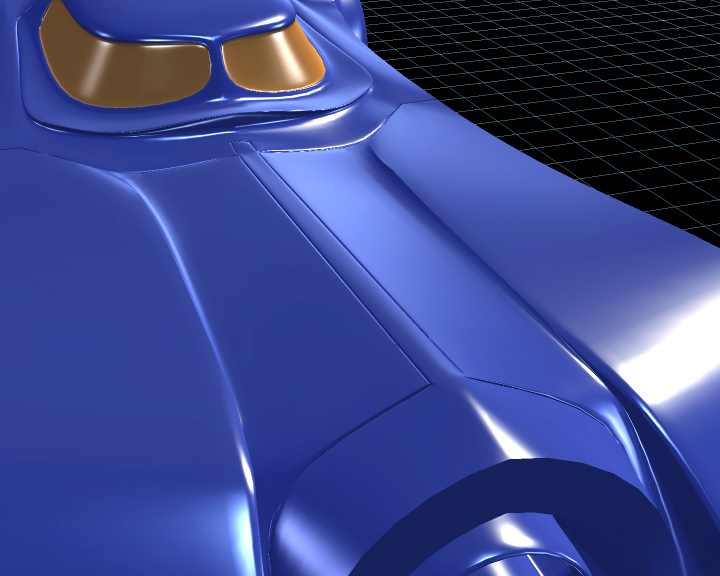
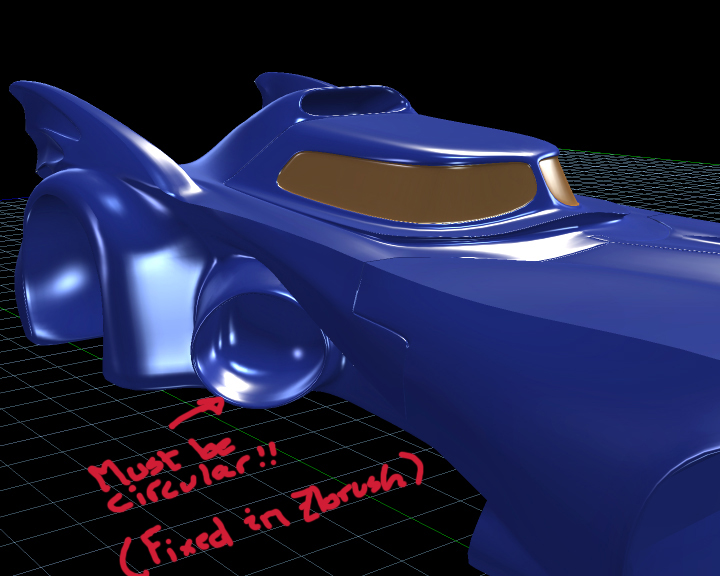
I posted some things back in the old Caligari forums, maybe someone saw my other artworks (Hmmm... I think that the newest one was about a year ago). But I must say that tS's extinction after Microsoft bought Caligari kept me away from tS for a while (Why using a product that is "stuck" while there's an always evolving world of 3D on the outside?) but I must admit that, at least by now, tS has proven to me to be a great 3D modeling tool and for this project I tried to only use the tS as much as possible (I used zBrush for the final detailing of the mesh). I've also noticed that the new tools that were included in the 7.6/7.61 versions were great! and its too sad that, at least for me, I'll have to say goodbye to tS in a near future and learn another 3D app (I've used tS since it was in its version 2!!!).
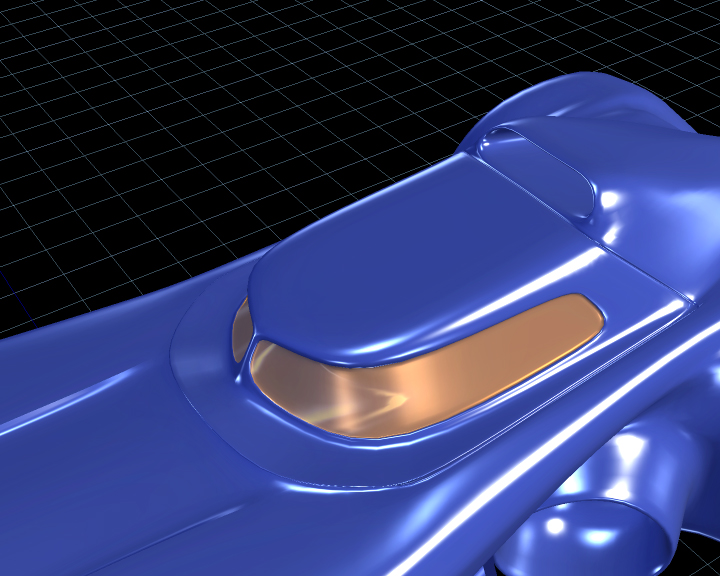
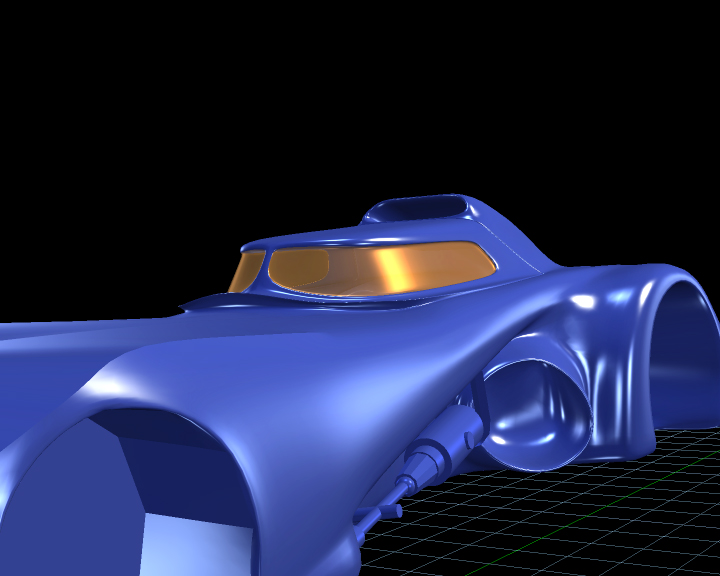
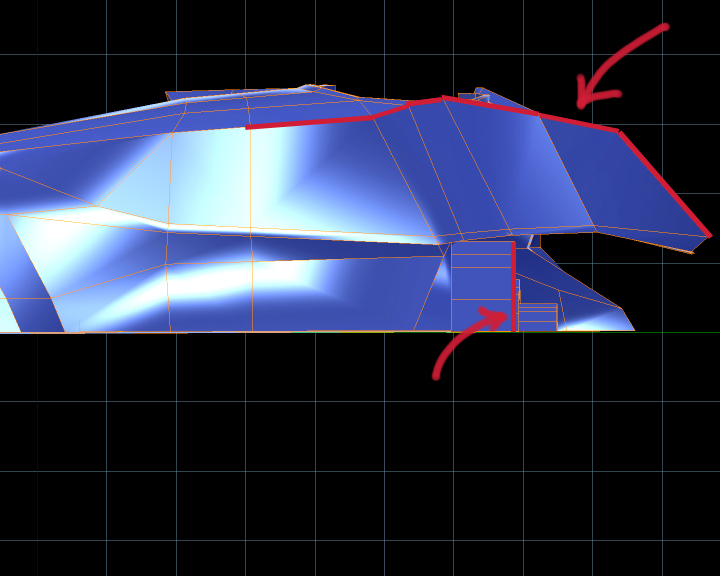
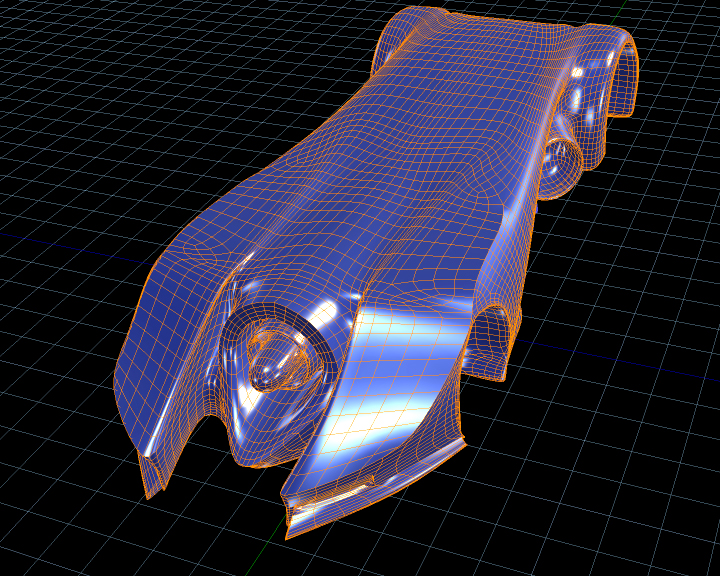
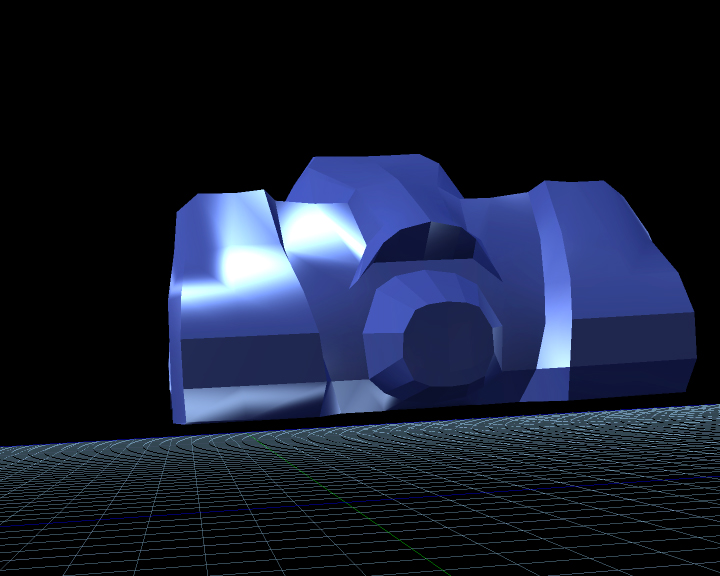
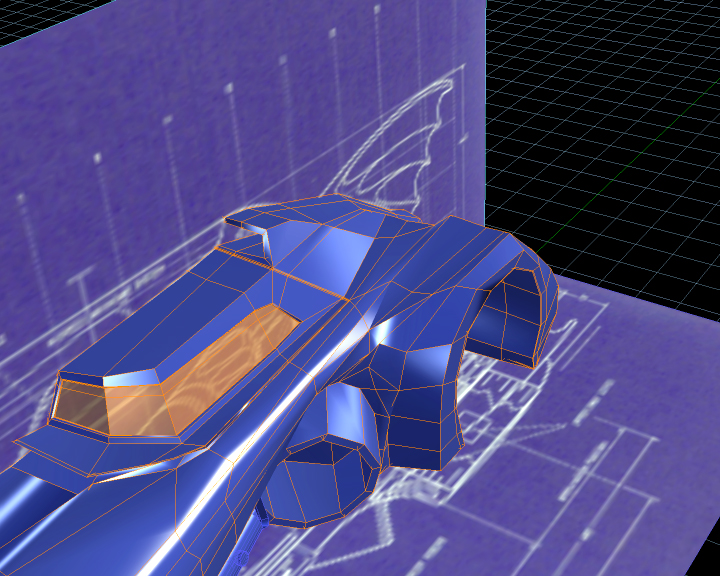
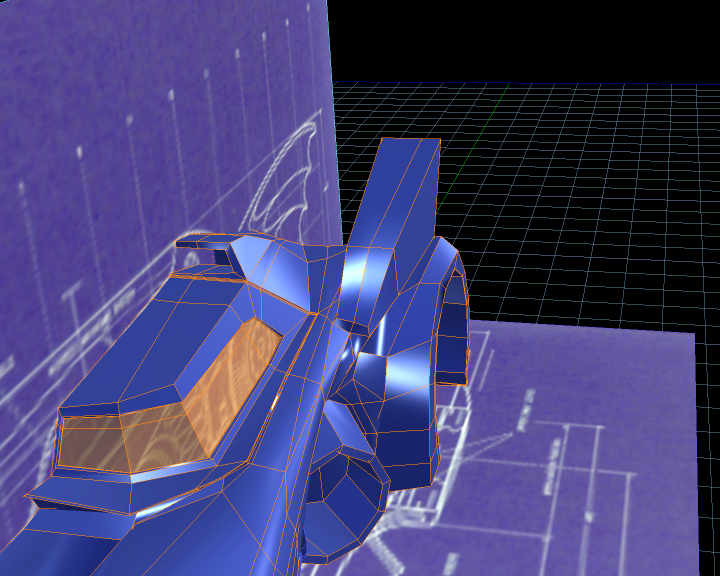
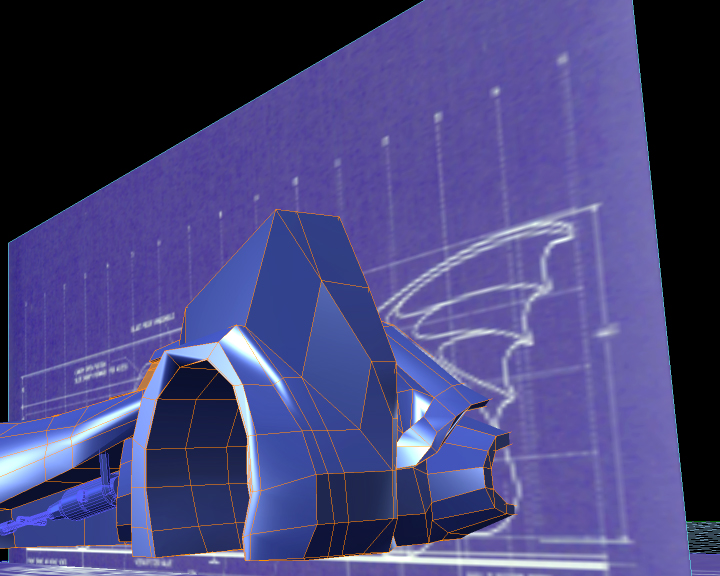
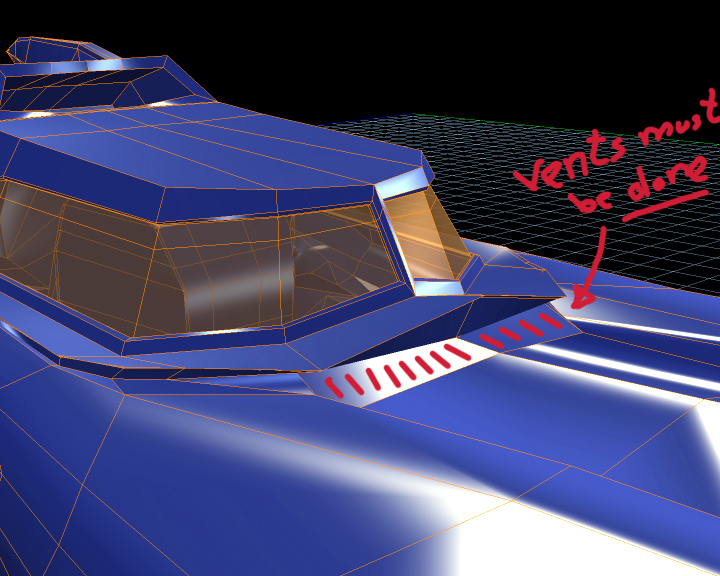
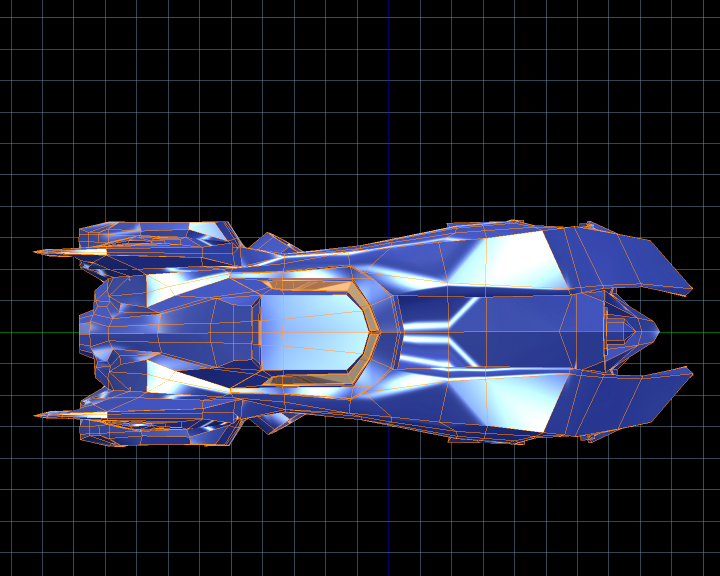
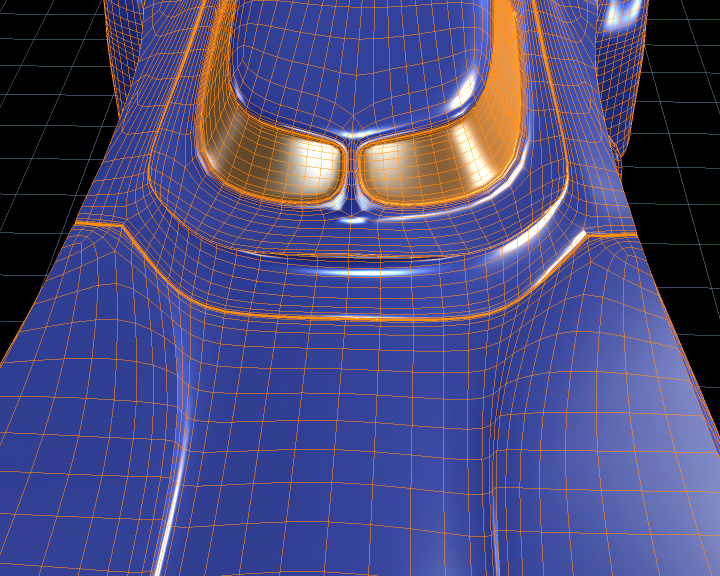
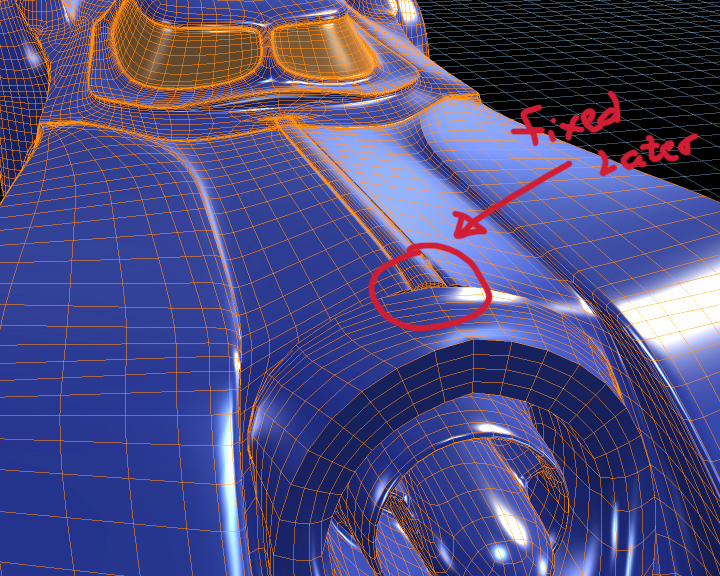
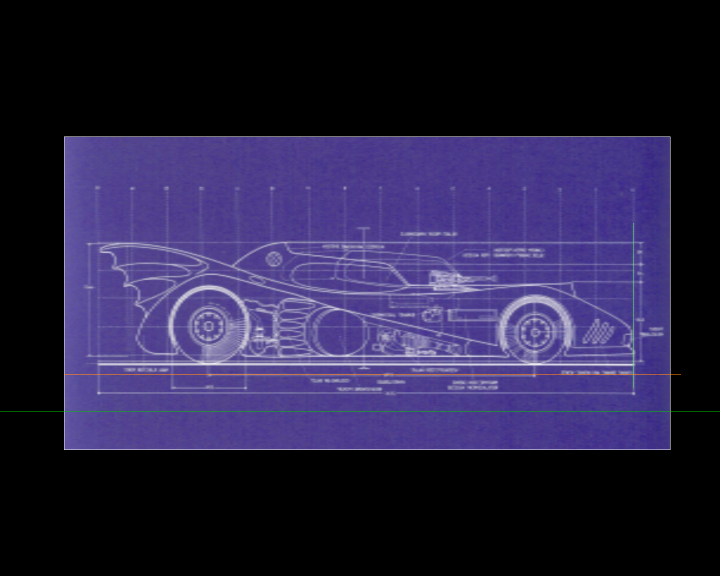
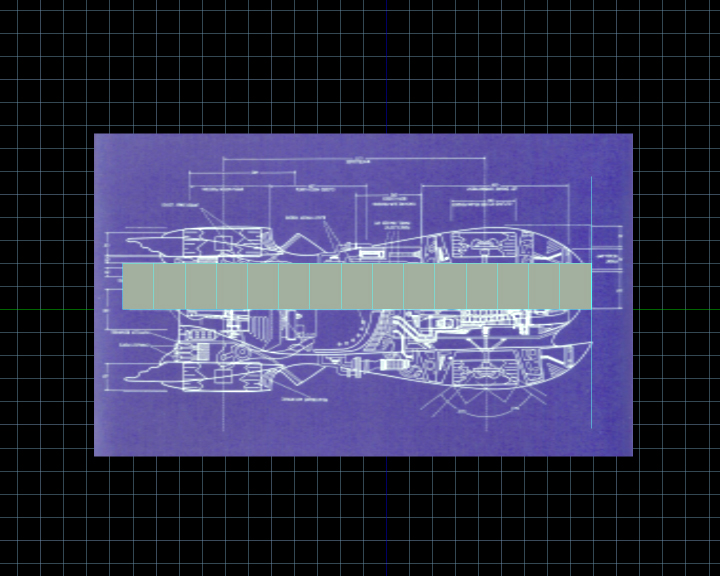
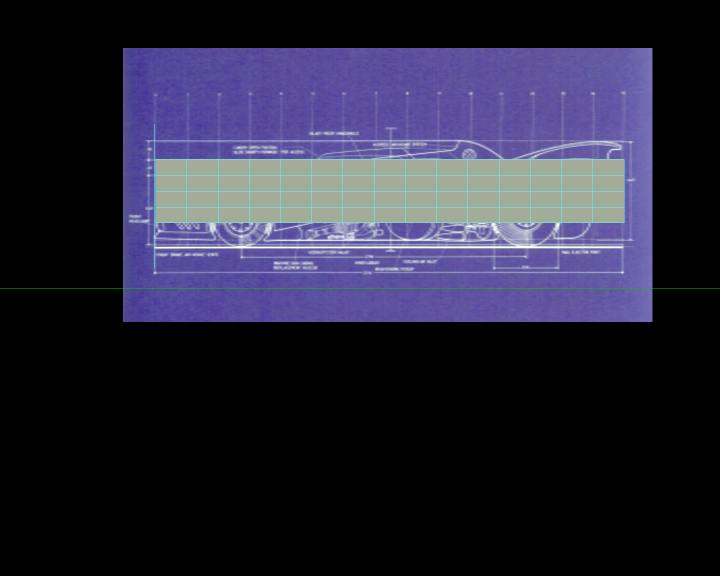
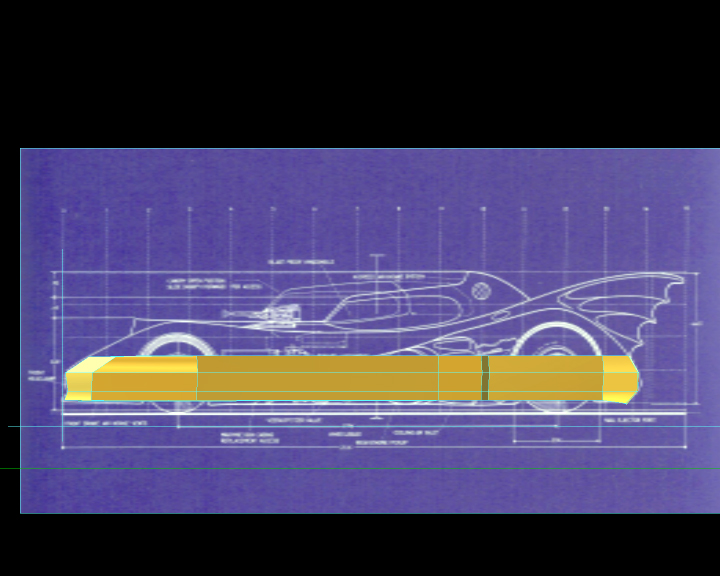
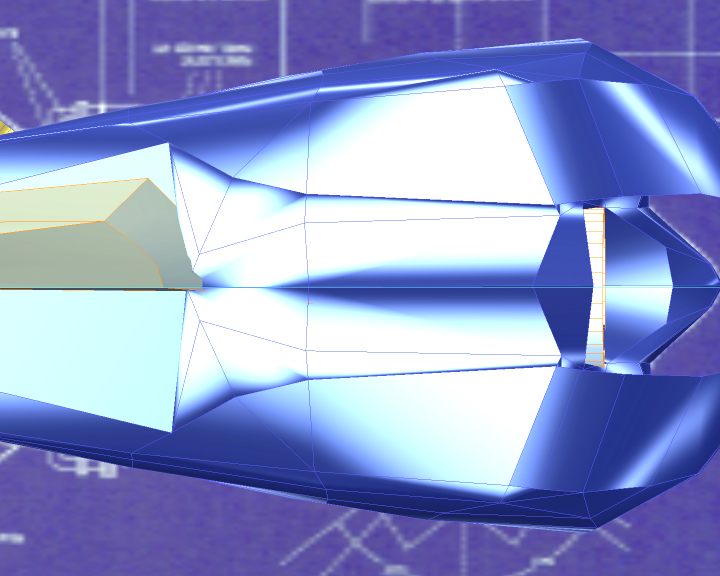
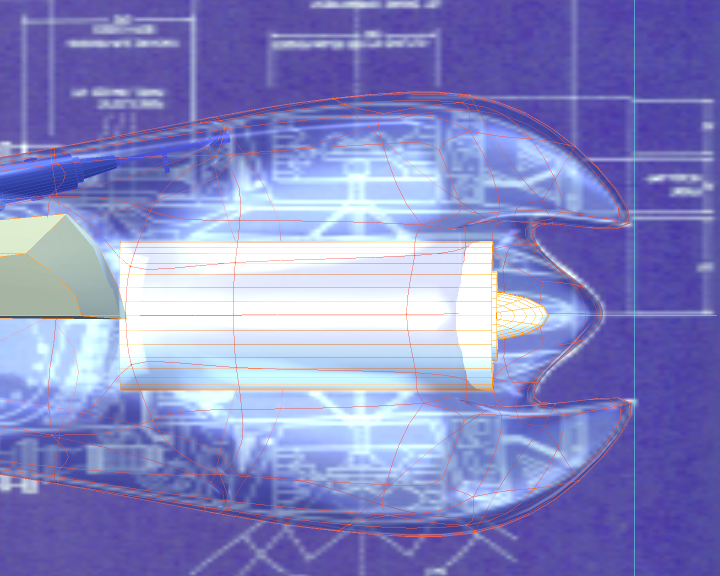
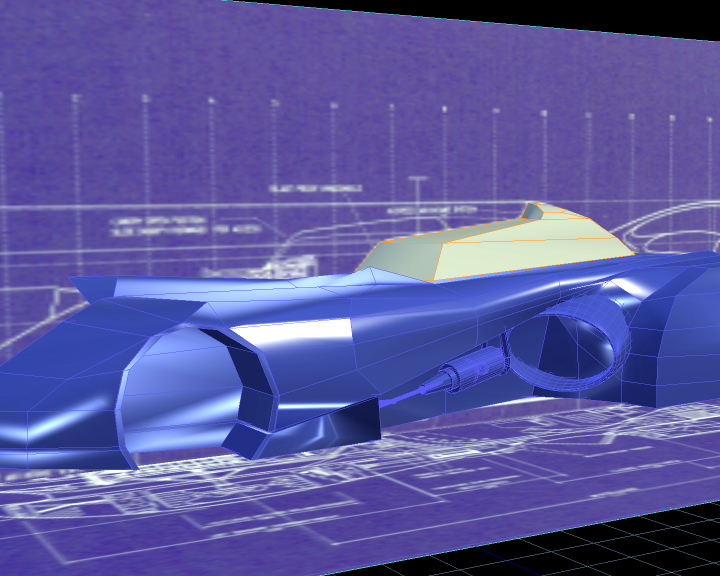
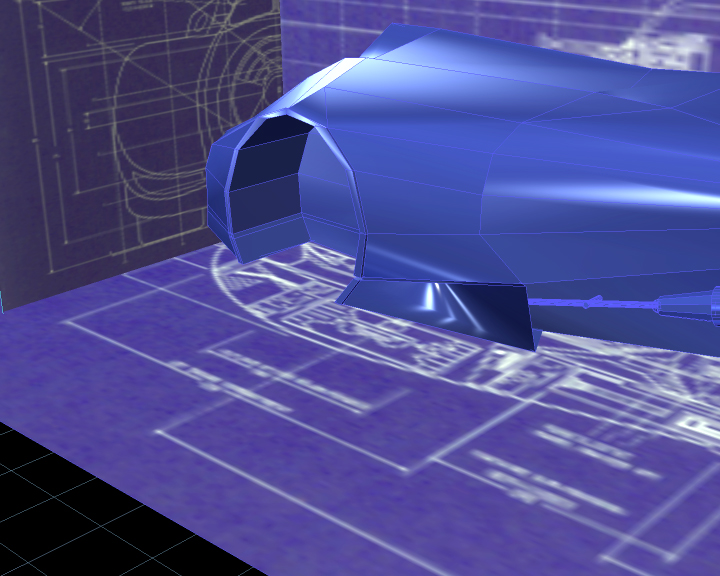
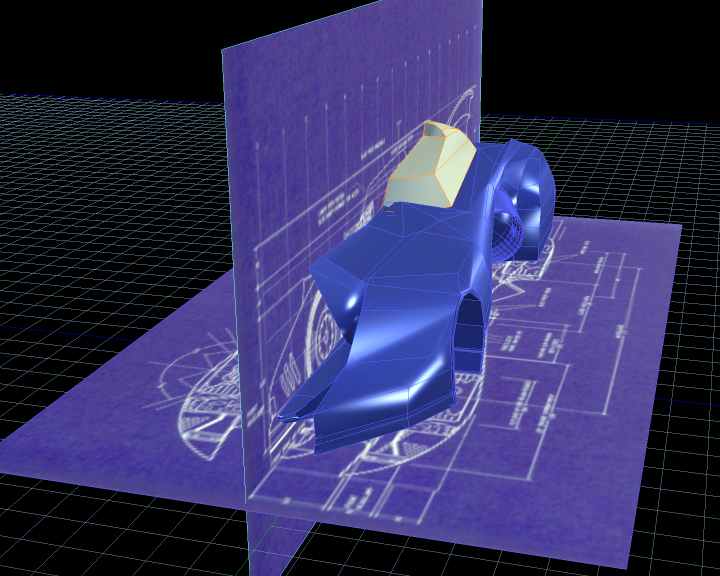
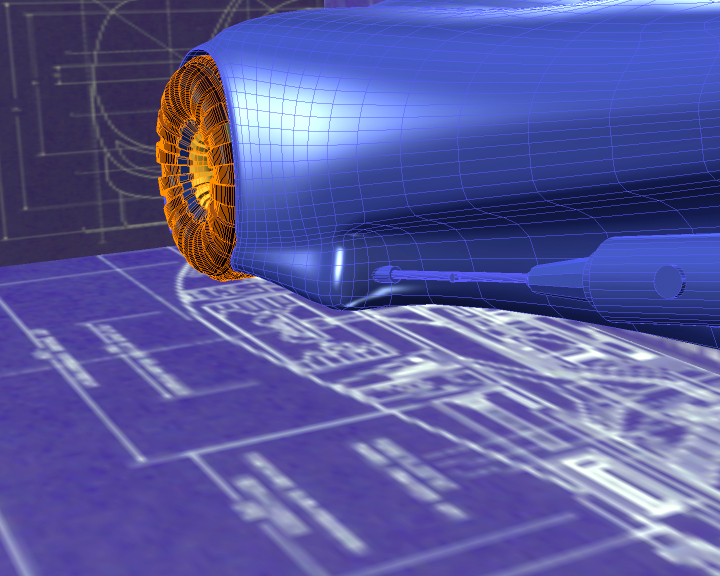
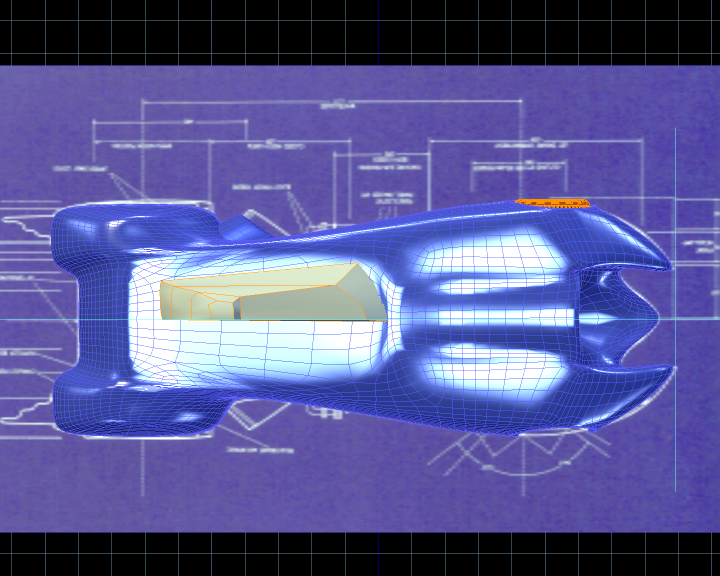
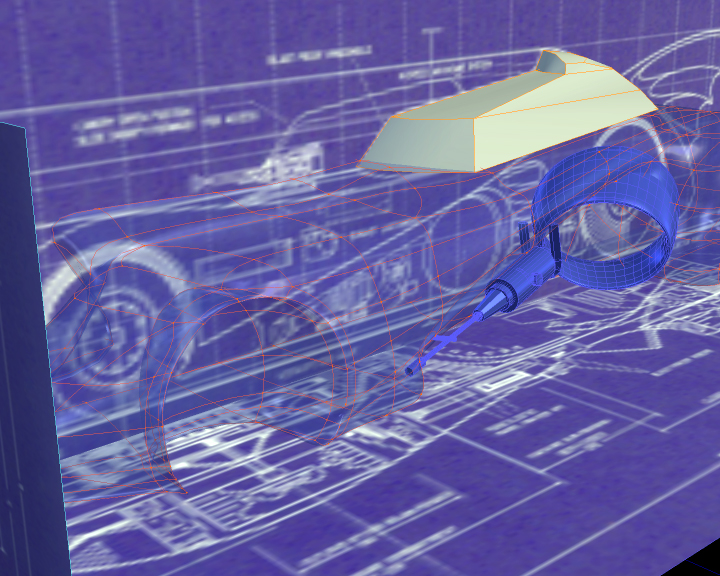
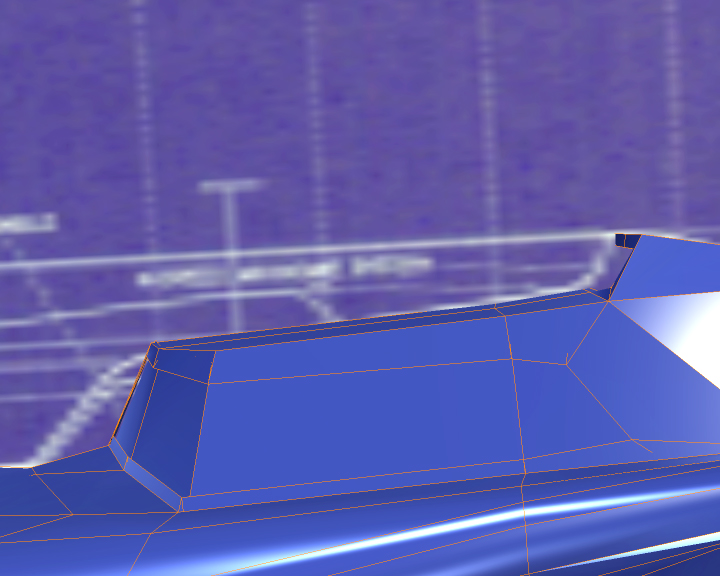
Well... for this "Batmobile" I modeled it from a couple of blueprints that I found on the internet and sticked to them as close as possible. I've already finished it, but I'm not going to post the final images until all the "" images have been uploaded. I also hope that it can serve somehow as a tutorial for car-modeling purposes.
Hope that you like it! And all the Critts and comments are very welcomed

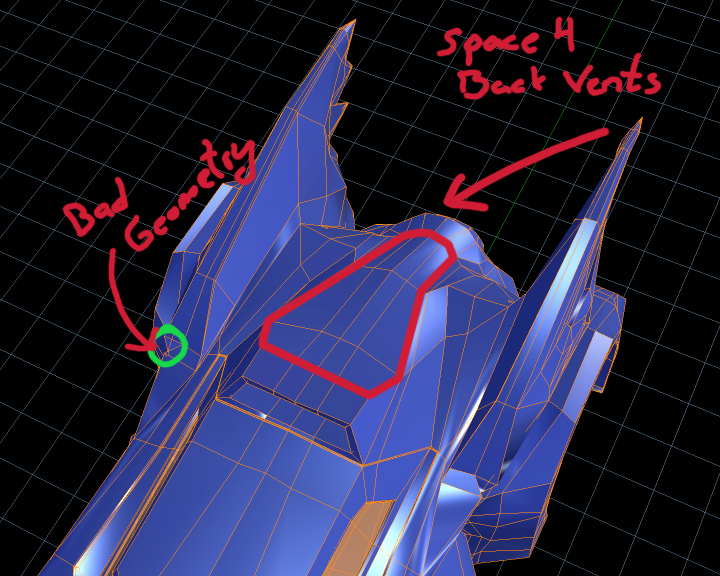
(Notice that I'll place specific indications for some of the pics on top of each one, not on the main body of every post)
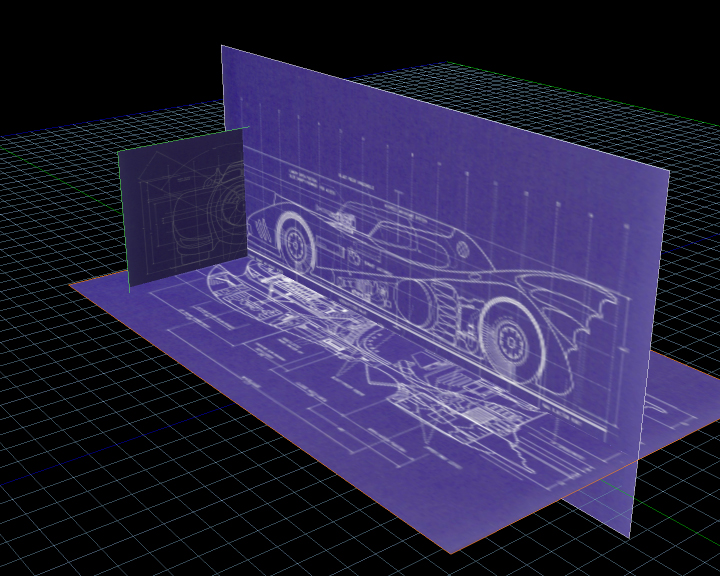


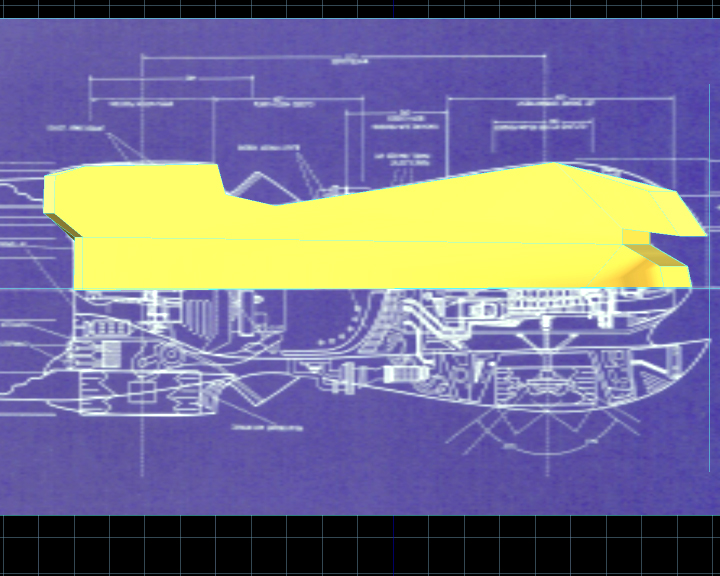
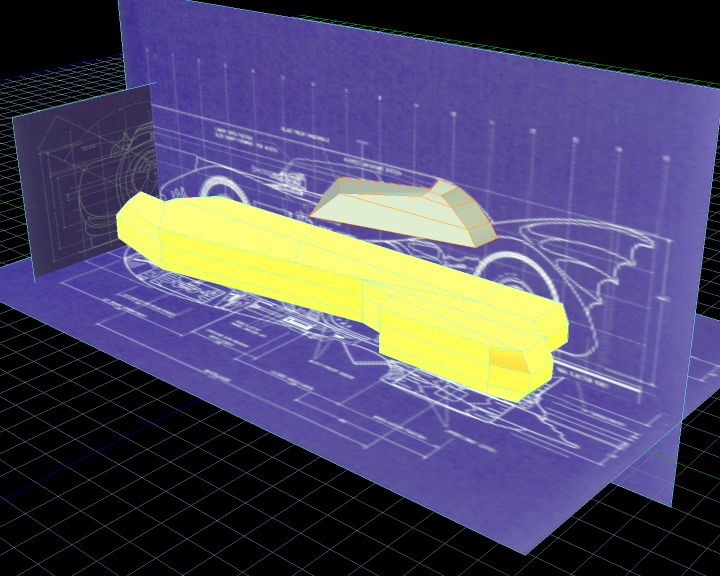
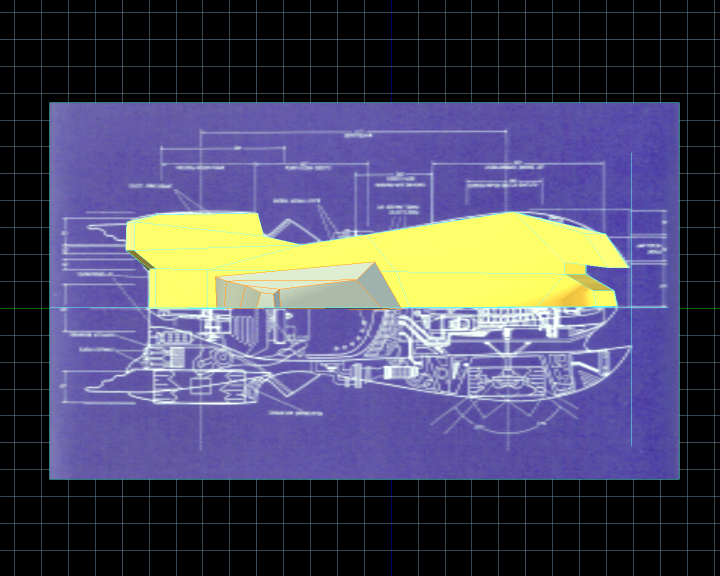
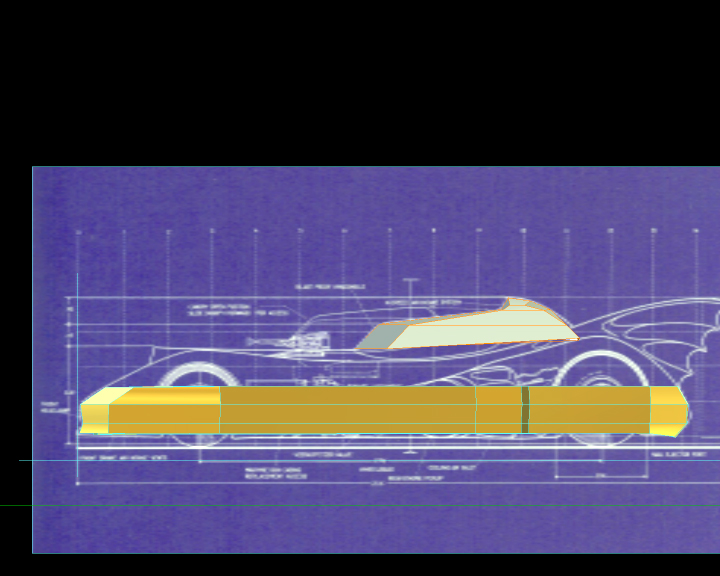
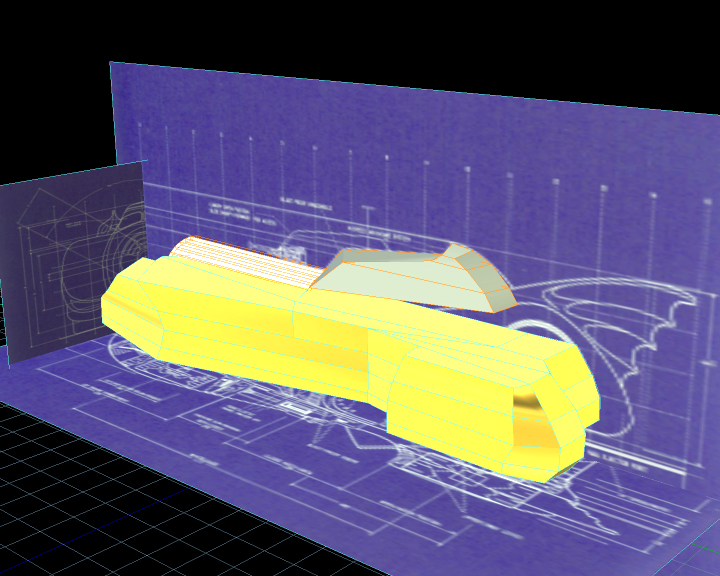


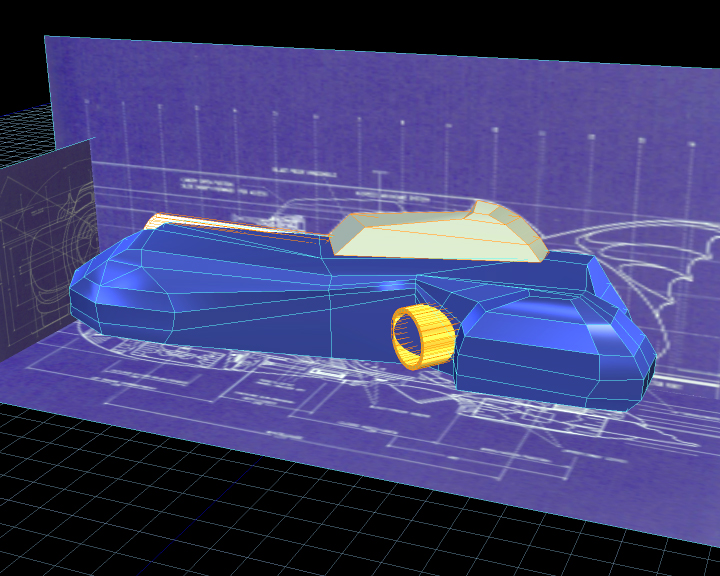

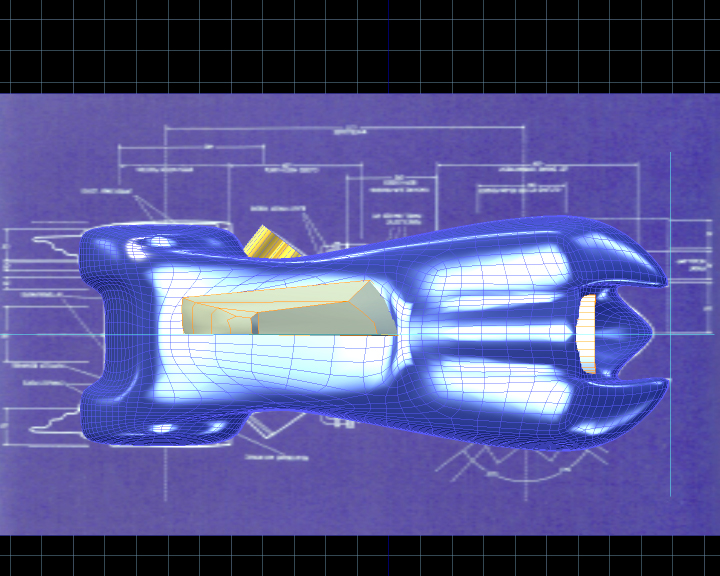
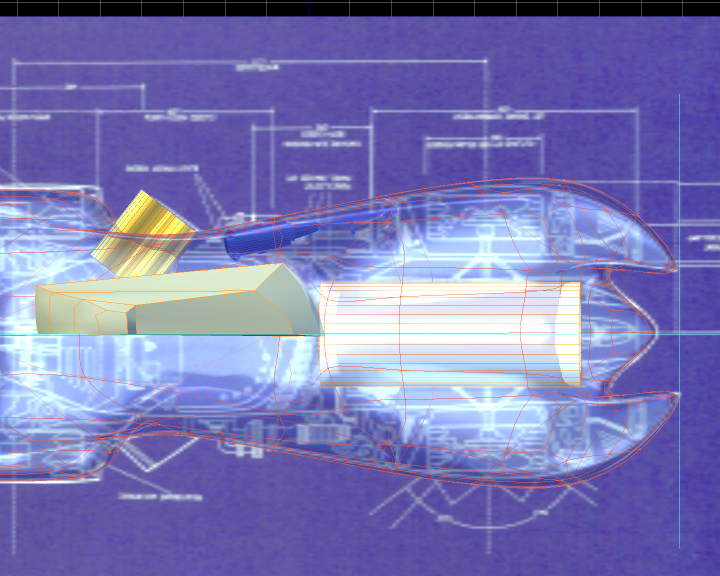






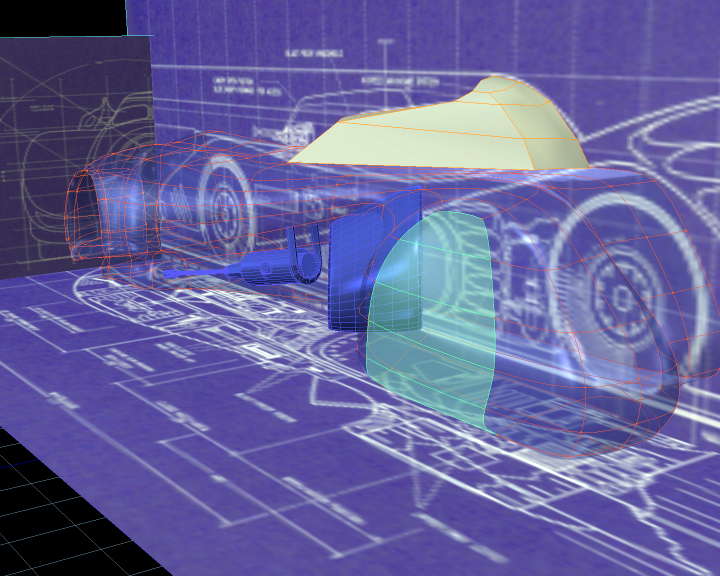
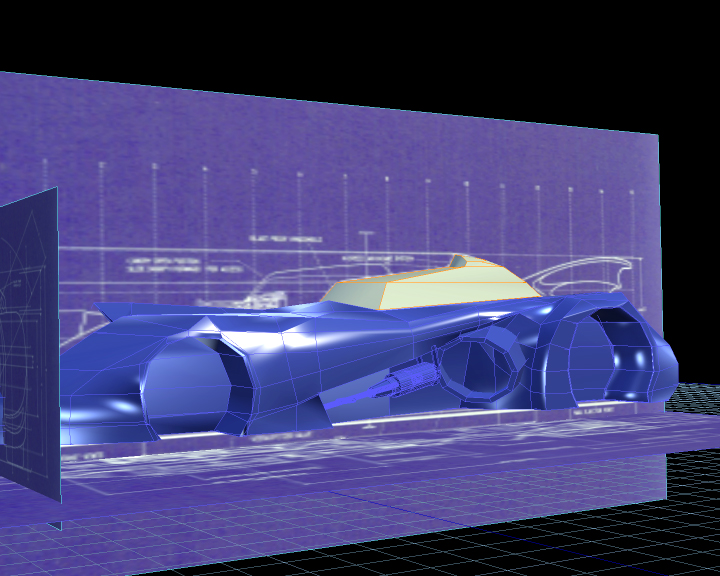

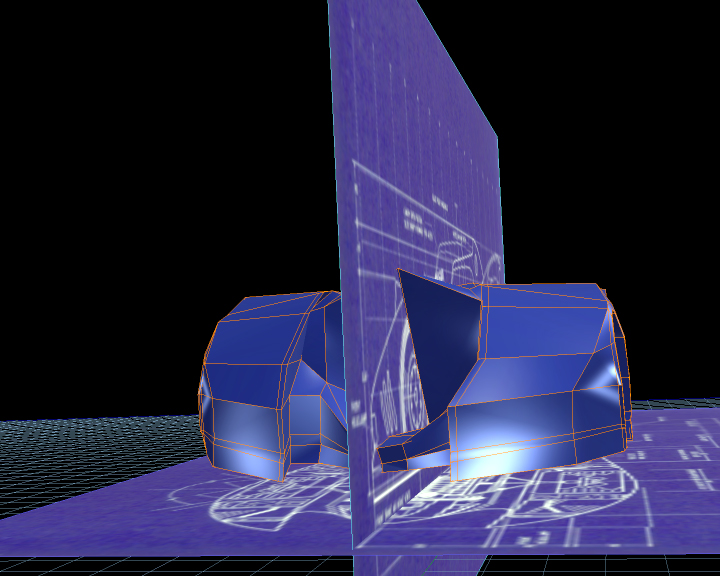

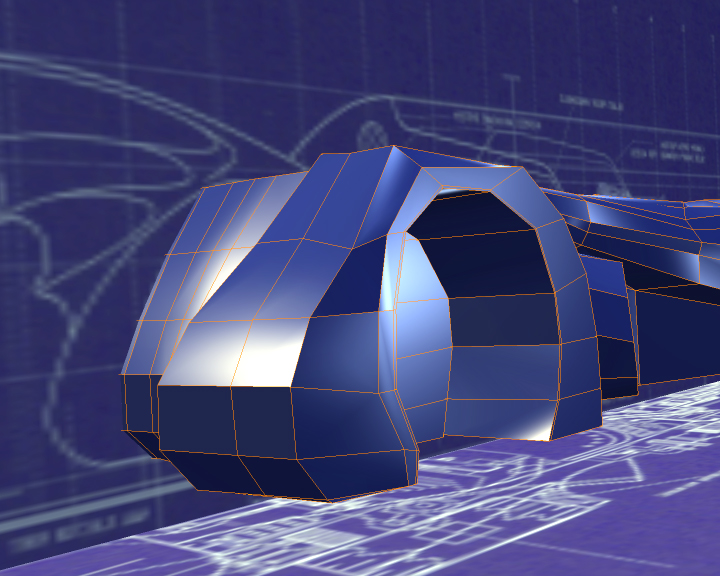
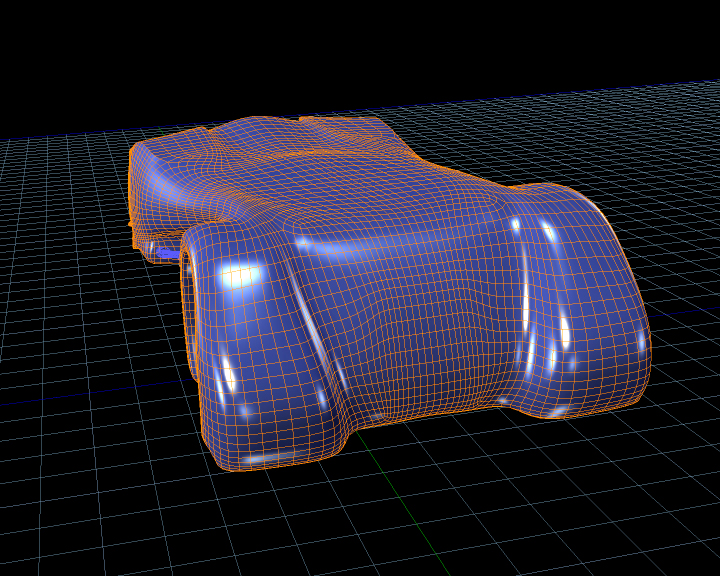
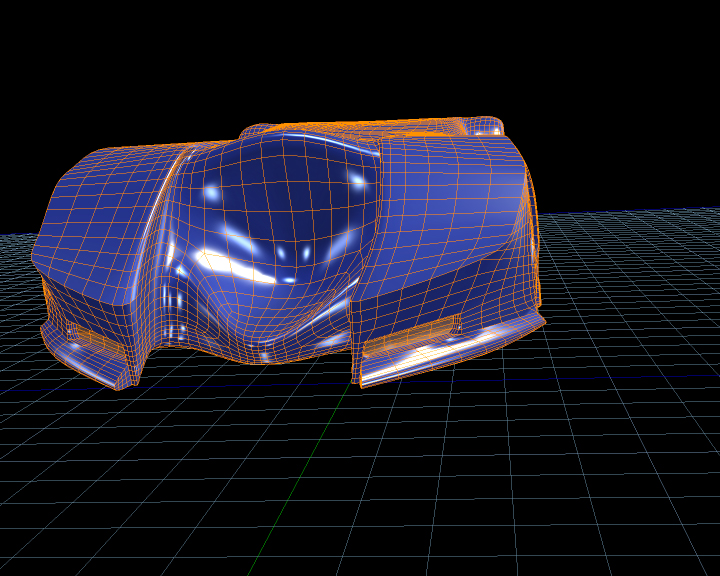

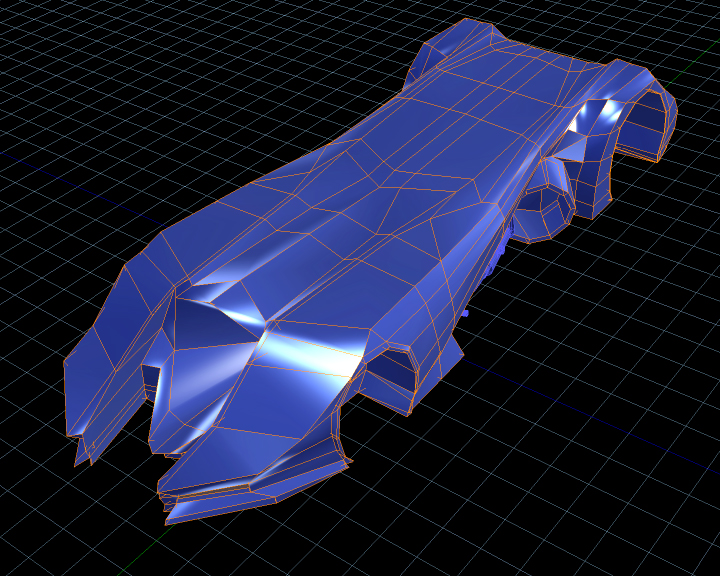
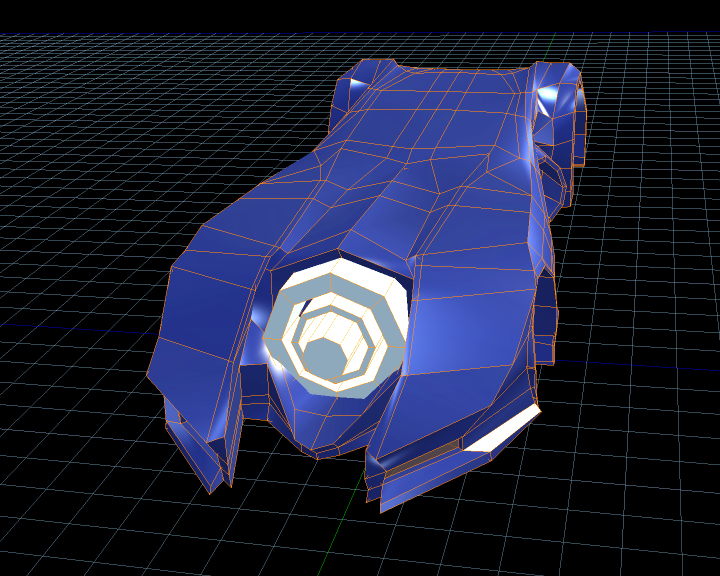

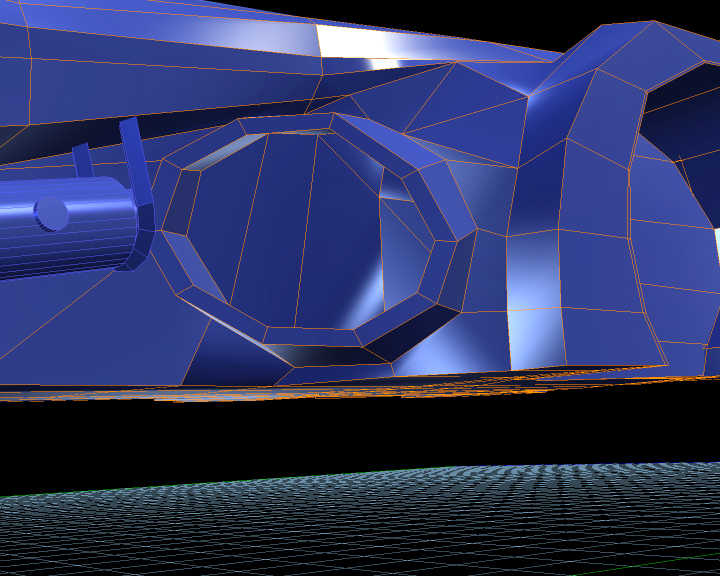
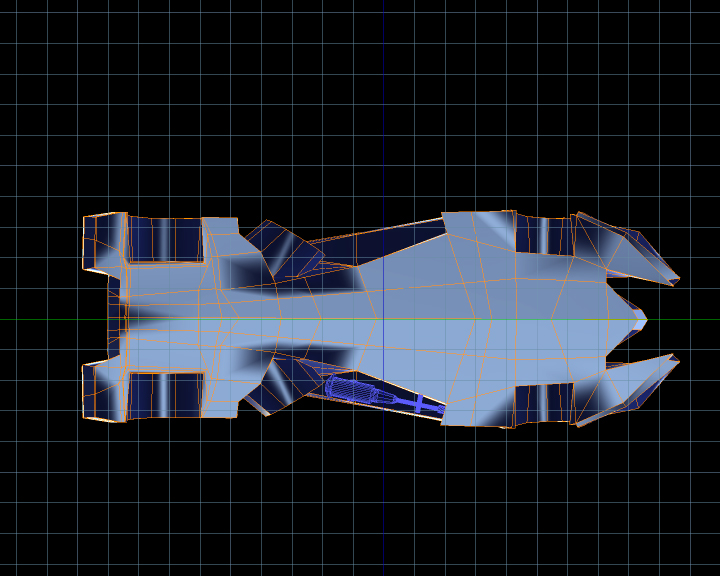
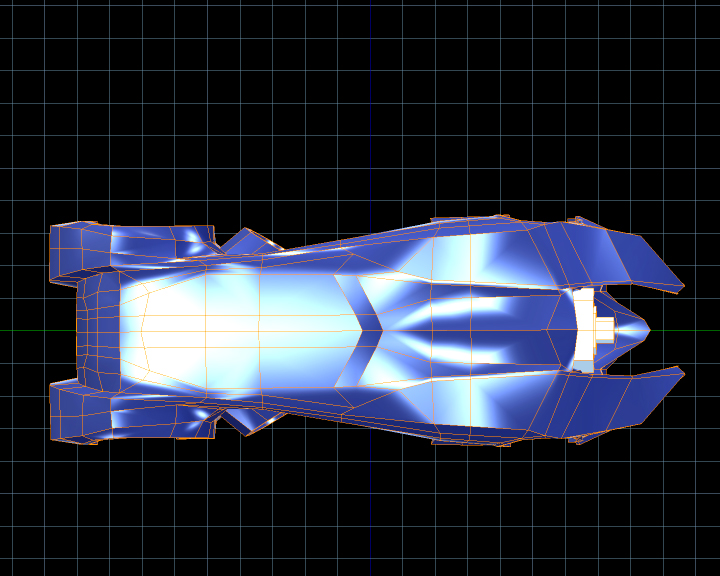
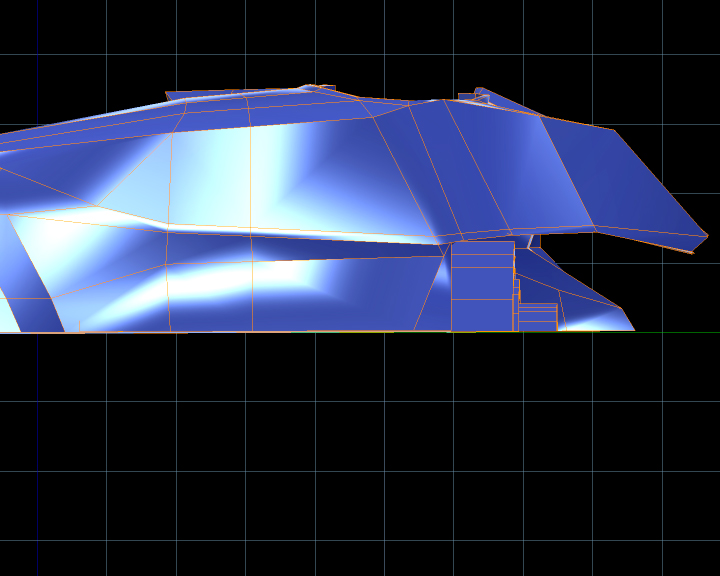
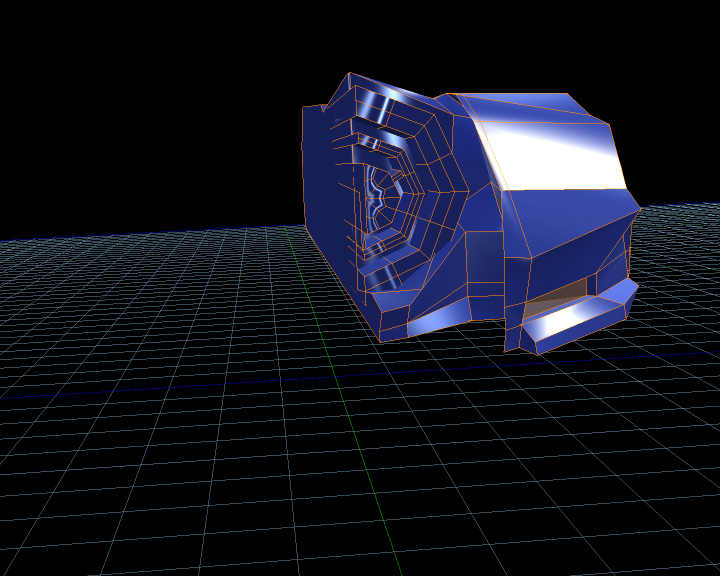


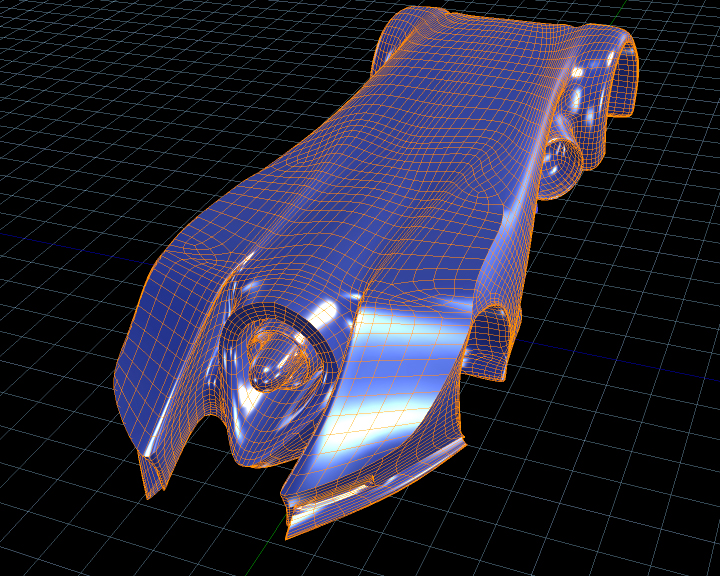

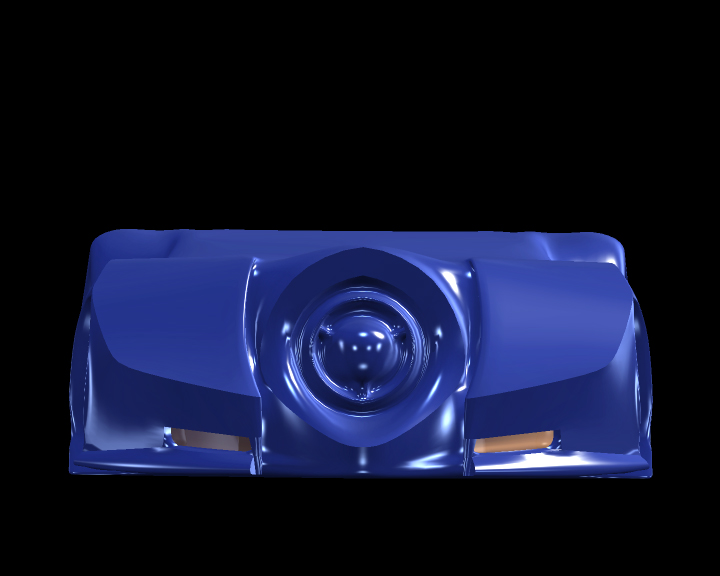


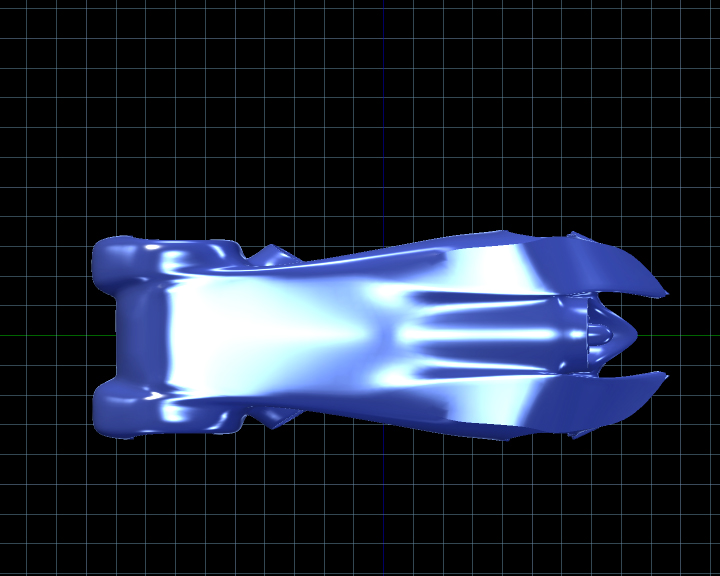

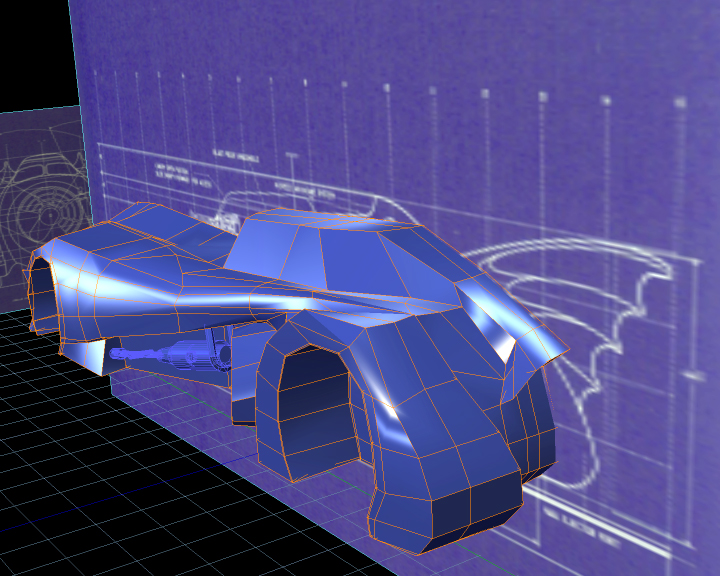

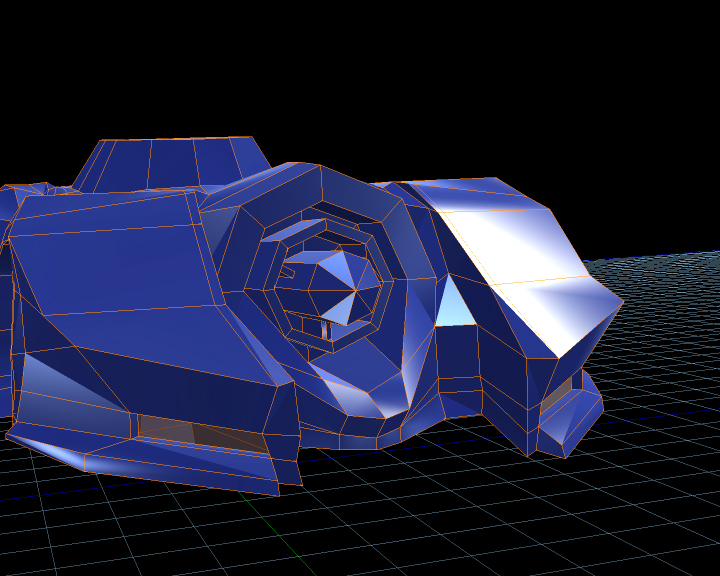

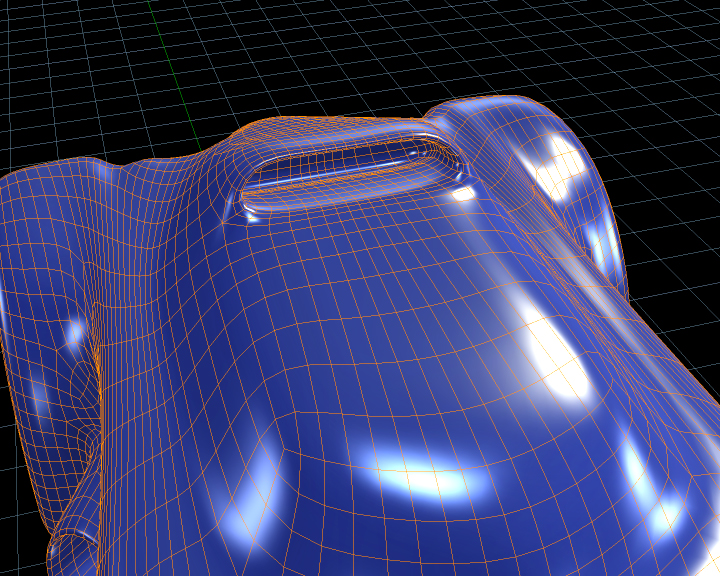
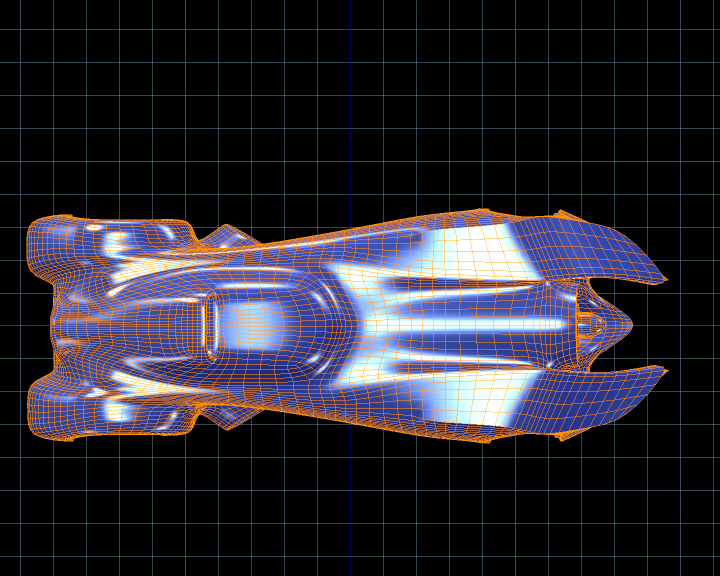


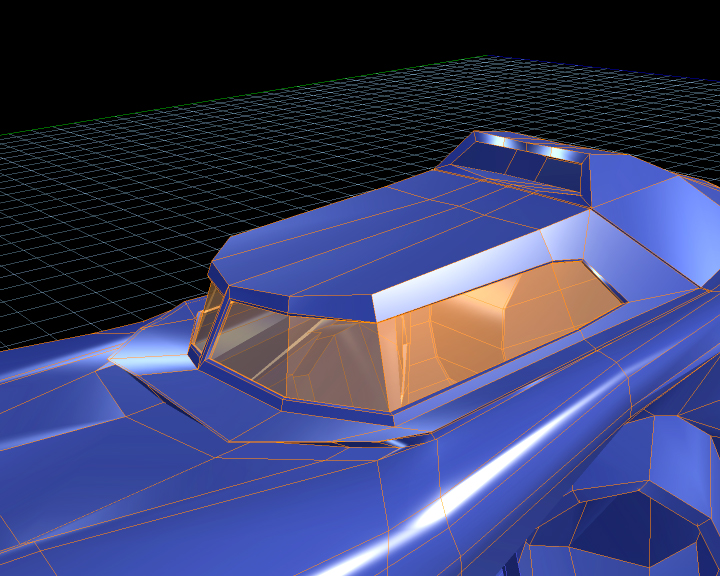
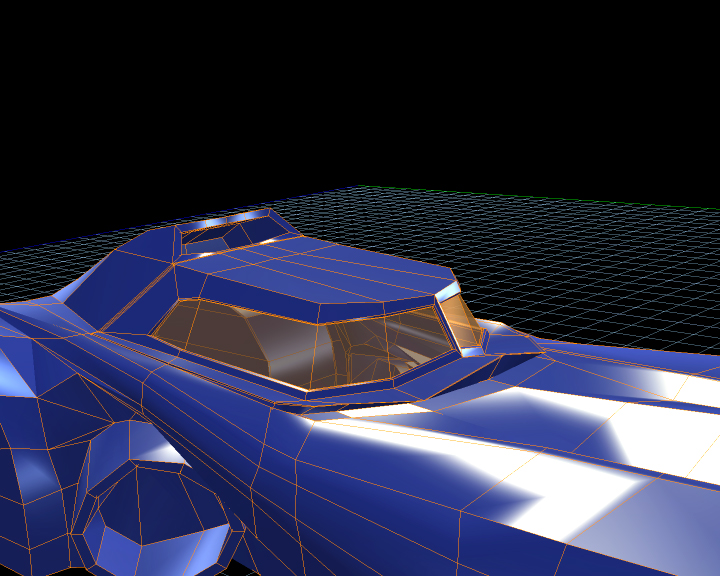

 And, thanks for taking the time to post all the lovely piccies.
 ) I've still got around 60 other pics to upload from this project =P