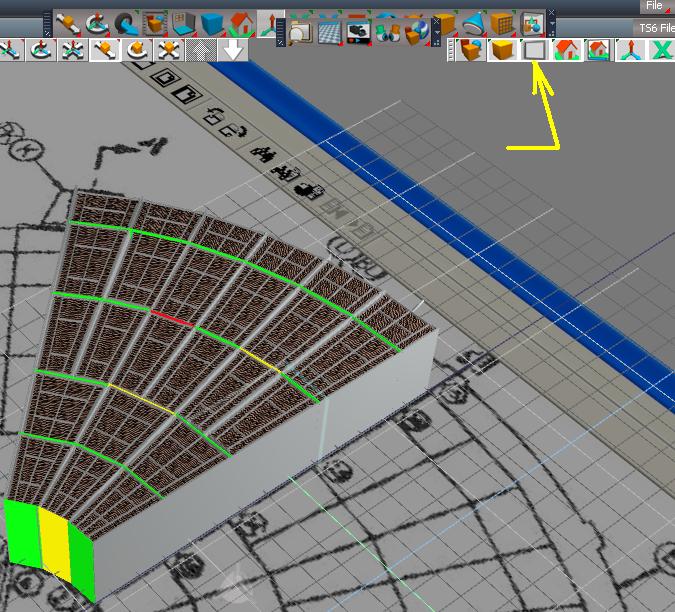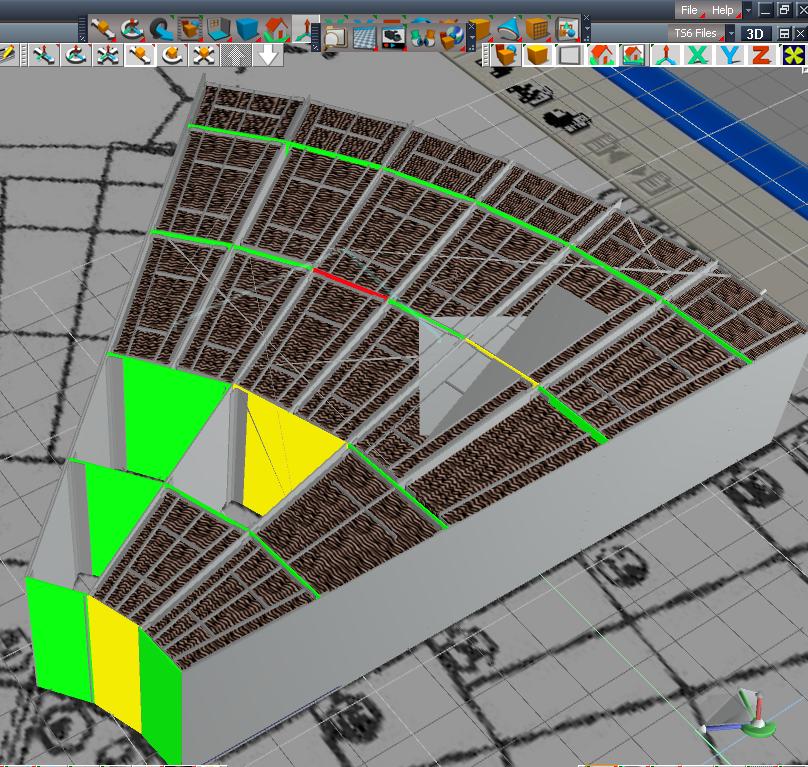
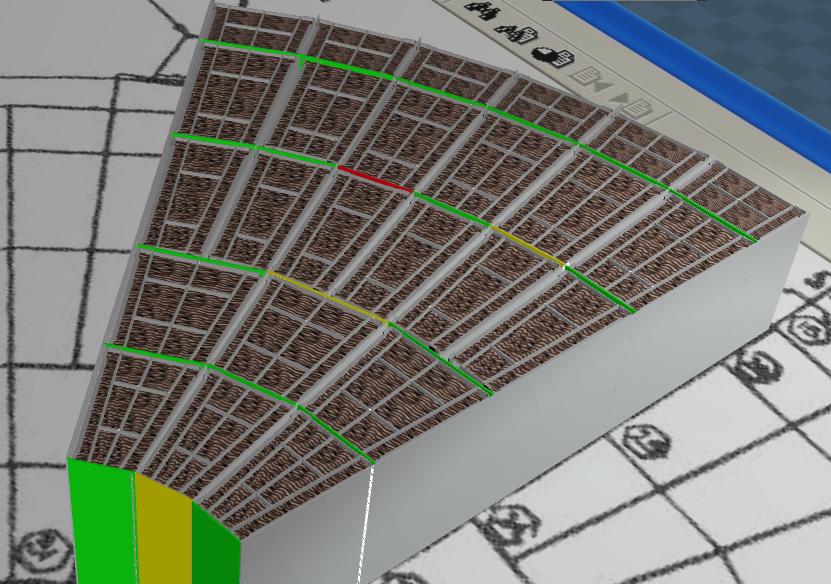
The lower image is me checking to see if this still occurs in the workspace side. As you can see everything looks fine and the cursor does not make the model go crazy.
Is there something I can do to remedy this. I have unchecked all the layer options for "use as wire color" and it still is acting crazy.

And one last thing, is there a way to not have the workspace tool bars appearing on top? In the top image I am in modelside and I have the window maximized, I've had to move these remaining workspace toolbars up and out of my way, because I accidently think they are for modelside and they always seem to cover up the modelside toolbars.