Hi
Why would two objects with the same exact dimensions entered be so different in size. One was entered in Feet, the other using the equivalent dimensions in Meters. Here's what I did:
First, (Floor 1 screengrab) I opened TS, drew a cube, then plugged in the size in X,Y,Z boxes in meters for the equivalent of a 14'x16'x4" floor, just as a test.
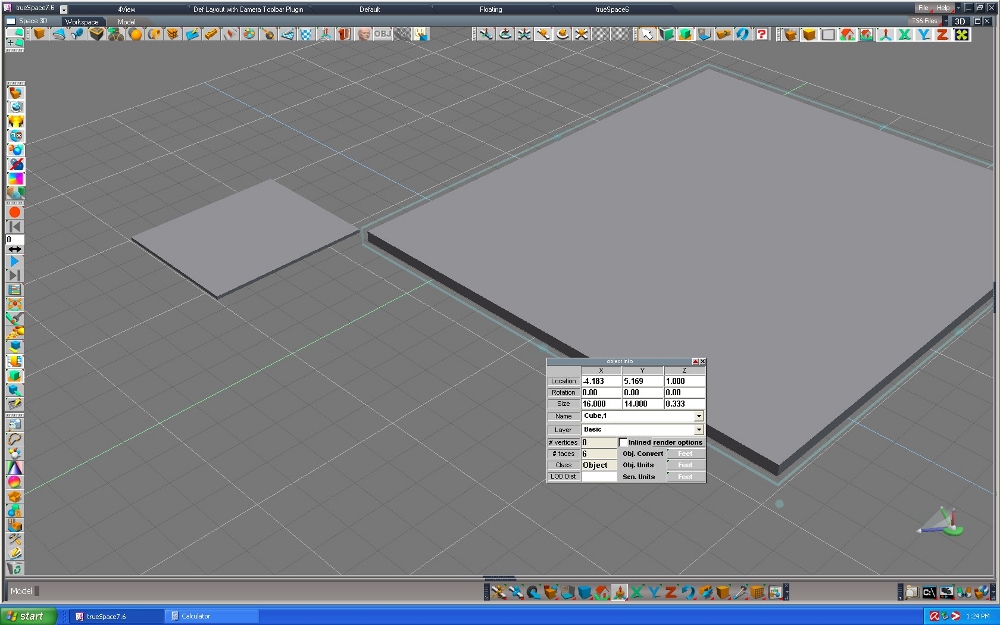
Next, (Floor 2 screengrab), I drew another cube right next to the first in the same scene, changed to feet in the obj box and entered the same dimensions in X,Y,Z in "feet" and the size is obviously much bigger looking than the first cube. It seems from looking at the grid that the second one has a size of 16 meters, even though I changed to feet in the obj info panel before entering the XYZ dimensions. Is TS not allowing me to have both feet and meters for two different objects in the same scene?
I suspect it has something to do with the way I'm setting the object info panel, but not sure. I'm first (before entering the numbers) changing the "obj convert" from meters to feet, which I noticed automatically changes the "obj units" to feet, then I change the "scn units" from meters to feet, I then enter the dimension numbers. If I do it backwards and change the scn units first, all three revert to the change at once.
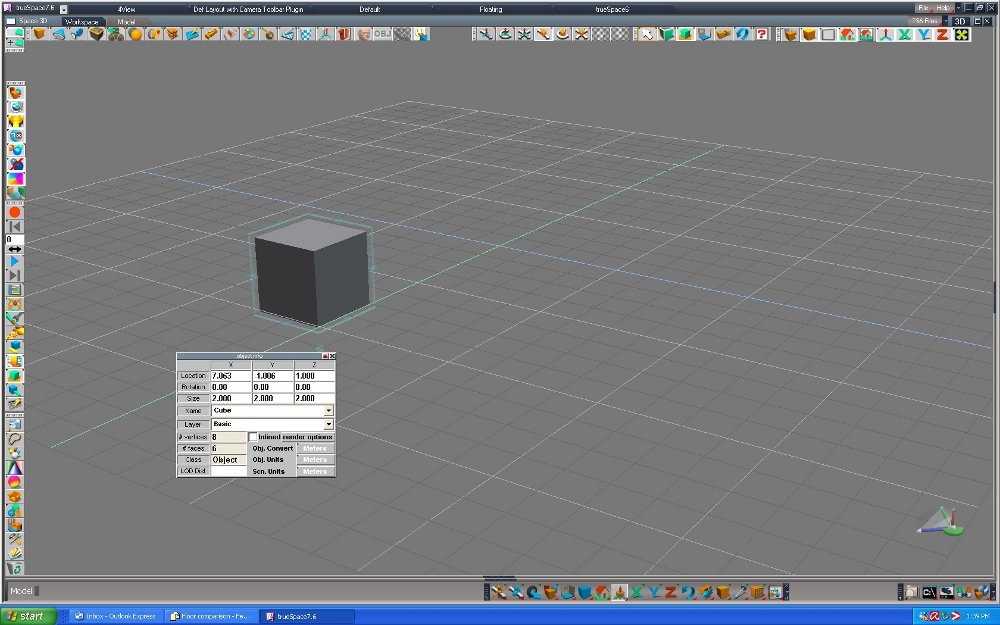
As you can see in Floor 3 Basic 2 x 2 cube screengrab, the ground plane grid must be in meters by default when opening TS, as the basic cube I draw by clicking once is 2 meters, by 2 meters, thus each individual square on the grid must = 1 meter by default.
Probably something simple I must be missing here. Thanks!
Musikman
Object Info Box - Feet vs Meters
-
Musikman
- Chief Petty Officer
- Posts: 104
- Joined: 21 May 2009, 18:31
- Type the number ten into the box: 0
- Location: USA
Object Info Box - Feet vs Meters
- Attachments
-
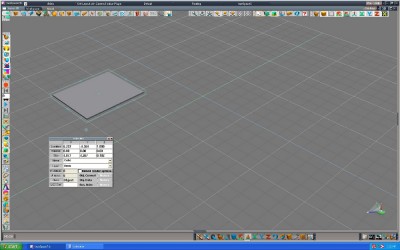
- Floor 1 Screengrab
-

- Floor 2 Screengrab
-
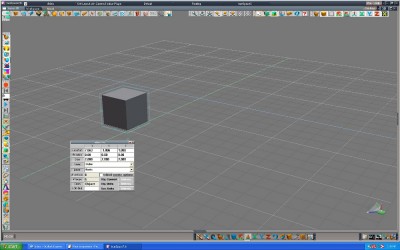
- Floor 3 Screengrab Basic Cube 2x2

Last edited by Musikman on 17 Dec 2009, 07:20, edited 2 times in total.

-
v3rd3
- Lieutenant Commander
- Posts: 1191
- Joined: 21 May 2009, 20:04
Re: Object Info Box - Feet vs Meters
I think it has something to do with the fact that your scene units changed to feet as well in the second screen grab. This will convert your measurements to feet in your first cube. You do not notice based on the grid because the grid is now feet and everything is relative ....
-
Steinie

- Captain
- Posts: 2958
- Joined: 21 May 2009, 17:38
- Type the number ten into the box: 10
Re: Object Info Box - Feet vs Meters
Yes the new object is now 3.2808399 times larger then the first.
-
Musikman
- Chief Petty Officer
- Posts: 104
- Joined: 21 May 2009, 18:31
- Type the number ten into the box: 0
- Location: USA
Re: Object Info Box - Feet vs Meters
Thanks for the replies, much appreciated.
What if I don't change the "scn units" but rather only the "obj units" and "obj convert"? Since the "scn units" seems to dictate the system and grid being used for measuring as a whole, I can't have both even if I only change the "obj units" and "obj convert" without changing the "scn units." Pretty sure I tried it that way already, but will try again to be sure. TS is not allowing me the option of having both measuring systems used simultaneously, even on a object only level, is that correct?
So that would mean that even though I set the first object to meters, once I set the second object to feet, TS automatically reverted the first one to feet as well. Which would mean that the larger one (2nd one) is 14'x16'x4" (the correct size), and the first one got changed to 4.877'x4.267'x.102' "feet" instead of meters. Makes sense, although that would mean that within one scene I must stick with one measuring system for all objects to avoid this problem.I think it has something to do with the fact that your scene units changed to feet as well in the second screen grab. This will convert your measurements to feet in your first cube. You do not notice based on the grid because the grid is now feet and everything is relative ....
What if I don't change the "scn units" but rather only the "obj units" and "obj convert"? Since the "scn units" seems to dictate the system and grid being used for measuring as a whole, I can't have both even if I only change the "obj units" and "obj convert" without changing the "scn units." Pretty sure I tried it that way already, but will try again to be sure. TS is not allowing me the option of having both measuring systems used simultaneously, even on a object only level, is that correct?