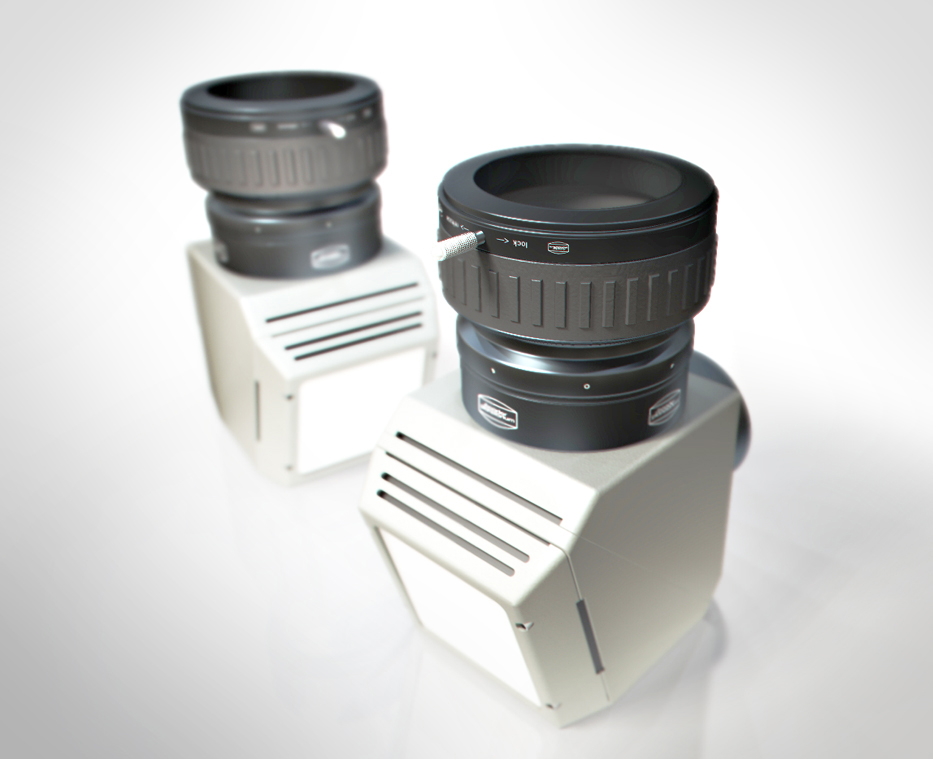
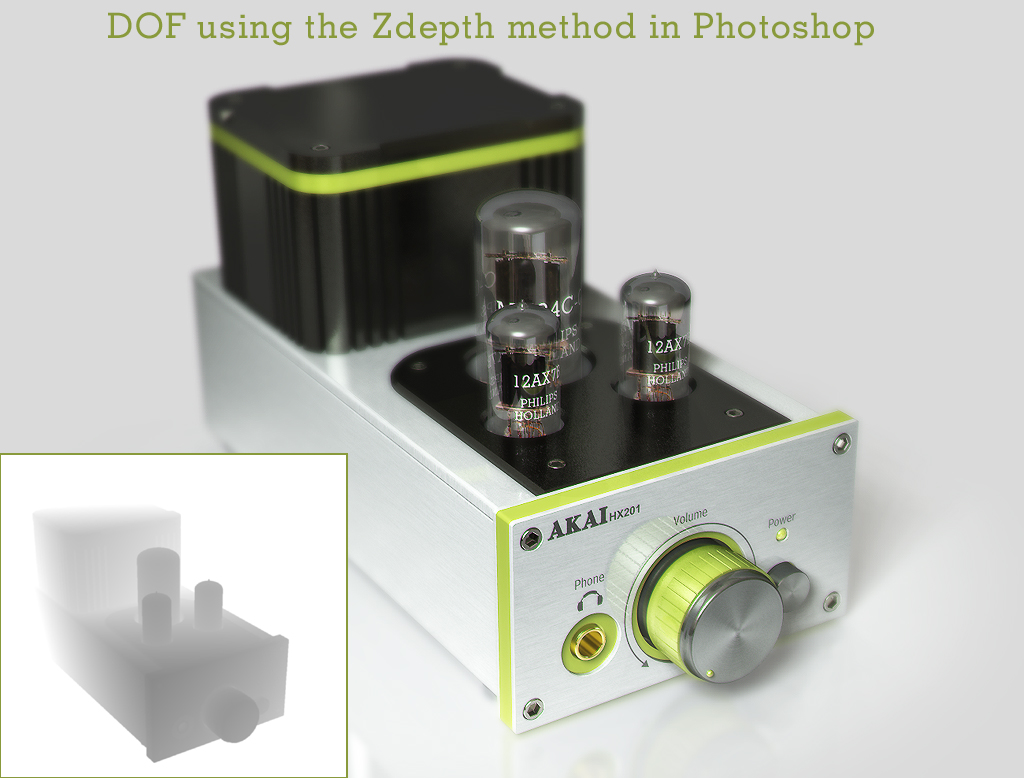
I've played around with DOF in two new scenes. The lighting is quite simple but the DOF really give it a photographic feel. To retain the details I rendered it with 2x AA. 3x AA looks even better. I've used a transparent sphere object as target for the camera to look at. So the camera is always in focus on the coordinates of that sphere. The settings of focal length and aperture in the Depth of field PostProcessEditor regulates the amount of blur. trueSpace renders good and quick DOF quality but the so called ZDepth method, using Photoshop channels also has some potential, but is not that much quicker. The only advantage is that you have some control over the point of focus.
Cheers.
Adding realism through Depth Of Field (DOF)
-
Buzz

- Chief Petty Officer
- Posts: 150
- Joined: 05 Jul 2009, 12:46
- Type the number ten into the box: 0
- Location: Netherlands
Adding realism through Depth Of Field (DOF)
- Attachments
-
-
-

-
LeonRegis

- Captain
- Posts: 1946
- Joined: 18 Aug 2009, 17:36
- Type the number ten into the box: 0
- Location: Brazil/Earth/Orion Arm/Milky Way/4th Dimension/This Universe/Multiverse???/Singularity???
Re: Adding realism through Depth Of Field (DOF)
Thanks a lot Master, for sharing this knowledge! 
Be the change you want to see in the world. - Mohandas Gandhi
-
Buzz
- Chief Petty Officer
- Posts: 150
- Joined: 05 Jul 2009, 12:46
- Type the number ten into the box: 0
- Location: Netherlands
Re: Adding realism through Depth Of Field (DOF)
 leonregis
Just practise a lot, it's the key to success. And observe the real thing and try to recreate that in 3D. Watch carefully how light looks in the real world. The DOF really adds to the look and feel of a picture, and you all now the saying: "A picture tells more than a thousand words". (just remembered a song about this sung by Telly Savallas alias Kojak...
 )
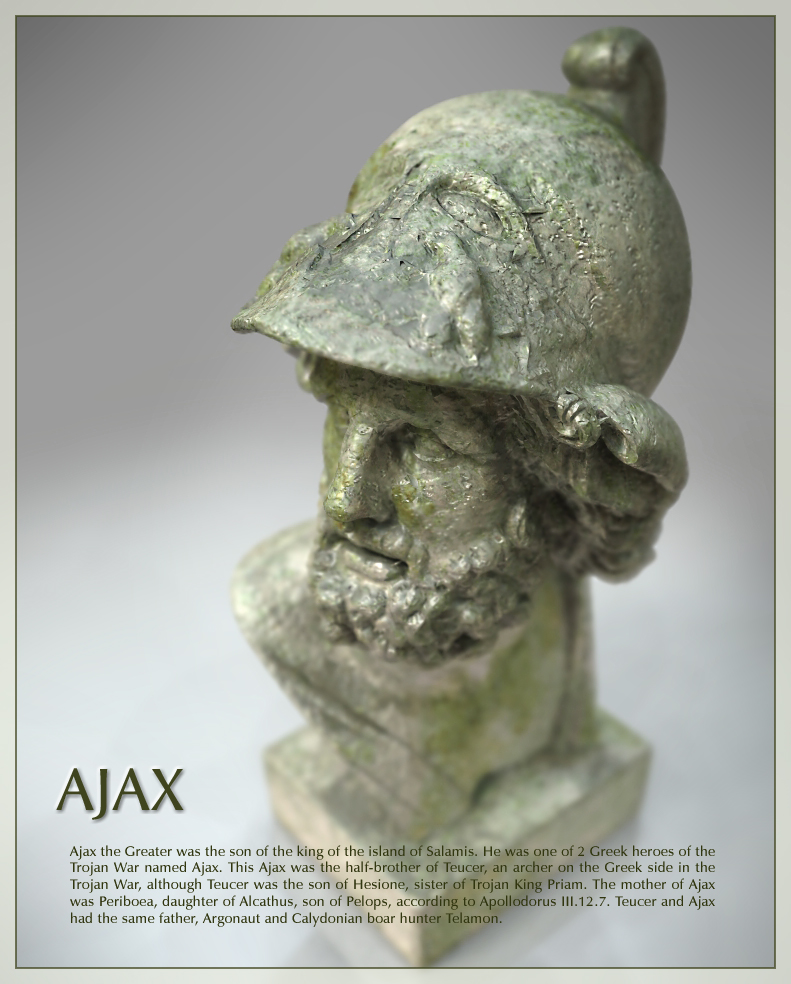
)Here is another DOF picture of a scanned model from Jotero.com
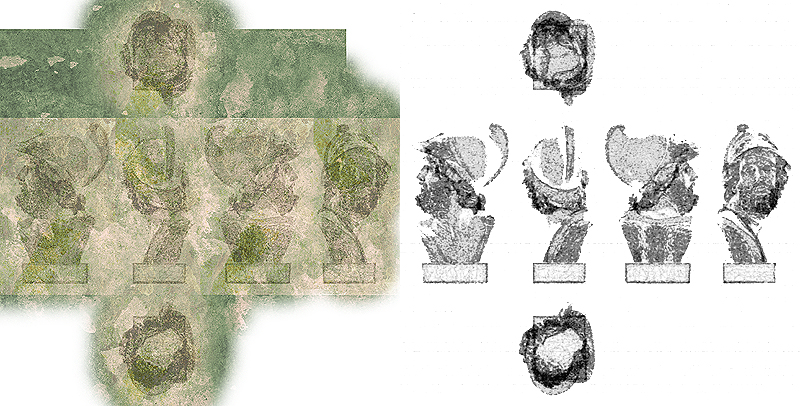
Used the polygon reduction tool in trueSpace to create a simplified model of it. Nice thing is that this process roughened the model quite a bit and together with a grunge texture map and bump map it looks more aged. Used UVMapper software to unwrap the model.
- Attachments
-
-
-
bitkar

- Captain
- Posts: 2089
- Joined: 16 Mar 2010, 07:14
- Type the number ten into the box: 0
- Location: Czech Republic
Re: Adding realism through Depth Of Field (DOF)
hey, really nice renders...
about do DOF - its all known truth - good to remind and mention other methods of making it.
i can mention another usable (in some scenes only) method - paint shop pro (i think XII and above) has a DOF function where you select a focused area and rest is blured (even using 5gon blur, to make the real bokeh effect). In some scenes, this can really look good and natural. But when used wrong (too much or on a bad scene) it can look very odd :)
about do DOF - its all known truth - good to remind and mention other methods of making it.
i can mention another usable (in some scenes only) method - paint shop pro (i think XII and above) has a DOF function where you select a focused area and rest is blured (even using 5gon blur, to make the real bokeh effect). In some scenes, this can really look good and natural. But when used wrong (too much or on a bad scene) it can look very odd :)
Michal aka bitkar
tS freak since tS2 (1998) and forever (tS7.61 modeler)
tS freak since tS2 (1998) and forever (tS7.61 modeler)
-
marcel

- Captain
- Posts: 2247
- Joined: 21 May 2009, 19:52
- Type the number ten into the box: 0
- Location: paris - France
Re: Adding realism through Depth Of Field (DOF)
When you use a zrender as a mask on a photo editor to create a blur effect, you can also change the color. Ex: for a fog effect the color and the saturation change. for an underwater effect, the contrast change too. for a design product, if the background is illuminated, you can enhance the effect if you add more light to create a lighting and colored effect behind the model. etc...
Design - illustration - Animation
http://www.crea-vision.fr
http://www.crea-vision.fr