Hello,
Can you tell me what might be going wrong with my attempts to display object geometry? I have tried to follow the directions in both the Organic and the Getting started tutorials but no luck…
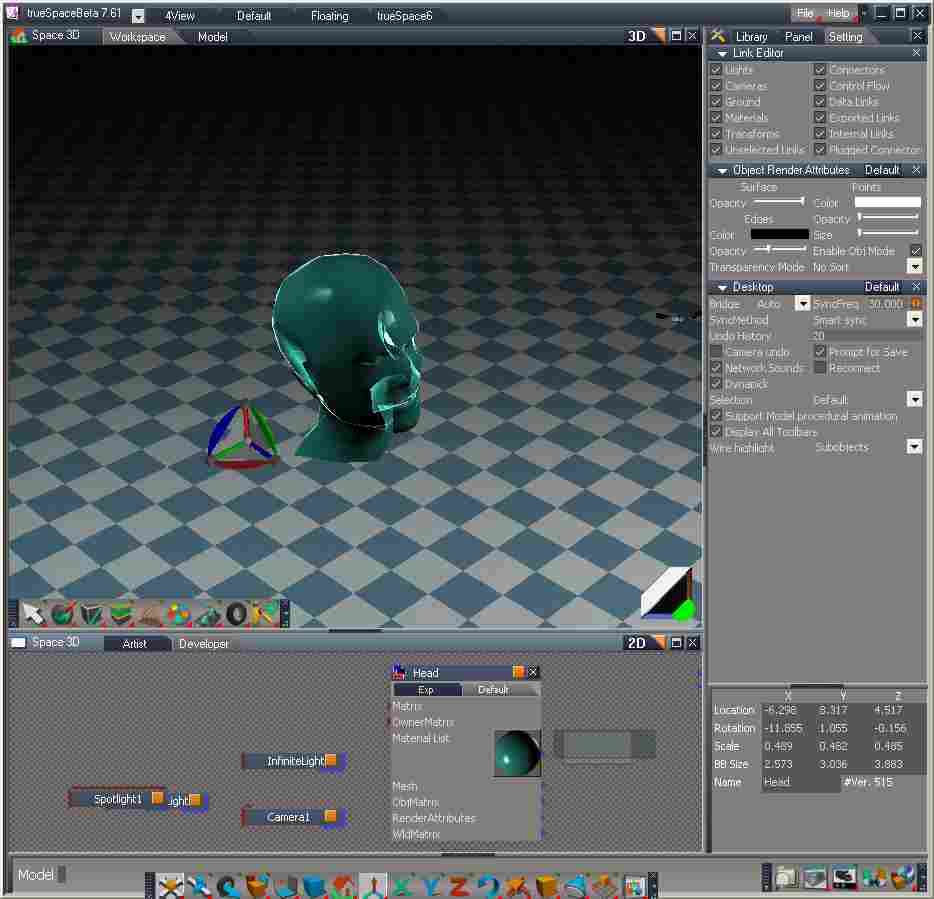
Attached is a screen shot, compressed jpeg, showing the settings in trueSpace. What might be keeping me from seeing the edges and points?
Thank you,
How to display object geometry?
-
WoodManEXP
- Seaman Recruit
- Posts: 3
- Joined: 03 Jan 2010, 20:10
How to display object geometry?
- Attachments
-
-
Finis

- Captain
- Posts: 5410
- Joined: 21 May 2009, 18:26
- Type the number ten into the box: 0
- Location: America!
Re: How to display object geometry?
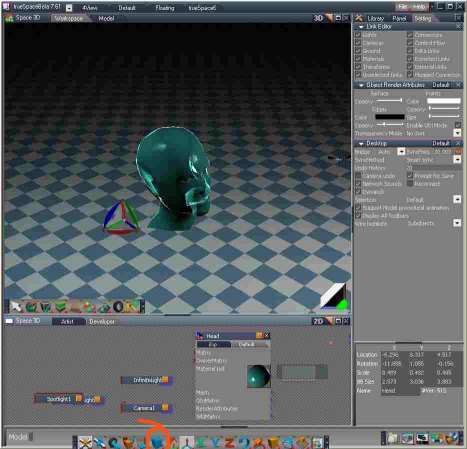
The orange circled tool sets various display modes including wireframe. I don't know how to see the vertices. I mostly use model side.
- Attachments
-
I prefer dangerous freedom over peaceful servitude. -- Thomas Jefferson/Jean Jacques Rousseau
-
spacekdet

- Captain
- Posts: 1810
- Joined: 27 May 2009, 15:00
- Type the number ten into the box: 10
- Location: On the day shift at the Utility Muffin Research Kitchen
Re: How to display object geometry?
On Model side, like Finis showed, use icons.
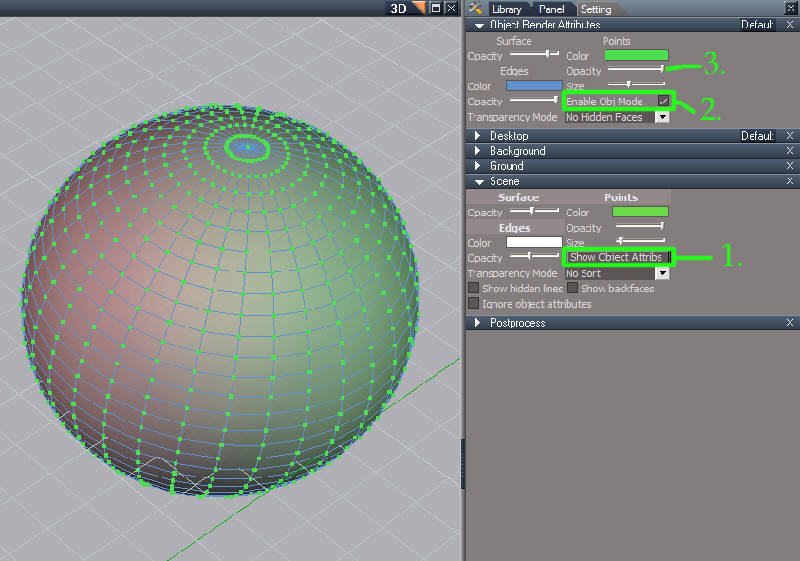
For Workspace:
Open Stack.
For Workspace:
Open Stack.
- 1. Under Scene click 'Show Object Attribs.' Object Render panel opens in stack
- 2. In Object Render Attributes panel click 'Enable Obj Mode'
- 3. Use sliders to adjust size/ opacity of edges, points, or surface. Double-click color swatch to choose contrasting colors