Hi guys. Thanks a lot.
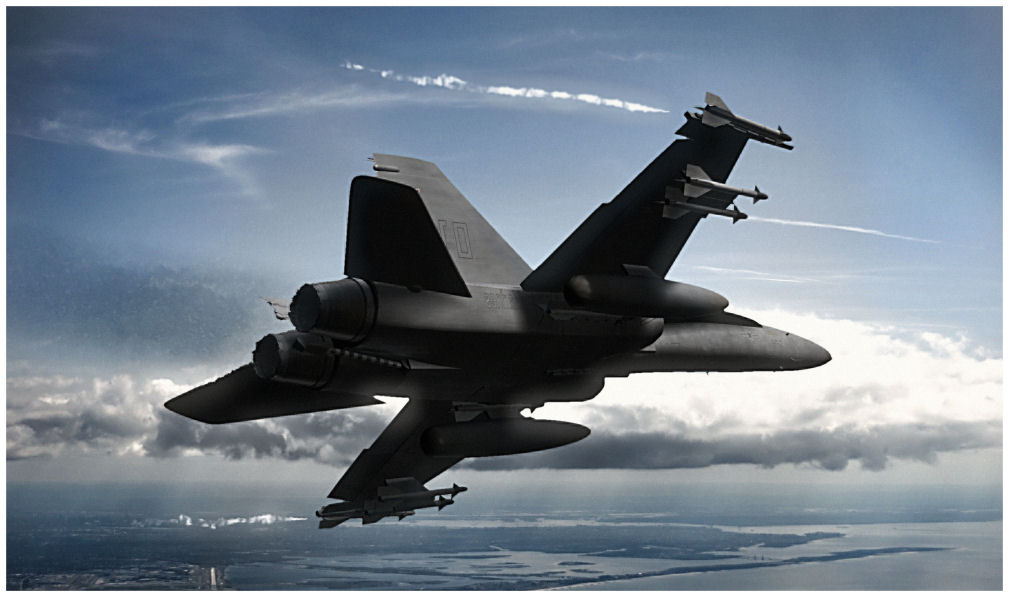
I'm going to have to bring that annoying bugbear up from years ago on the old califorums but the secret is in the postprocessing. I don't make TOO many bones about doing it since the goal is to make 'boyhood fantasy' posters of 'really cool jet planes' and so I've got to doctor the final renders in both colour range and contrast at least to get that look I'm after.
I at least hope everyone's aware that I don't create the backgrounds myself, I use images from CGTextures. Reason being is that TS can't really do terrain that well, and my big failing is in texturing so any CG generated bakdrop wouldn't look right. The other reason is to improve the quality of my renders as they have to match a real image, and the real thing I'm trying to showcase is the aircraft model. It gives me the ability to re-use the objects time after time.
So, I'm going to go one step better than a wireframe, I'm going to explain the process I do, using a new image. This is after the modelling and texturing stage. It's attached below...though it's 61 megabytes which is a bit irritating.
Tutorial:
http://www.mediafire.com/?65i9kb255gi87m6"
Final image is also attached. Have a read and don't be too dissapointed to find that it's less about Truespace and more about image editing and lighting. From a model perspective, you need to make a good texture that responds well to different kinds of light to make the object reusable. Maybe one day when I make a decent enough model and texture I'll post it up here for people to have a go themselves.
HTH!
PS: Stenie, you can tell it's my model and not a real photo because the model around the cockpit is just plain wrong and awful =(