Thanks

First MMC >.>
EDIT: Was the first, not more...

 http://theunsfvo.cgarena.com/" onclick="window.open(this.href);return false; |:. http://bluestarcreations.wordpress.com/" onclick="window.open(this.href);return false; |:.
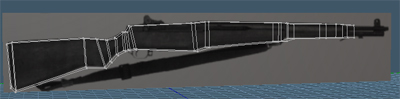
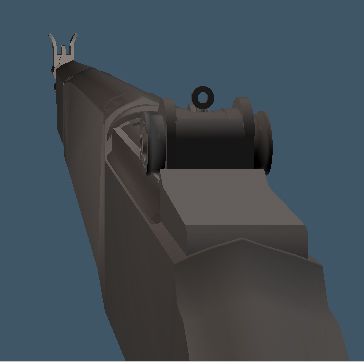
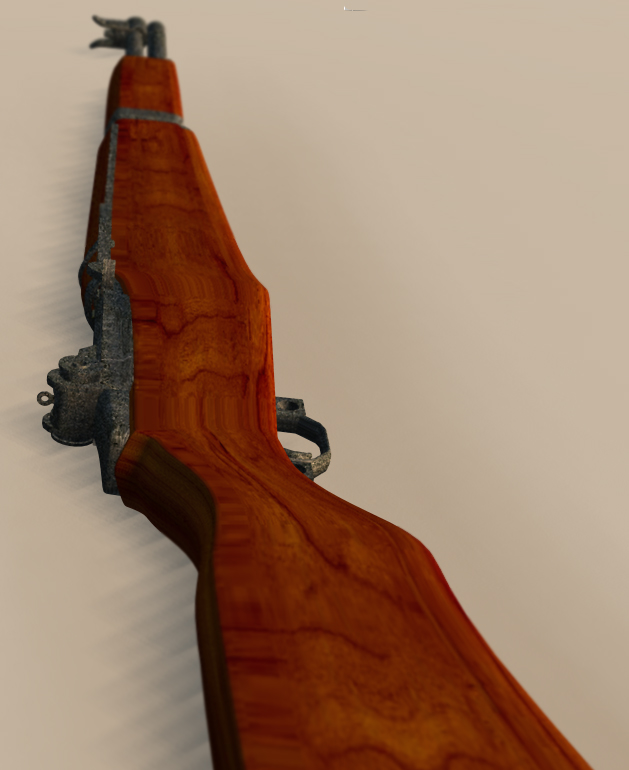
  I not started yet but will start this afternoon the weapon that will appear more times in the scene. A little history of the Springfield M1 Garand: The most used weapon from US infantry, the first capable to shot supersonic bullets.
 http://theunsfvo.cgarena.com/" onclick="window.open(this.href);return false; |:. http://bluestarcreations.wordpress.com/" onclick="window.open(this.href);return false; |:. http://theunsfvo.cgarena.com/" onclick="window.open(this.href);return false; |:. http://bluestarcreations.wordpress.com/" onclick="window.open(this.href);return false; |:.
 http://theunsfvo.cgarena.com/" onclick="window.open(this.href);return false; |:. http://bluestarcreations.wordpress.com/" onclick="window.open(this.href);return false; |:.
  ... Things going very slow :T
 http://theunsfvo.cgarena.com/" onclick="window.open(this.href);return false; |:. http://bluestarcreations.wordpress.com/" onclick="window.open(this.href);return false; |:.

I know that feelin! I don't think I've done anything constructive model wise for 6 weekstheuns wrote:very good start so far, too spite not being a good day...
i've got a kind of writers block at the moment, i guess you could call it modelers block!



Lol, don't worry, we've all been there. It would take ages for me to explain all of that and take a lot more time than I have right now. I'd also need to get some reference pics and build a couple of models to show you more clearly what I mean. I might have some spare time over the weekend and may be able to post something up then.leonregis wrote:Breech I'll be sincere to you... I don't understand anything of what you said...
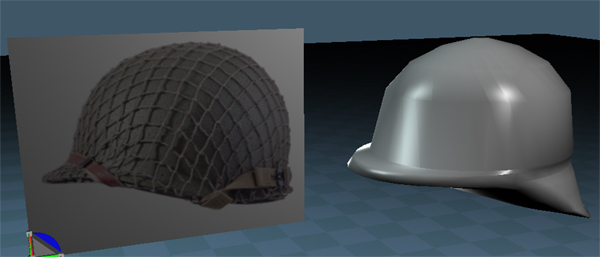



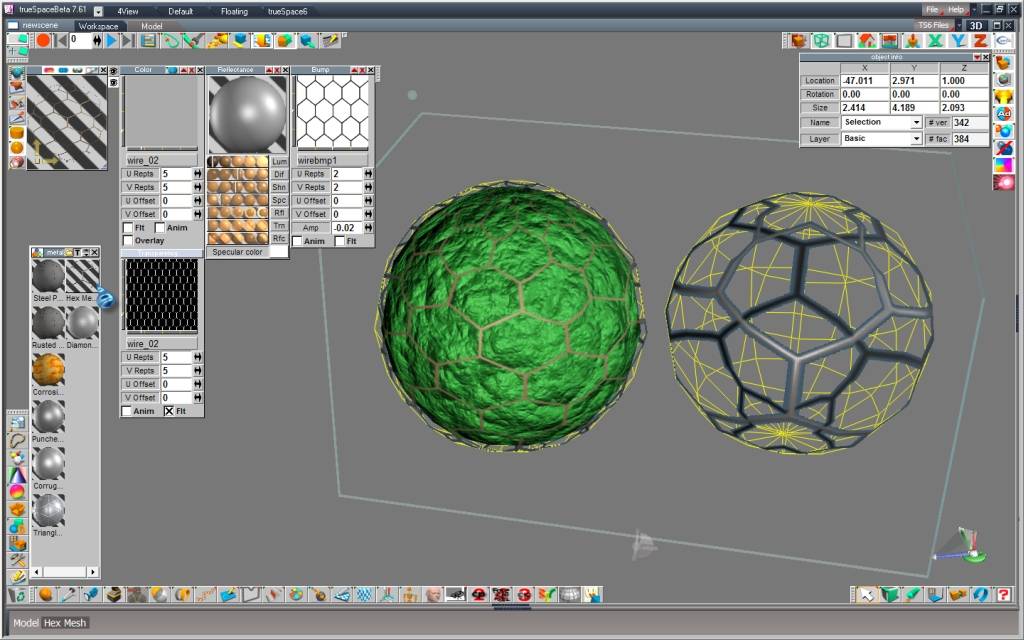
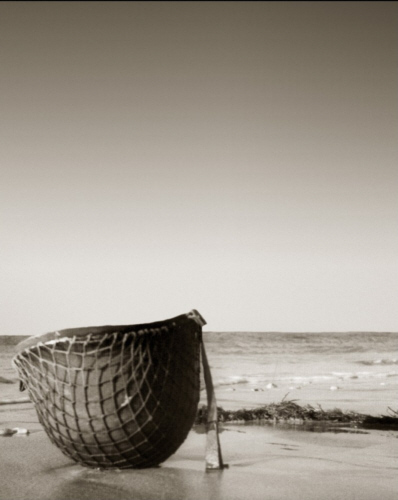
shopping cart model of prodigy would be a good solution but the wireframe need to be as the net. Begin the model with a sphere is not the best way (triangle at the top). With quad and sds you can have a net wireframe useful for this method. Try to use sds on a cube, extract the mesh and finish the model. I think rayman use other method with wireframe and Vue but the problem is the same: you need before a good quad construction to simulate the net.Karthogen wrote:could you duplicate the helmet make it a little bigger and then with a net texture and alpha map make it see through?
Or
Perhaps the tutorial Prodigy did on his shopping cart model in the SMC could be of some help to make the rope.


 http://theunsfvo.cgarena.com/" onclick="window.open(this.href);return false; |:. http://bluestarcreations.wordpress.com/" onclick="window.open(this.href);return false; |:.

 http://theunsfvo.cgarena.com/" onclick="window.open(this.href);return false; |:. http://bluestarcreations.wordpress.com/" onclick="window.open(this.href);return false; |:.
 http://theunsfvo.cgarena.com/" onclick="window.open(this.href);return false; |:. http://bluestarcreations.wordpress.com/" onclick="window.open(this.href);return false; |:.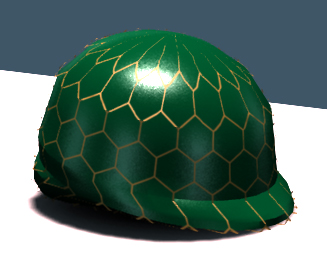

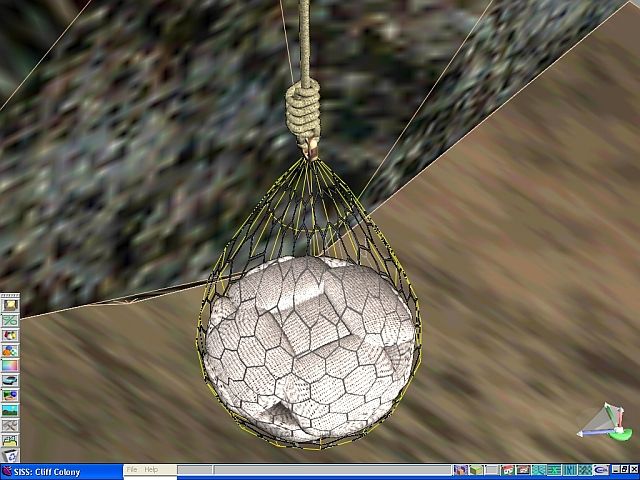 http://theunsfvo.cgarena.com/" onclick="window.open(this.href);return false; |:. http://bluestarcreations.wordpress.com/" onclick="window.open(this.href);return false; |:.
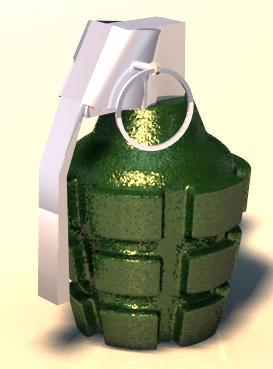
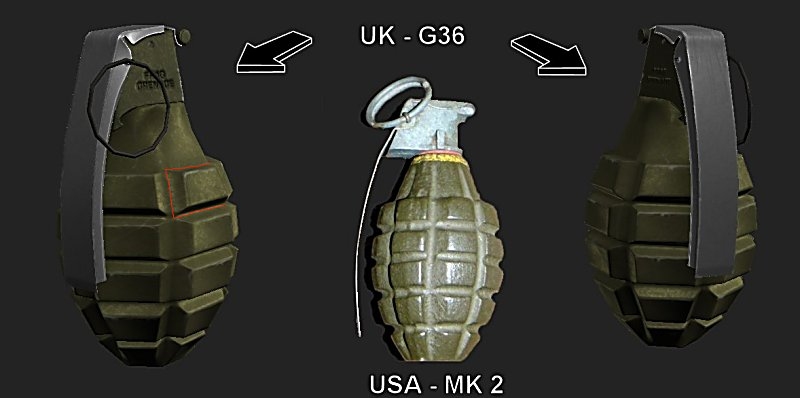
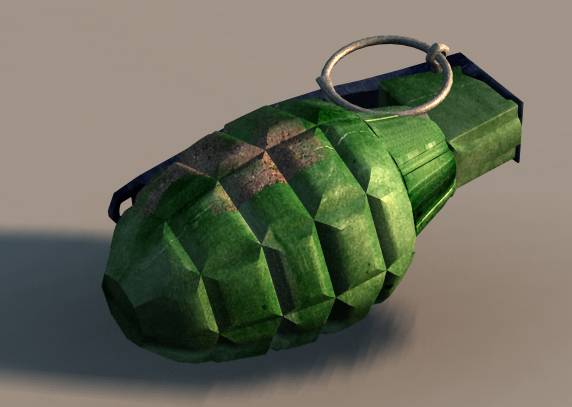
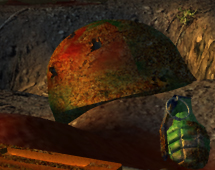
 With regards your grenade model, its suitability really depends on where it is going to be placed in your scene. If it is a hero model then I would suggest either remodelling it or starting anew. If you are going to remodel it in to something more realistic, as with all 3D modelling, you need to understand how/why the real thing is constructed. The model/era of grenade you are looking for is the old chunky design, nicknamed the pineapple due to its close resemblance to the fruit. In WWII, the USA used the Mk 2 and Great Britain used the G36 both of which you can see in the image below. These grenades were designed to kill, as opposed to today's modern grenades like the L2 that are only designed to maim (the theory being it places a larger burden on the enemy force if you make them look after their wounded than it does if you kill their soldiers outright). With lethality in mind, the Mk 2/G36 variant of grenade was designed in such away that the inside of the outer casing was pre-etched so that when the grenade exploded, it would split the steel casing into squarish chunks. I have indicated this etch line with a red line on the image (obviously, the etching would transverse the entire case). These pre-determined exploding chunks would have razor sharp edges and their wedge shaped design was to ensure that the pieces would tumble at a tremendous velocity as they passed through the air and thus gouge deep tears into any exposed flesh and clothing with consummate ease.leonregis wrote:Now I'm doing the grenade, but before it I already have a grenade but is in cartoon style so I think that I'll need to do it again.

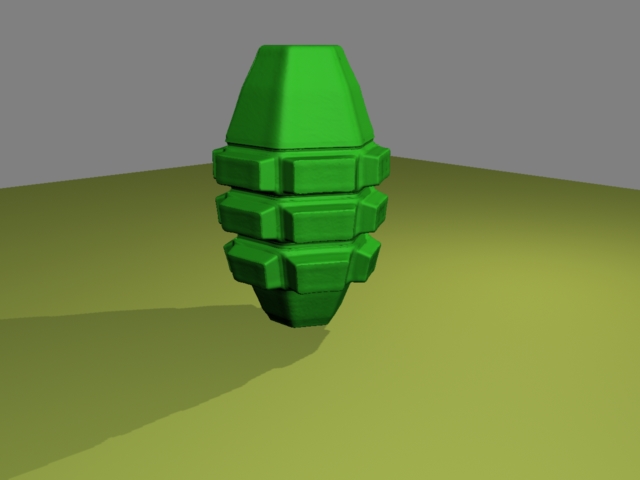


Thanks Breech, it really helps... On modeling I've no problems, the question is texturing... I don't have much experience in this area, anyway is better learn doingBreech Block wrote:Great job on the grenade. Love the Thompson SMG as well. Get some good textures on there and this will turn out to be one helluva scene.
I'm just warning all of you that may my scene gets a bit ugly because of the texturing work, ie, if something good at texturing pick my scene and work in that he would reach wonderful results. 



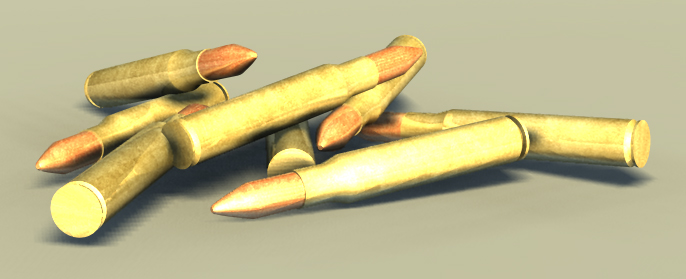


 I was sure that you will come and say that. I don't know much how a shell looks like after be fired, but by the movies I know that it just stay a bit burned where the bullet was... I did that for dramatic effect as you said, if possible could you post here or send to me a photo of a fired shell? Thanks for the contribution.

Probably plenty on the web but here you are. Fired has a dimple in the primer. Unfired does not. Mud was washed off of the rifle cases so the inside of the pistol case is a more correct texture.leonregis wrote:if possible could you post here or send to me a photo of a fired shell?
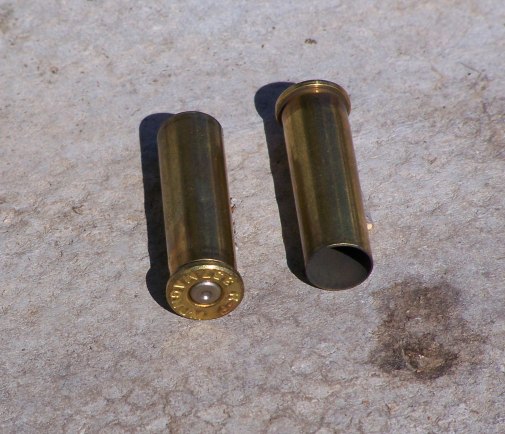
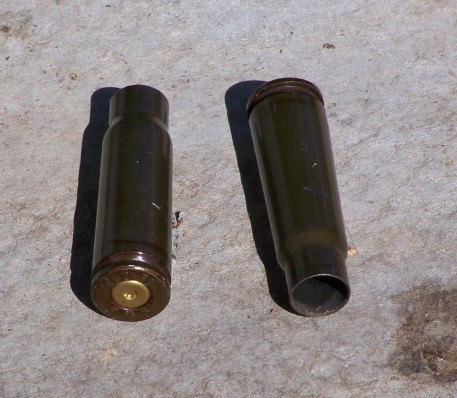 I'll keep the model, since they won't be in close...
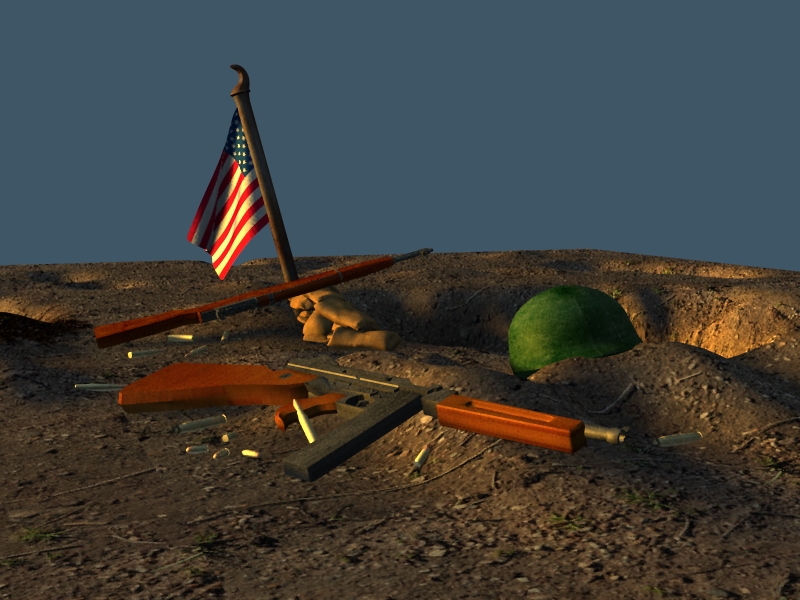 http://theunsfvo.cgarena.com/" onclick="window.open(this.href);return false; |:. http://bluestarcreations.wordpress.com/" onclick="window.open(this.href);return false; |:.
  http://theunsfvo.cgarena.com/" onclick="window.open(this.href);return false; |:. http://bluestarcreations.wordpress.com/" onclick="window.open(this.href);return false; |:. That initial scene is the most realistic I ever seen! I'm disturbed...
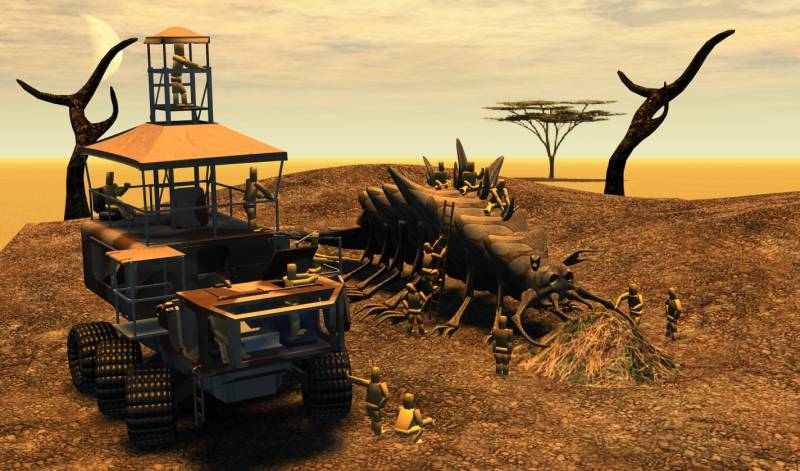
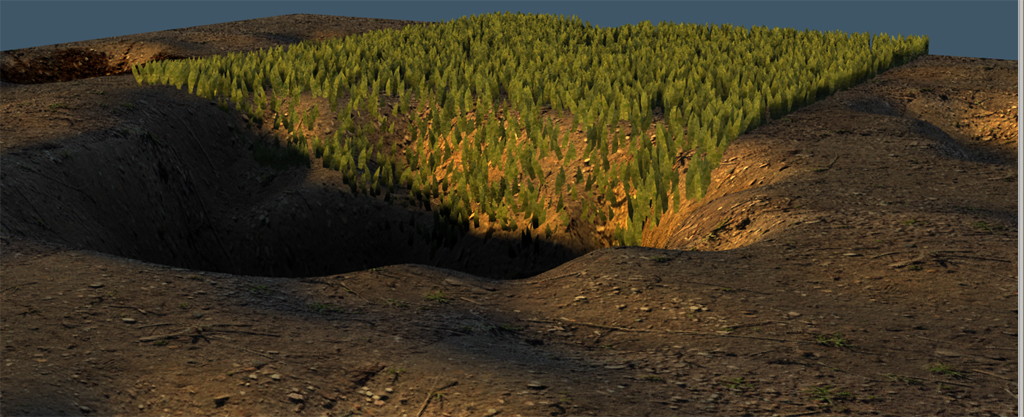
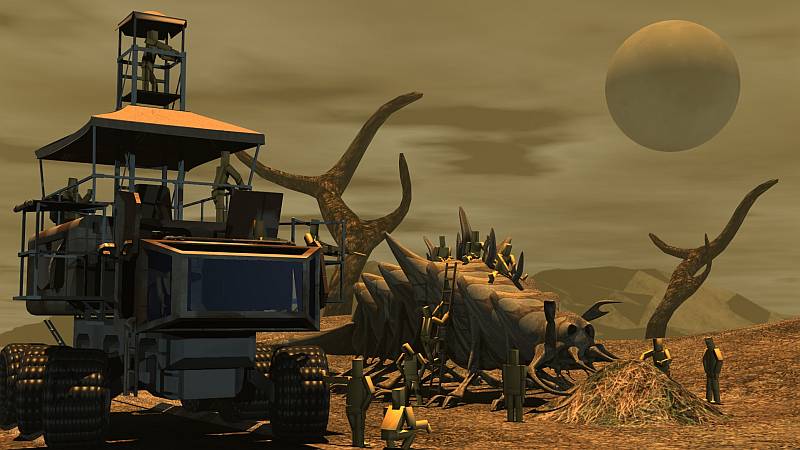 http://theunsfvo.cgarena.com/" onclick="window.open(this.href);return false; |:. http://bluestarcreations.wordpress.com/" onclick="window.open(this.href);return false; |:. http://theunsfvo.cgarena.com/" onclick="window.open(this.href);return false; |:. http://bluestarcreations.wordpress.com/" onclick="window.open(this.href);return false; |:. ), test some lightnings and found a background image...


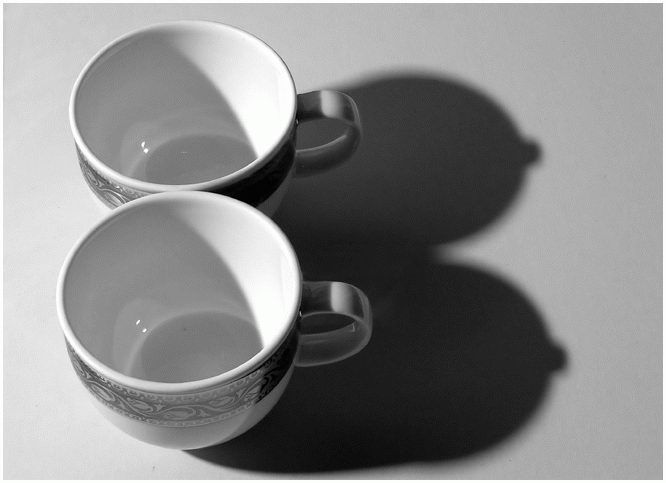
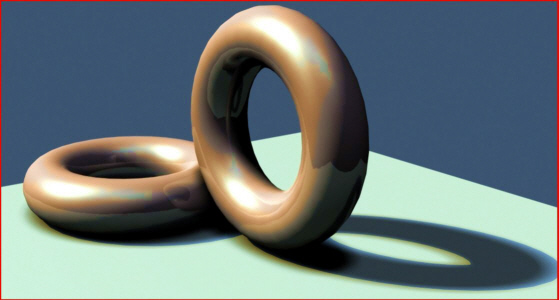
marcel wrote:You can see here how shadow is important:
right click (red circle on top) to open the setting of shadow. On shadow type, choose ray or map. The others setting are for map shadow only. Map size and quality affect the render (balance between quality and time to render). For a best image choose size 2000 and quality hight.leonregis wrote: But I don't know what is happening, and I even didn't understand what you said before... what is map shadow? explain please.

You are quite welcome. I feel bad when I don't have the time to give a lot of feedback on people's work.leonregis wrote:Thanks Tahnoak your comment is one of the most helpful for the scene...
1) You're right... fixed
2) Adjusted the scele
3) You are right, maybe I need to create some objects that represents other nations involved, but for composition 1 I'll keep the flag...
4) I don't know but is strange, for some reason I think that the light aren't casting shadows, I'm using Noon Light of the library, I just modified the angle and the color a little.
5) I didn't understand it completely, I soiled it a little in my last pic, do you saw?
I really appreciate this comment, thank you very much!
---
Finis your comment also is great and really improved the scene, thank you.
I make the pole less thick and I agree with you that it looks like a toy before, but I was not sure if was the flag. I create a low-poly depot, where the flag now stay.
The DOF is to strong, I agree. Now I make it a little more smooth, and how can I make something like fog/smoke... to looks like a low mist?
Will work on more objects for the next composition.
---------------------------
Ok I had the opportunity to work slowly this weekend, I fixed some problems and put some improvements that Tahnoak and Finis suggested, thanks again, now I'll work in the final details... like the sky and some foot prints and hand prints, I did some tests with it and the hand prints is almost invisible so I don't think that I'll add it, but the footprints are on the way...
As I said before, I create a low-poly depot (Finis suggestion), an broke vehicle, wire and barricades (Both Breech suggestion), worked on the scale ( Tahnoak and Finis suggst).
Tons of suggest are always welcome
leonregis wrote:Thanks Marcel, I'm sure that it will help... will give it a try soon.
Thanoak you mean something like this?
Maybe I have exaggerated...
Thanks
Cya
