In truespace for yafaray this was not added as part of the addon.
I know you can do it in blender with yafaray, but TS does not have this option in the yafaray add-on for truespace.
I searched the internet for some sample files on the internet but could not find any that worked in blender. I did a lot of searching and finally found a yafaray manual that has a lot of
information on the settings for yafaray and it has information on how to set up volumetrics for rendering in blender. After I was able to create a file in blender and set up volumetrics
per the manual, it rendered correctly. You have basically have to create a box shape around your scene and set the box to be a volumetric region. Once I got that to work I then deleted everything in
the blender scene except the volumetric region and then exported the yafaray render to an XML file. Long story short, I then exported a truespace scene to a XML file and basically added
the information for the volumetric region to the truespace file and executed the Yaf_render.cmd file to render the truespace XML file to an image. I had to do some fine tuning for light power setting
and the AA passes, but I was very happy to find that it actually worked. It renders in only about 45 seconds.

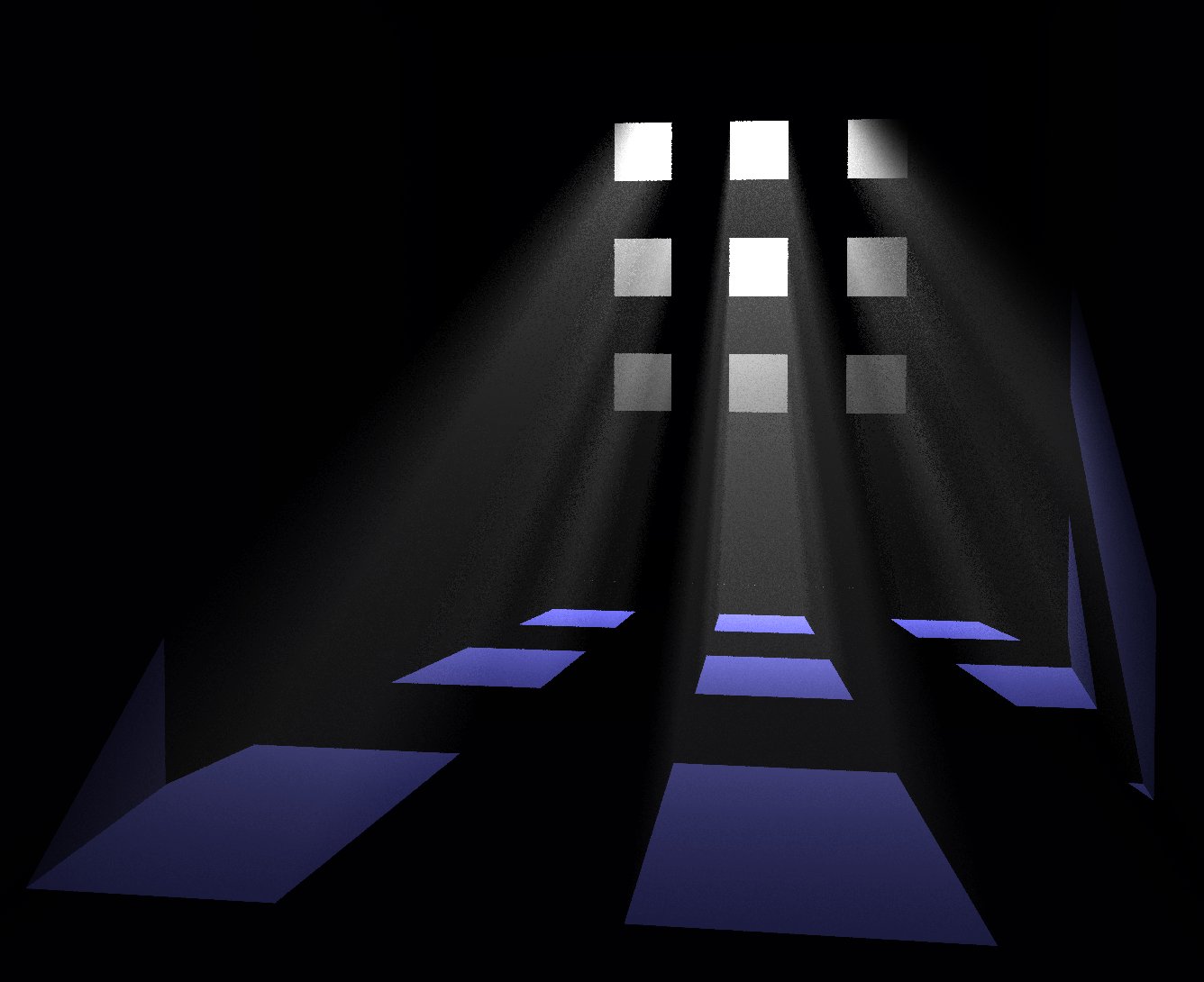
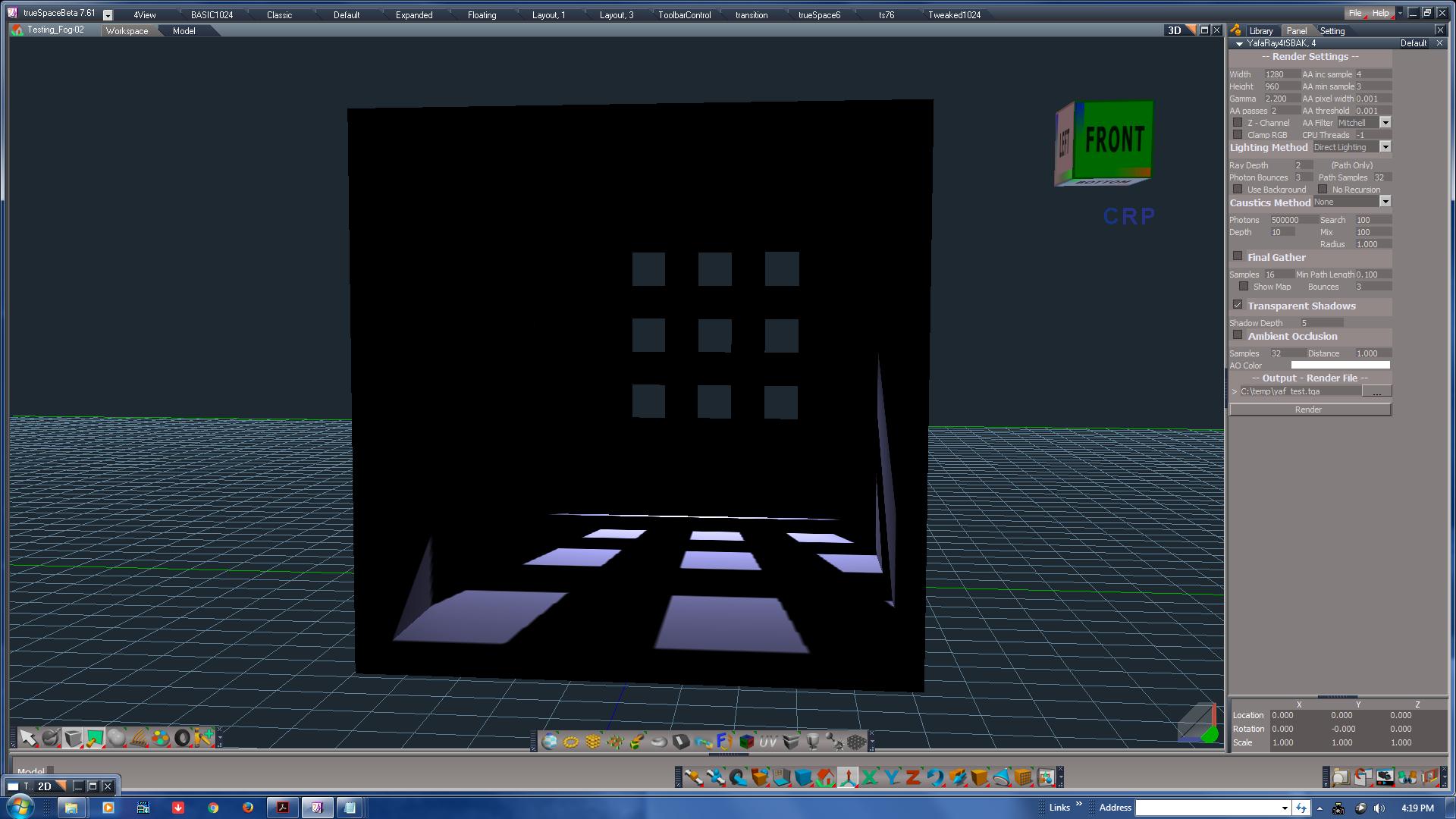
I have attached images of the truespace scene and the yafaray rendering. I will make myself some basic notes so I can remember the basic steps and then I will also try experimenting with trying to do the same with FOG in truespace.
First though I want to experiment with using a mesh light object with volume enabled for rendering some ts scenes.


 It not in my library?