If you didn't yet download the new version yet of SketchUp 7 because you may have been concerned that the 3rd party hacked obj export plugins for SketchUp 6 may not work with the latest Sketchup 7, I am pleased to let you know that I just tested one and it works fine... so go ahead and grab the vastly improved new SketchUp 7 and grab the following plugin for it as well.
Sketchup 7 (FREE VERSION) Features Link:
http://sketchup.google.com/product/gsu.html
SketchUp 7 (FREE VERSION) download link (select WIN or MAC platform for download):
http://sketchup.google.com/download/gsu.html
3rd Party Sketchup PLUGIN Link (necessary for exporting OBJ from SketchUp 7) :[/b]
http://jim.foltz.googlepages.com/ObjExporter.rb
This Plugin is a modified version of zbyls' X exporter hacked (by Marten van der Honing) to export wavefront .obj files with materials.
Simply install SketchUp 7, then download that Plugin file directly to the default SketchUp 7 Plugins folder (not to a subfolder).
To export a SketchUp model to OBJ format using it, first save your object in SketchUp 7 format (in case you may wish to change the original file after the first export), then while your original object is loaded in SketchUp 7, simply select the (downloaded and installed) OBJ Plugin from the Sketchup Plugins menu bar and make a name and destination for the new OBJ version export in the dialog window that will open and click "export."
PS: Thanks and Props go to Peter (RAYMAN) for his original heads up in the Caligari Forums about this exporter for earlier versions of SketchUp.

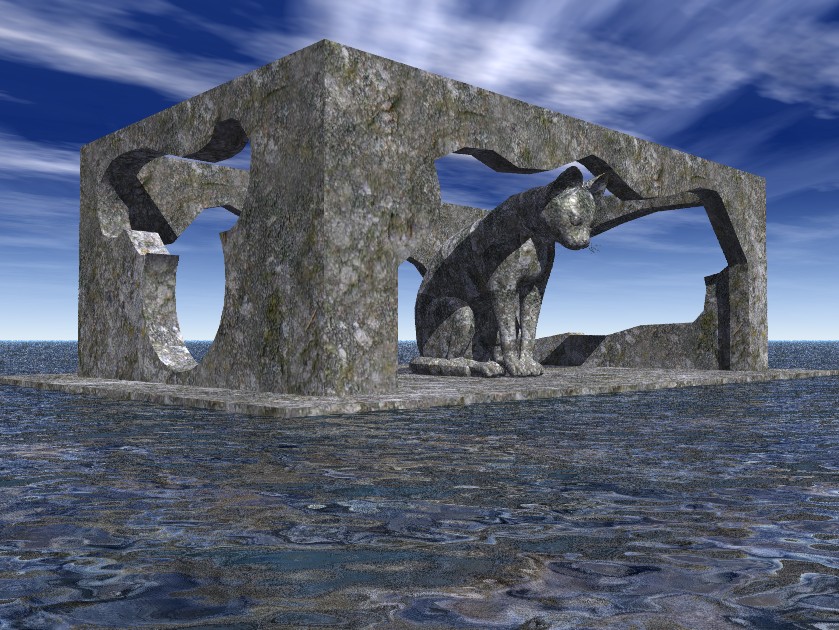
Here is an example I just exported from SketchUp 7 as an OBJ and imported into Vue d'Esprit for rendering: