Has anyone had the problems that I have had in controlling the (picture) tiles on the home page in Chrome browser> I have searched and have not found help on
how to control these unless you want to delete one, but nothing on how to create or control the tiles.
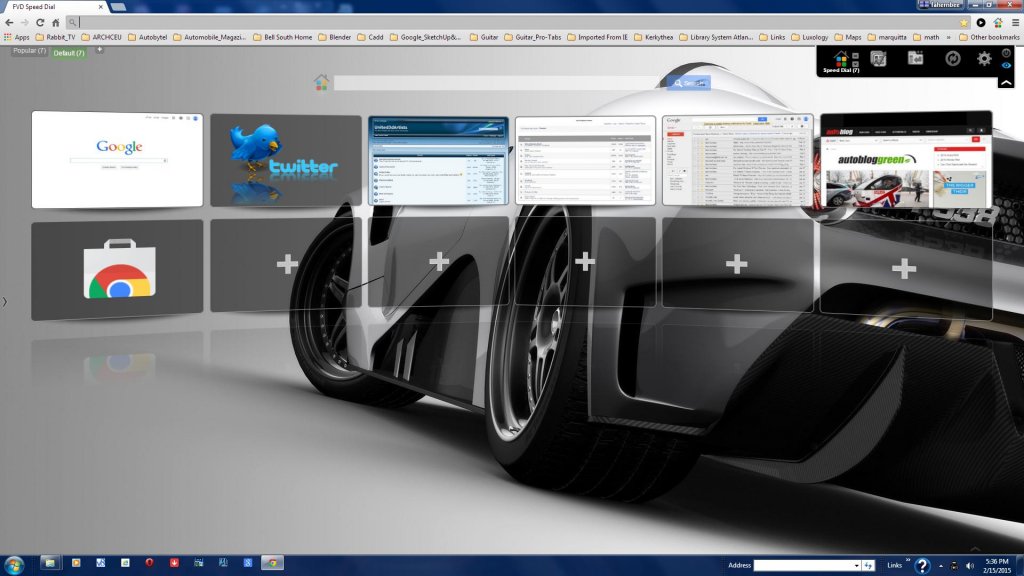
But I have found an add on to control these that I really like called Speed Dial.
See image.
Attachments
FHembree
Master Chief Petty Officer
Posts:337
Joined: 21 Feb 2011, 17:43
Type the number ten into the box: 9
Re: Chrome Browser
Postby FHembree »
I updated this to a slightly different version because the next day I could not get extension to work. Error message was that page could not be found?
Will try this and see if I have a similar problem.
Attachments
Draise
Captain
Posts:3200
Joined: 21 Sep 2009, 19:33
Type the number ten into the box: 0
Location: Bogota, Colombia
Re: Chrome Browser
Postby Draise »
Pardon my interjection, but I use Firefox with an addon called "Desktop" which turns your homepage into a Desktop like environment, shortcuts to webpages and subfolders. It's pretty straightforward.
Draise wrote:Pardon my interjection, but I use Firefox with an addon called "Desktop" which turns your homepage into a Desktop like environment, shortcuts to webpages and subfolders. It's pretty straightforward.
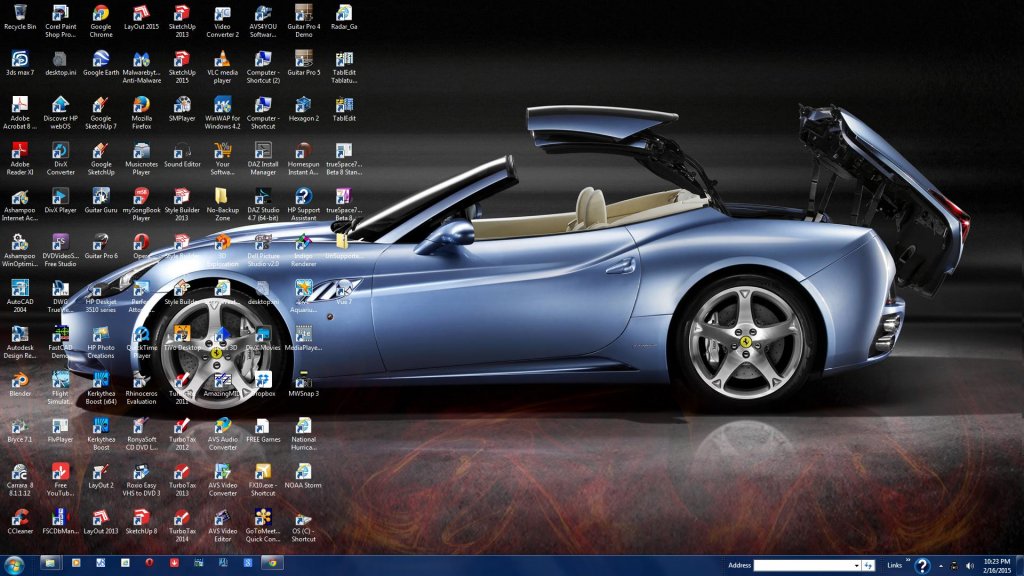
Interesting. but I don't think I would like to have my desktop be browser home page, unless you can have multiple desktops. My desktop is pretty full of shortcut program links.
Draise
Captain
Posts:3200
Joined: 21 Sep 2009, 19:33
Type the number ten into the box: 0
Location: Bogota, Colombia
Re: Chrome Browser
Postby Draise »
Hmm.. multi desktop?
I mean, you can have folders within folders of website thumbnails as your homepage INSIDE the browser.
I mean, you can have folders within folders of website thumbnails as your homepage INSIDE the browser.
Like this!
Interesting, but where are your program shortcuts. My desktop is pretty full as I have close to a 100 program shortcuts.
Attachments
Draise
Captain
Posts:3200
Joined: 21 Sep 2009, 19:33
Type the number ten into the box: 0
Location: Bogota, Colombia
Re: Chrome Browser
Postby Draise »
hahaha.. well it's not a REAL desktop. It's a fake one INSIDE firefox. So.. the normal windows desktop stays the same, and when you open Firefox you'll have a "desktop" like user interface with all the thumbnails for different websites you put.
spacekdet wrote:No icons?!
100 icons?
How the heck do you find anything?
Uhhh...<looks at my own desktop> ... nevermind:
Haha, brilliant
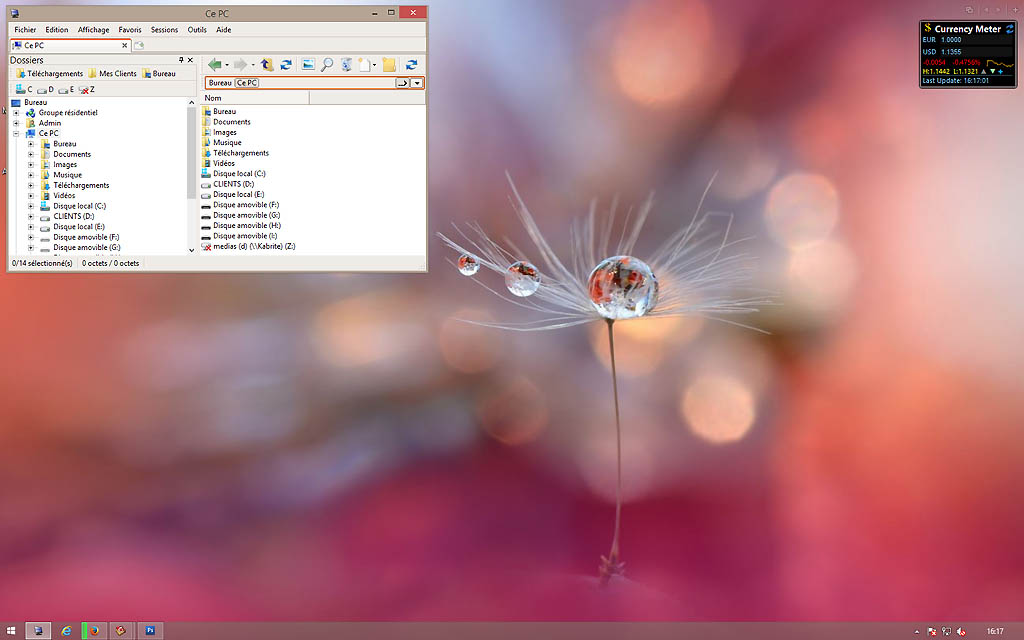
Here is my current desktop :
I am now using CubicExplorer as Windows Explorer replacement and I like it a lot.
And of course ClassicShell to make Windows8 behave like Win7/XP, plus 8GadgetPack to bring back Win7's widgets.
MikomDude
Captain
Posts:1930
Joined: 04 Oct 2010, 11:12
Type the number ten into the box: 0
Location: The Hague, Netherlands
Re: Chrome Browser
Postby MikomDude »
See, now that is way better. Well done Emmanuel. My faith in the users is restored.
I would screen cap my desktops, but it's.... BLANK. Even the windows tool bars on both my monitors are on autohide. All I see is a random (of thousands) arty photo that cycles every 7 minutes.
There used to be a "show us your desktop" thread as well as other "show us" threads. That might have been in the previous incarnation of the forum (the anaglifo hosted one).
Spacekdet: someone should make a picture that is a jumble of windows icons to use as a background.
Don't forget that Fhembree was asking about a thing for Chrome to organize your web stuff. Draise noted a thing for Firefox that organizes your web stuff in a way similar to the windows desktop.
I prefer dangerous freedom over peaceful servitude. -- Thomas Jefferson/Jean Jacques Rousseau