In tS4 there was a tool called Spline Polygon. It is gone now. It has been replaced with the NURBS curve tool.
With the Spline Polygon tool you could draw a 2D shape, and specify the amount of segments between each control point. That feature was great when building a polygonal pot with the Lathe tool because user can finely control the number of vertices : add segments when the curve is soft and draw straight lines where no sgments are needed. See below :

The former draw path tool still exists in tS7.6 though, but it is dedicated to animation paths. Stan did a cool plugin some time ago, called QuickPoly.tsx, to convert an animation path into a polygonal object.
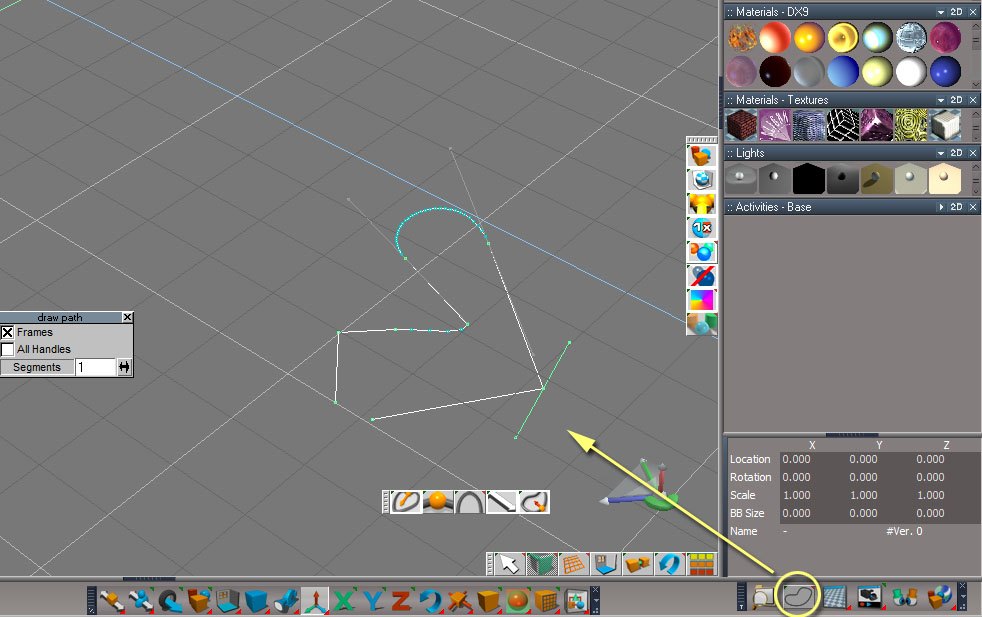
But if you want to build a Spline Polygon directly, there is a Bridge command to call the Draw Path tool while drawing a polygonal spline.
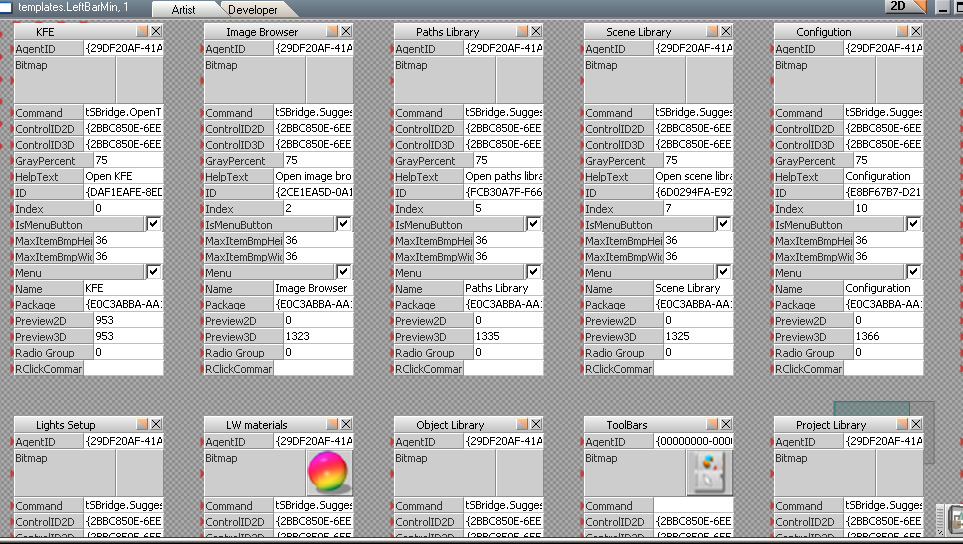
Here it that command : tSBridge.SuggestTSState(48 , 4096);
So I did a Workspace button to run it, thanks to Clinton's create button tool.
You will find this tool in the zip file below.
1. download and unzip the RsObj file on your desktop,
2. in tS open the Link Editor, move up to the root, then enter Windows_Manager_Space>Frame_Window,2>Toolbar, then drag the Spline_Polygon.RsObj file there.
3. update that toolbar : clic the little arrow at the right border of the toolbar to switch to 1D, then back 2D display.
WS is not my universe and I don't know how to make an installer yet