Did some UV mapping tips using Planar mapping.
-
BNG

- Chief Warrant Officer
- Posts: 684
- Joined: 16 Oct 2009, 03:26
- Type the number ten into the box: 0
- Location: Texas
Did some UV mapping tips using Planar mapping.
What's the secret to texturing in Truespace? I know how to apply premade textures, but when it comes to UV map exporting I kind of get lost trying to paint my own custom textures. I like the default TS UV map editor's basic functions but how do I seperate a UV map for easier surface painting? Is it done in the map editor by using the break vertice tool? Planar mapping seems to export the simplest map layout for painting that I've found so far, but when I apply a painted map it always looks off because I guess the other side of the model gets the same single texture. Could someone please post a few mapping tips to help me get things looking right? Thanks. PS: Does the model need to be triangulated first?
- Attachments
-
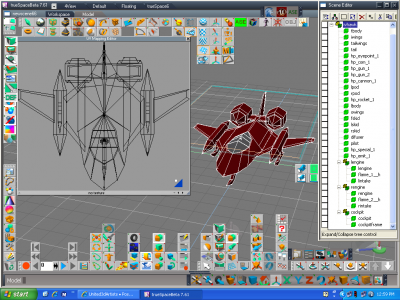
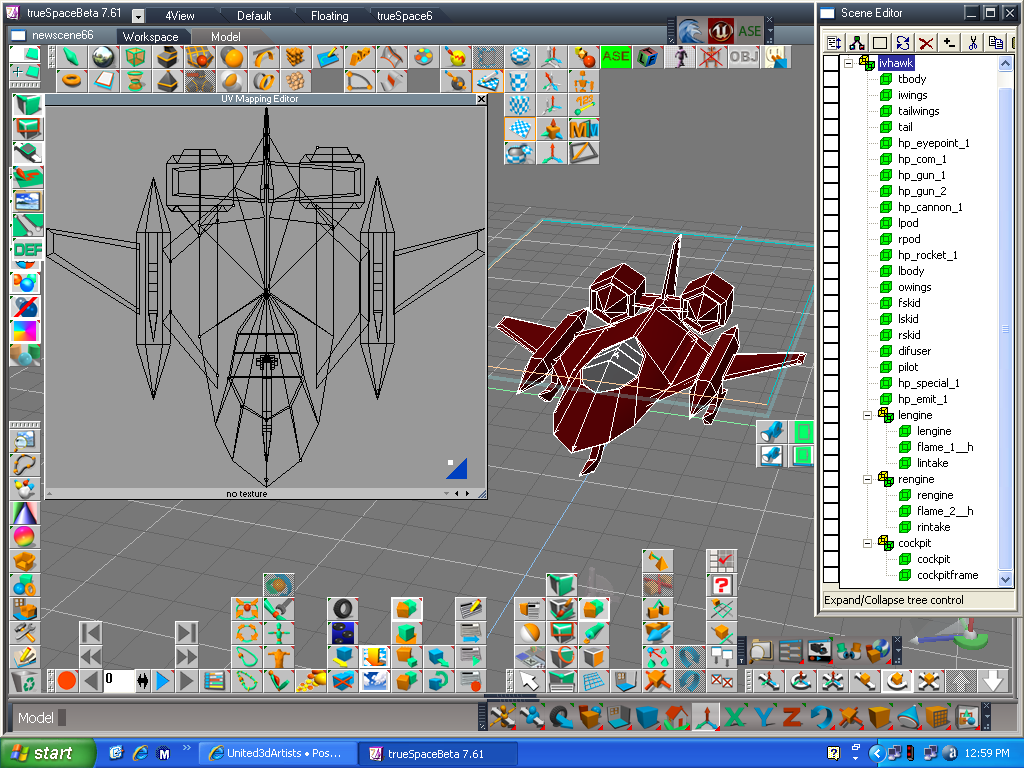
- This is a jet I'm trying to custom paint using GIMP.
Casual Truespace 3D modeling hobbyist. My Truespace blog and simple 3d Modeling Tutorials for Casual Model Makers.
-
clintonman

- Captain
- Posts: 5659
- Joined: 21 May 2009, 21:08
- Type the number ten into the box: 0
- Location: California
Re: Did some UV mapping tips using Planar mapping.
Here's a tutorial from the old gameSpace section of Caligari:
http://web.archive.org/web/200504220231 ... v_map1.asp"
No the model doesn't have to be triangulated before uv mapping.
http://web.archive.org/web/200504220231 ... v_map1.asp"
No the model doesn't have to be triangulated before uv mapping.
-
BNG
- Chief Warrant Officer
- Posts: 684
- Joined: 16 Oct 2009, 03:26
- Type the number ten into the box: 0
- Location: Texas
Re: Did some UV mapping tips using Planar mapping.
Thanks Clinton. Unfortunately, Truespace doesn't use color UV lines anymore like Gamespace did. I was hoping that someone could post some newer mapping tips that go in some detail on how to actually paint planar maps using the layer techniques supported by paint formats like TGA or PNG both of which support multiple layer painting. Thanks for the link though.clintonman wrote:Here's a tutorial from the old gameSpace section of Caligari:
http://web.archive.org/web/200504220231 ... v_map1.asp"
No the model doesn't have to be triangulated before uv mapping.
I love the multiple layering supported by the TS Mat. editor and I wonder if I can make several planar based over lays and then combine them all in Mat. editor to achieve the same effect as doing this in a paint program like GIMP? Any suggestions on whether or not that would work to create a decent customized model skin? I guess part of it would involve adjusting the transparency controls for each layer and then combining it all in a procmat for outputting when the model is saved.
Casual Truespace 3D modeling hobbyist. My Truespace blog and simple 3d Modeling Tutorials for Casual Model Makers.
-
BNG
- Chief Warrant Officer
- Posts: 684
- Joined: 16 Oct 2009, 03:26
- Type the number ten into the box: 0
- Location: Texas
Re: Did some UV mapping tips using Planar mapping.
Here's a planar mapping tutorial of a fish and I thought I'd post it for other folks to reference from. TS Planar Fish Tutor
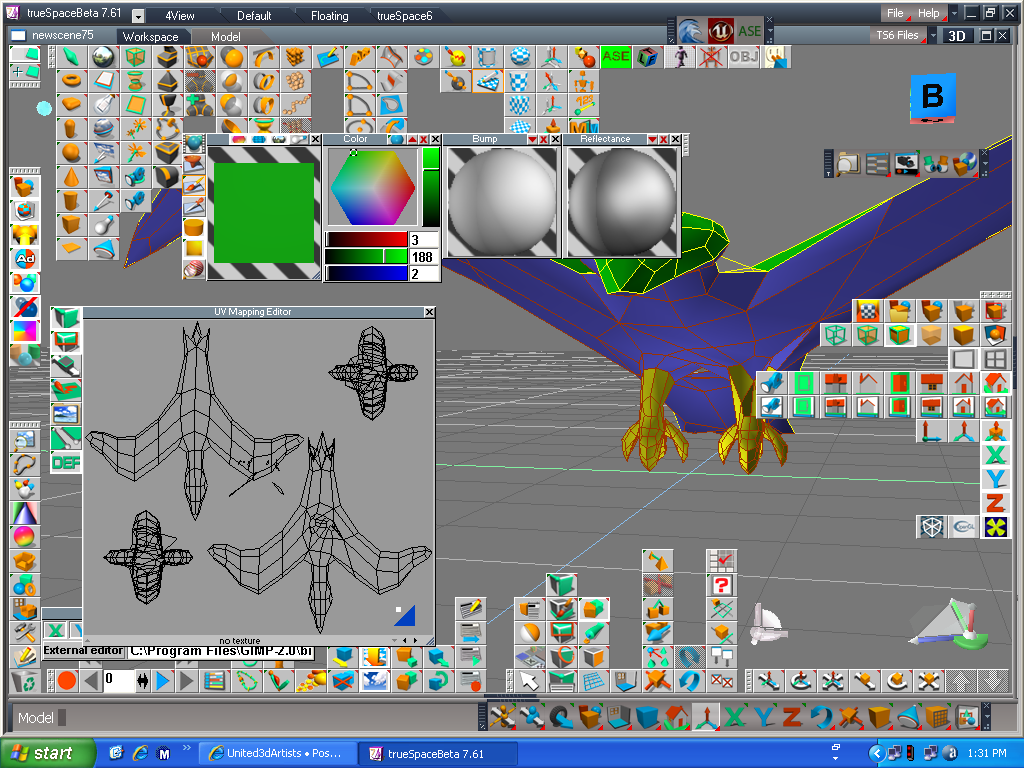
I found the TS face painting technique quite useful for seperating larger area's of a model. Then I could use the small left right arrows on the bottom right of the UVE to toggle through the painted faces all nice and seperated in the UVE. I also used the break vertices tool because I wasn't sure if that made any difference so I did it anyways just to be sure. Then I resized the part and repositioned the parts all over the UVE window and saved the scene hopefully to preserve the changes I made.
Does this sound about right for you guys that know better about planar UV mapping? Thanks. PS: If any of ya'all know something I may be missing please feel free to post about it too.
I found the TS face painting technique quite useful for seperating larger area's of a model. Then I could use the small left right arrows on the bottom right of the UVE to toggle through the painted faces all nice and seperated in the UVE. I also used the break vertices tool because I wasn't sure if that made any difference so I did it anyways just to be sure. Then I resized the part and repositioned the parts all over the UVE window and saved the scene hopefully to preserve the changes I made.
Does this sound about right for you guys that know better about planar UV mapping? Thanks. PS: If any of ya'all know something I may be missing please feel free to post about it too.
- Attachments
-
- Face Painting a model seems to help seperate large model parts real nice
Casual Truespace 3D modeling hobbyist. My Truespace blog and simple 3d Modeling Tutorials for Casual Model Makers.