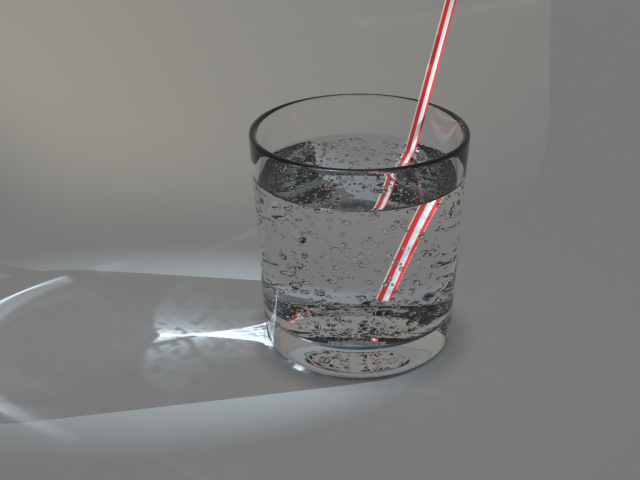
Can somebody please export these 2 particle "bubbles" as a mesh.obj for me from this blend file?
Not just the emmiters.
Blender help
-
trueBlue

- Captain
- Posts: 5548
- Joined: 06 Jul 2009, 22:50
- Type the number ten into the box: 10
Blender help
- Attachments
-
- caustics5d69.zip
- (301.99 KiB) Downloaded 207 times
-
-
FHembree

- Master Chief Petty Officer
- Posts: 337
- Joined: 21 Feb 2011, 17:43
- Type the number ten into the box: 9
Re: Blender help
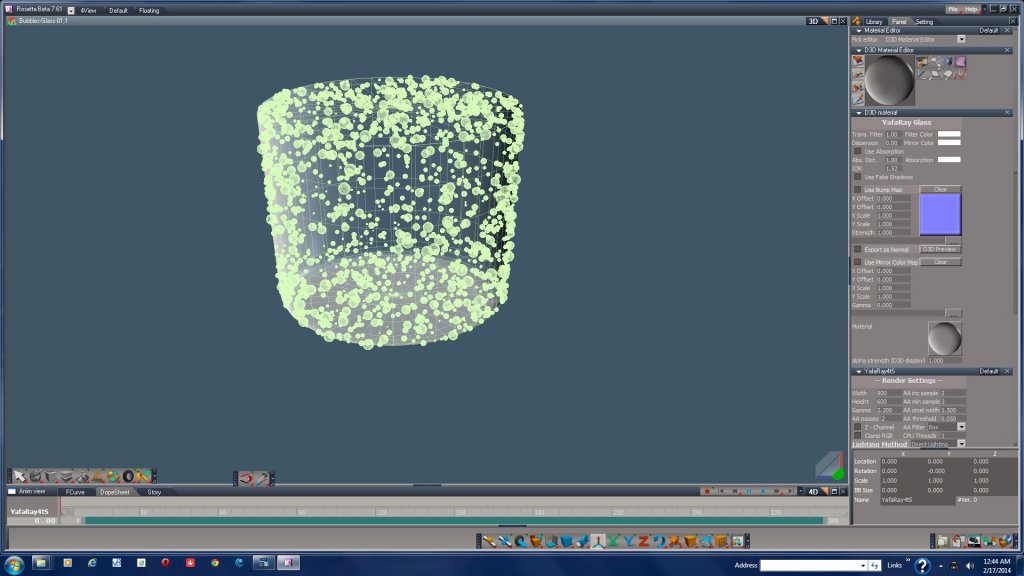
I was able to convert to an object file and then import into truespace, but the truespace file size is almost 100k in size.
See attached image.
See attached image.
- Attachments
-
-
trueBlue
- Captain
- Posts: 5548
- Joined: 06 Jul 2009, 22:50
- Type the number ten into the box: 10
Re: Blender help
Awesome!
Are you going to add it to the caustic scene?
I bet you could reduce the file size down by replacing the emitter Sphere object with a Cube that has 1 level of SDS applied and then Flattened.
Are you going to add it to the caustic scene?
I bet you could reduce the file size down by replacing the emitter Sphere object with a Cube that has 1 level of SDS applied and then Flattened.
- Attachments
-

- Capture.PNG (5.04 KiB) Viewed 4535 times
-
FHembree
- Master Chief Petty Officer
- Posts: 337
- Joined: 21 Feb 2011, 17:43
- Type the number ten into the box: 9
Re: Blender help
Sorry, don't really know how to do that. I'm really just a beginner in blender. I have added the bubbles to a Truespace file but it's too large to upload.trueBlue wrote:Awesome!
Are you going to add it to the caustic scene?
I bet you could reduce the file size down by replacing the emitter Sphere object with a Cube that has 1 level of SDS applied and then Flattened.
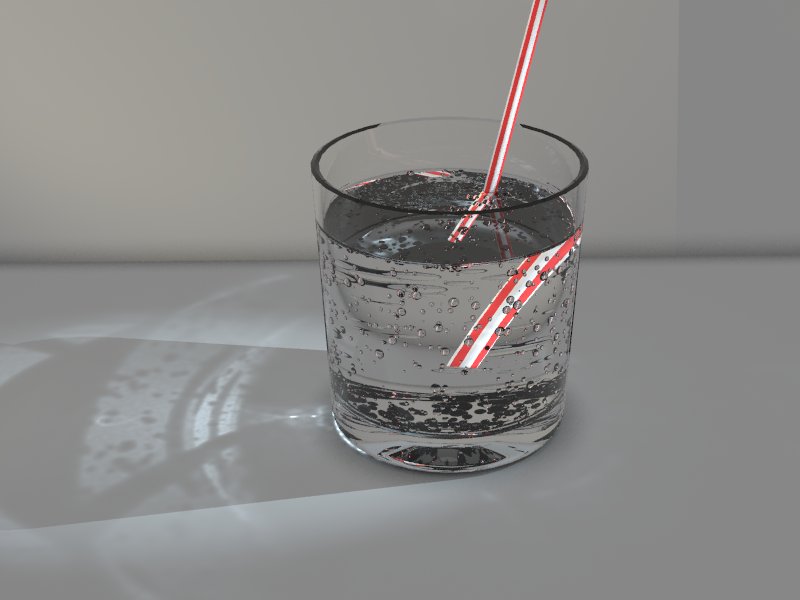
I don't think I really aligned up the objects exactly in Truespace and I also think I missed one of the 2 emitter objects. See attached render.
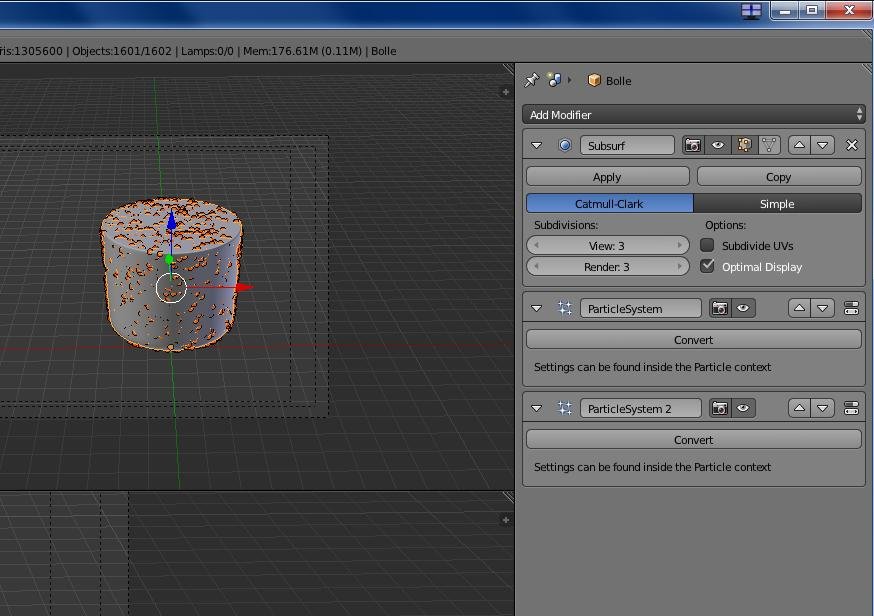
If you want to try it in blender, what I did was to delete all objects , (using shortcut "X" key), except for the needed object and then select that object and then select the modifier (wrench icon) in menus and you will see the emitters. Then select convert. See image blender.
- Attachments
-
-
-
clintonman

- Captain
- Posts: 5659
- Joined: 21 May 2009, 21:08
- Type the number ten into the box: 0
- Location: California
Re: Blender help
Here's the bubbles as cubes straight out of Blender so may need adjustment.
I followed FHembree's instructions but first replaced the the 2 source bubble objects with cubes.
I followed FHembree's instructions but first replaced the the 2 source bubble objects with cubes.
- Attachments
-
- causticsBubbles.zip
- (235.61 KiB) Downloaded 189 times
-
trueBlue
- Captain
- Posts: 5548
- Joined: 06 Jul 2009, 22:50
- Type the number ten into the box: 10
Re: Blender help
@Clinton: Thanks! Adding 1 Layer of SDS and Flattening makes it perfect.
@FHembree: You can save some space by saving to the RsRcd format. Presently my caustics scene with the Bubbles as noted above is less then 2 megs. Bubbles alone were almost 4 megs.
@FHembree: You can save some space by saving to the RsRcd format. Presently my caustics scene with the Bubbles as noted above is less then 2 megs. Bubbles alone were almost 4 megs.
-
FHembree
- Master Chief Petty Officer
- Posts: 337
- Joined: 21 Feb 2011, 17:43
- Type the number ten into the box: 9
Re: Blender help
trueBlue wrote:@Clinton: Thanks! Adding 1 Layer of SDS and Flattening makes it perfect.
@FHembree: You can save some space by saving to the RsRcd format. Presently my caustics scene with the Bubbles as noted above is less then 2 megs. Bubbles alone were almost 4 megs.
Thanks, I would have thought adding sds would have distorted the bubble object, but it didn't.
Not sure what RsRcd format is?
Will have to explore blender some more to see how you did this.
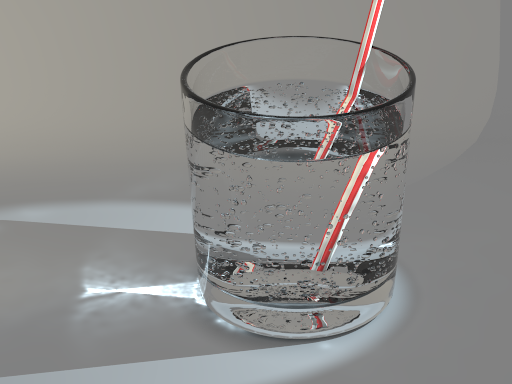
Attached is my render using yafaray 0.1.1. ( I used 2 levels of sds for attached rendering.)
Having trouble getting materials to work in yafaray4ts76 using yafaray v1.5.
- Attachments
-

-
Draise

- Captain
- Posts: 3200
- Joined: 21 Sep 2009, 19:33
- Type the number ten into the box: 0
- Location: Bogota, Colombia
Re: Blender help
The caustics also look a bit blurred.. why would that be?
-
FHembree
- Master Chief Petty Officer
- Posts: 337
- Joined: 21 Feb 2011, 17:43
- Type the number ten into the box: 9
Re: Blender help
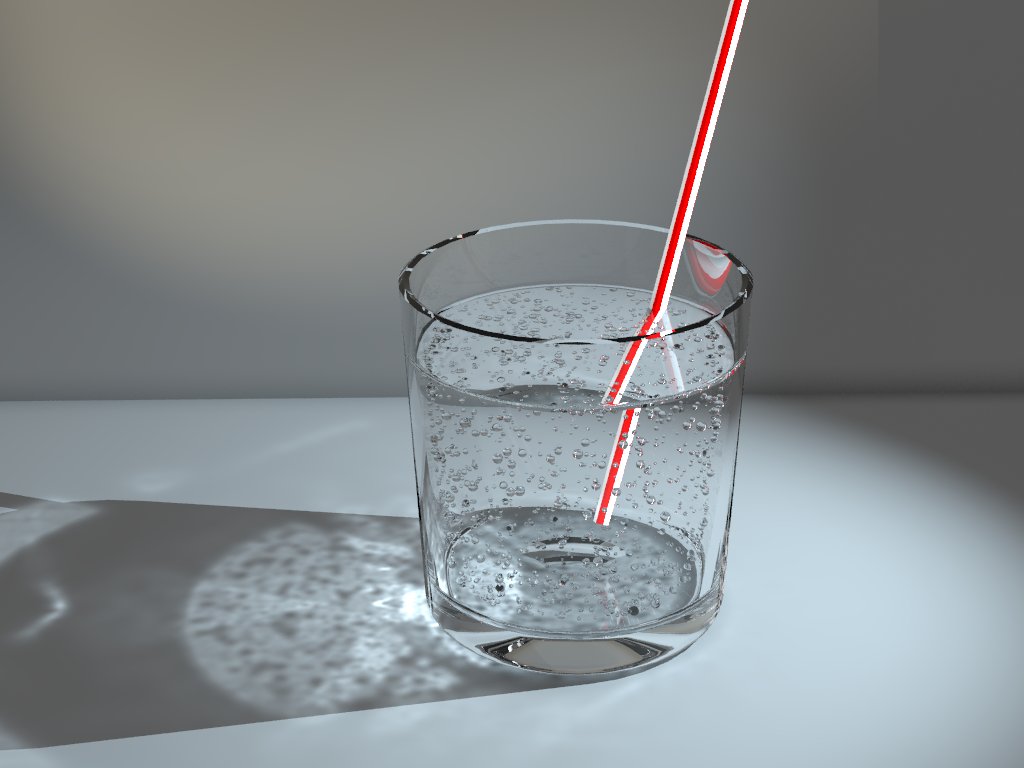
Yes, I agree. I think I had one on the setting wrong for the materials and I re rendered with some higher settings.Draise wrote:The caustics also look a bit blurred.. why would that be?
Still doesn't look correct. If I could get it to work in yafaray4tsv75 I think that would improve it.
- Attachments
-

-
Draise
- Captain
- Posts: 3200
- Joined: 21 Sep 2009, 19:33
- Type the number ten into the box: 0
- Location: Bogota, Colombia
Re: Blender help
I like that one more over the original! Nice one. A good tip for caustics is to remember what is the physical refractive levels of different materials, like water. It's 1.333 , which would get you a realistic refraction from the water. The glass would be between 1.5 and 1.65.
-
FHembree
- Master Chief Petty Officer
- Posts: 337
- Joined: 21 Feb 2011, 17:43
- Type the number ten into the box: 9
Re: Blender help
Yes, those are the settings that I checked. I kept working with some older files and switching between the standalone version and the full versions and was getting a lot of different errorsDraise wrote:I like that one more over the original! Nice one. A good tip for caustics is to remember what is the physical refractive levels of different materials, like water. It's 1.333 , which would get you a realistic refraction from the water. The glass would be between 1.5 and 1.65.
such as can't write to temp dir, no camera specified, and than I reinstalled yafaray a few times and then when I decided to quite fooling with it, I re rendered the scene and the
result for same file is slightly different.

- Attachments
-
-
trueBlue
- Captain
- Posts: 5548
- Joined: 06 Jul 2009, 22:50
- Type the number ten into the box: 10
Re: Blender help
I think that the angle of the Spot light is key here. Yours is diffently different then Clinton's original scene. I also notice that the caustic's reflection has changed considerably from Y1.1 to Y1.5
-
Draise
- Captain
- Posts: 3200
- Joined: 21 Sep 2009, 19:33
- Type the number ten into the box: 0
- Location: Bogota, Colombia
Re: Blender help
 Tis looking good though. Love the caustics in this one the best. How long does it take to render an image like that?
-
FHembree
- Master Chief Petty Officer
- Posts: 337
- Joined: 21 Feb 2011, 17:43
- Type the number ten into the box: 9
Re: Blender help
It depends on settings used. For this one it is a 1024x768 size image with 1,000,000 photons and 4 AA passes. It took 6.5 minutes.Draise wrote:
-
trueBlue
- Captain
- Posts: 5548
- Joined: 06 Jul 2009, 22:50
- Type the number ten into the box: 10
Re: Blender help
I noticed if you delete the Bolle object (or replace it with the bubbles object) the caustics is much closer to the original. Here is a good read for YafaRay Lighting methods:FHembree wrote:Yes, those are the settings that I checked. I kept working with some older files and switching between the standalone version and the full versions and was getting a lot of different errorsDraise wrote:I like that one more over the original! Nice one. A good tip for caustics is to remember what is the physical refractive levels of different materials, like water. It's 1.333 , which would get you a realistic refraction from the water. The glass would be between 1.5 and 1.65.
such as can't write to temp dir, no camera specified, and than I reinstalled yafaray a few times and then when I decided to quite fooling with it, I re rendered the scene and the
result for same file is slightly different.
http://www.yafaray.org/documentation/us ... ingmethods"
- Attachments
-