maybe a stupid question but how the hack is is possible (easly) to model a parachute in TS6.6 (Modeler)?
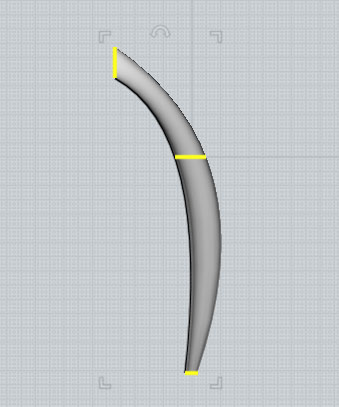
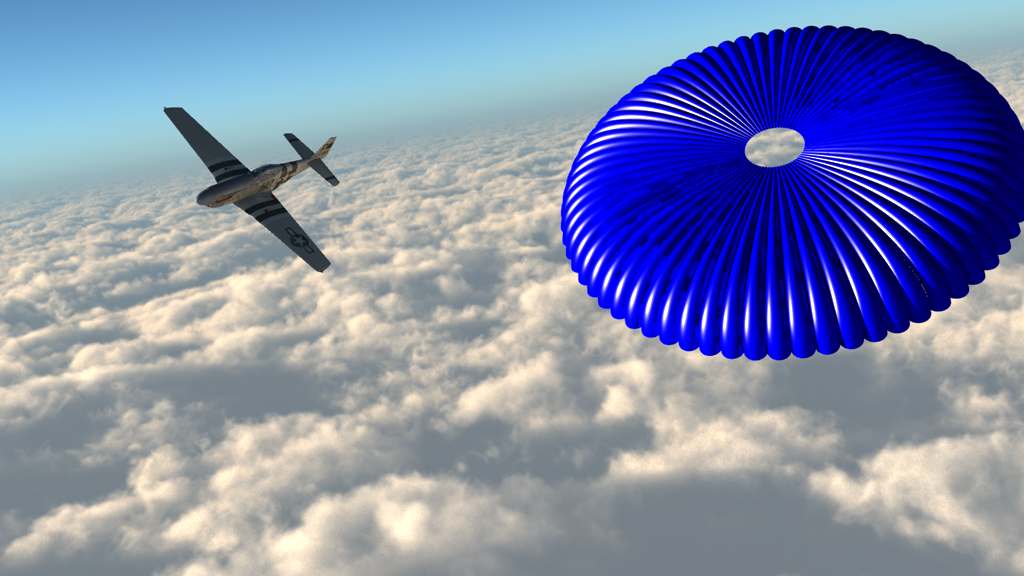
something like that:
I try it the hole day and i doesn't get it to work. I would create a simple mid resolution round cap parachute with all the bands on it. But i have no idea how.
It simply isnt as easy in truespace as it is in any good nurbs enviroment that als supports the array of nurbs.
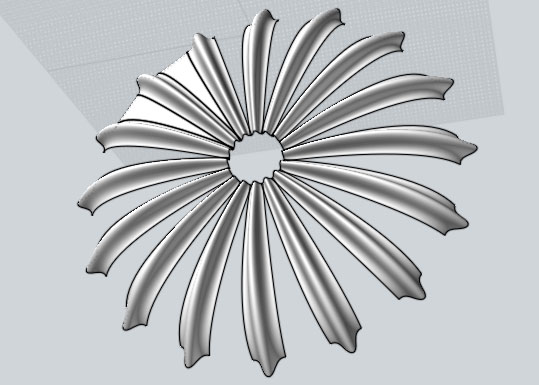
It simply is done with the loft tool on 3 curves for a segment and then you make a radial copy of those segments and loft th edges together again.
Thats tth easiest way to do it......
i can show you with Moi 3d its got a 30 day trial that can also save.......
The array in Truespace has to be done with polygons..... : (
Attachments
RAYMAN
Captain
Posts:2547
Joined: 21 May 2009, 18:56
Re: Modeling a parachute - how?
Postby RAYMAN »
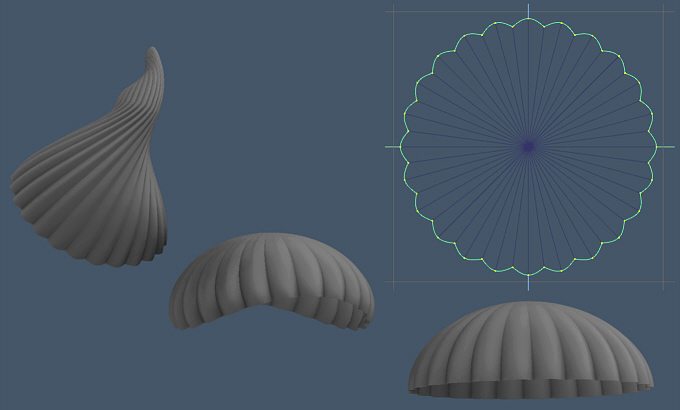
Heres some update and an obj file of the parachute.....
I added a little thickness to it with the shell tool....
Attachments
RAYMAN
Captain
Posts:2547
Joined: 21 May 2009, 18:56
Re: Modeling a parachute - how?
Postby RAYMAN »
Here is the obj file... I can export it higher res but this should be ok..
If you need any help with the moi trial I´ll be glad to help you step by step.....(wirklich !)
Peter
In a polygon modeler you have to model one segment ..... you can even model the segment as a full object and delete the bottom part andapply shell tool then array the whole thing......
Attachments
stan
Master Chief Petty Officer
Posts:584
Joined: 21 May 2009, 17:20
Re: Modeling a parachute - how?
Postby stan »
arrays work on nurbs in ts..
RAYMAN
Captain
Posts:2547
Joined: 21 May 2009, 18:56
Re: Modeling a parachute - how?
Postby RAYMAN »
stan wrote:arrays work on nurbs in ts..
Then even better the same workflow if you cant do it with lofting make a full shape and trim it and then array it.....
NOTE THAT THE TOOL NORMALY CALLED LOFT IN OTHER APPLICATIONS IS CALLED THE SKIN TOOL In TRUESPACE...
Another way. Useful to animate the parachute. Need 2 minutes to model with a halph sphere: select half the pixels of the line and reduce the selection, then create sharp corner on the selection. The parachute is ready. you can use the bend tool to deform the whole. It work with keyframe to animate the parachute.
to do complex thing, think simple.
Preparing your AMC (Animation Month Contest), huh DD?
Marcel I'll need your help, just wait the problems appear but I know that you already have the solution.
Be the change you want to see in the world. - Mohandas Gandhi