YafaRay is grey!

LightWorks, VRay, Dribble, YafaRay and more..
BlooMort
Seaman Recruit
Posts: 4
Joined: 01 Jan 2010, 12:27

YafaRay is grey!

Post by BlooMort »

OK I downloaded the Yafaray engine and the Yafaray4ts and installed them.
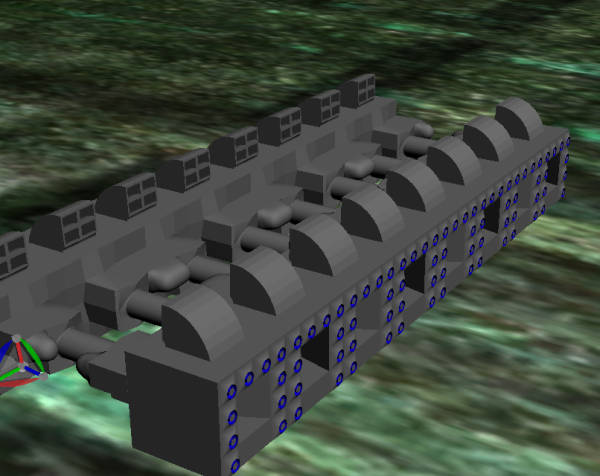
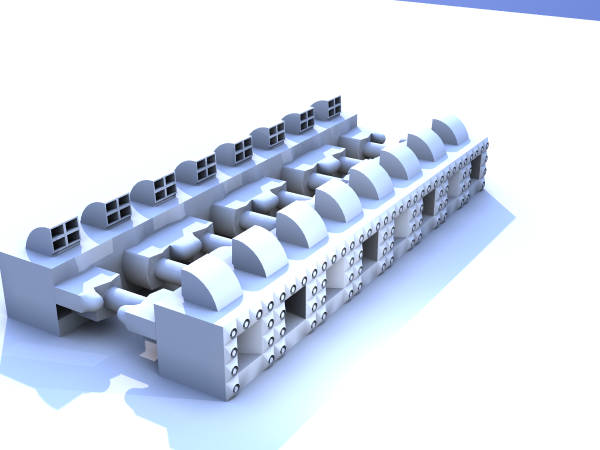
Now I can render large images, but they are all greyscale.
Clipboard01.jpg
becomes
yafaray.jpg
Please help.
Thanks
Stanley.
User avatar
LeonRegis
Captain
Posts: 1946
Joined: 18 Aug 2009, 17:36
Type the number ten into the box: 0
Location: Brazil/Earth/Orion Arm/Milky Way/4th Dimension/This Universe/Multiverse???/Singularity???

Re: YafaRay is grey!

Post by LeonRegis »

It's because you need to use yafaray materials. That materials are from Lightworks? They won't work on yafa, the materials come with the installation pack, go to the site and see the instructions about materials.

HTH
Be the change you want to see in the world. - Mohandas Gandhi
User avatar
bitkar
Captain
Posts: 2089
Joined: 16 Mar 2010, 07:14
Type the number ten into the box: 0
Location: Czech Republic

Re: YafaRay is grey!

Post by bitkar »

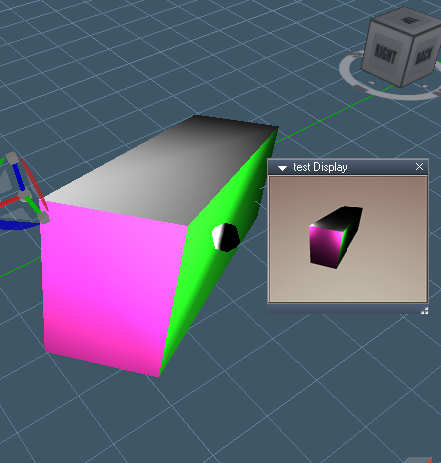
iam just playing with yafaray aswell... is the "repaint material" working? I mean, can one object have two shaders/materials??
Because if I paint whole object with one yafaray shader/material, everything works fine. But if I paint parts of the same object with the repaint tool (object from bridge that had two LW materials) and change the two LW materials into two yafa materials, it renders grey shaded.

Is it bug? is the problem at my side? or its not just supported yet?
Attachments
d3d and yafa display.jpg
Michal aka bitkar
tS freak since tS2 (1998) and forever (tS7.61 modeler)
User avatar
clintonman
Captain
Posts: 5659
Joined: 21 May 2009, 21:08
Type the number ten into the box: 0
Location: California

Re: YafaRay is grey!

Post by clintonman »

I think the script is limited to one material per mesh.
Clinton Reese

http://clintons3d.com
User avatar
bitkar
Captain
Posts: 2089
Joined: 16 Mar 2010, 07:14
Type the number ten into the box: 0
Location: Czech Republic

Re: YafaRay is grey!

Post by bitkar »

thanks... i wanted to be sure of it.

Anyway looks like yafaray4ts is kinda dead project by now. :(
As iam playing with it... its hell fast and good renderer. Some improvements would be very nice. As this multimaterial issue... or glass shader does not have any specular highlights (shines, roughness settings), not option to use fresnel or plain glass (but its not essential) and I think light reflected from colored glass should be also colored which does not happen (only refracted is colorized), dont know why. But its very nice thing indeed. Ppl should play with it and use it more, i think its underestimated.
Michal aka bitkar
tS freak since tS2 (1998) and forever (tS7.61 modeler)
User avatar
clintonman
Captain
Posts: 5659
Joined: 21 May 2009, 21:08
Type the number ten into the box: 0
Location: California

Re: YafaRay is grey!

Post by clintonman »

yafarayMultiMaterialTest.jpg
Just finished an experimental version of yafaray4ts with multi-material support. Add it to your scene and give it a try...if you dare. Did I mention this is experimental? You can deactivate the multi-material support by unchecking the option in the setup tab.
Attachments
YafaRay4tS.zip
(77.4 KiB) Downloaded 268 times
Clinton Reese

http://clintons3d.com
User avatar
bitkar
Captain
Posts: 2089
Joined: 16 Mar 2010, 07:14
Type the number ten into the box: 0
Location: Czech Republic

Re: YafaRay is grey!

Post by bitkar »

wow, you really surprised me... I loaded up in the scene, used your version with the render button in the panel. Only things that doesnt work is bringing the internal viewer window and save settings button. But the horse.tga (what?? :D) is there and it seems to work. (btw even original version cant run the tga viewer, dont know why, but the internal window is better)

one more thing: Refracted light with red glass shader is colored red (that works) but dont you know why the reflected is not? It can be seen on refl. caustics.

thanks a bunch! yafaray is really cool, its worth using it.
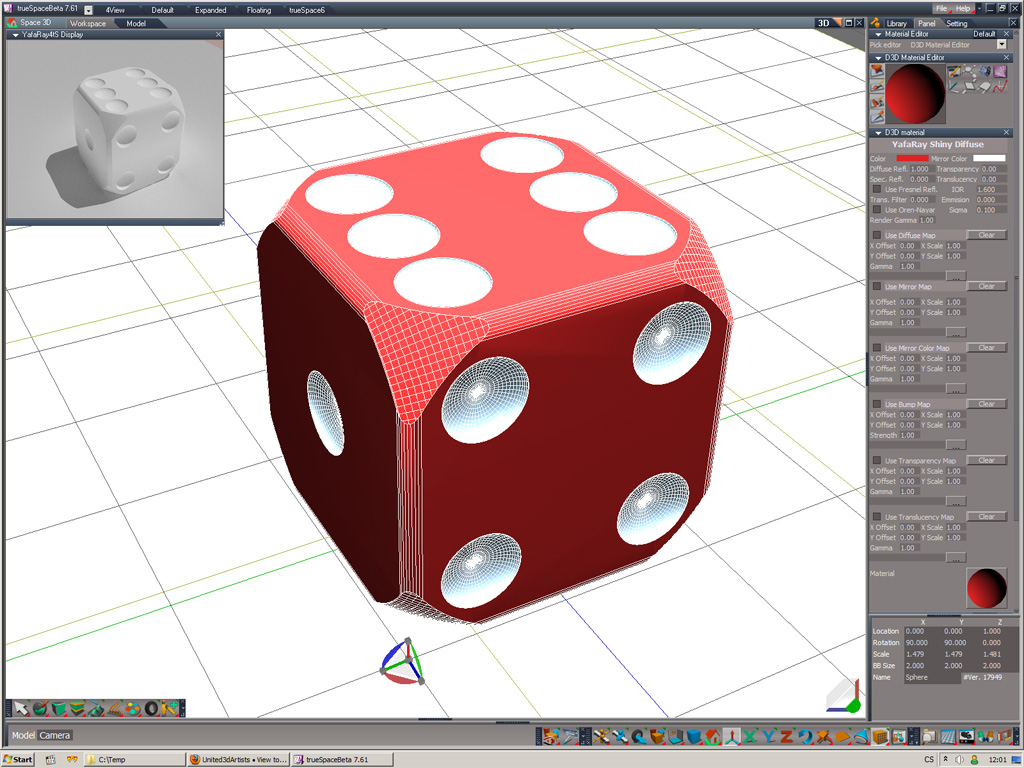
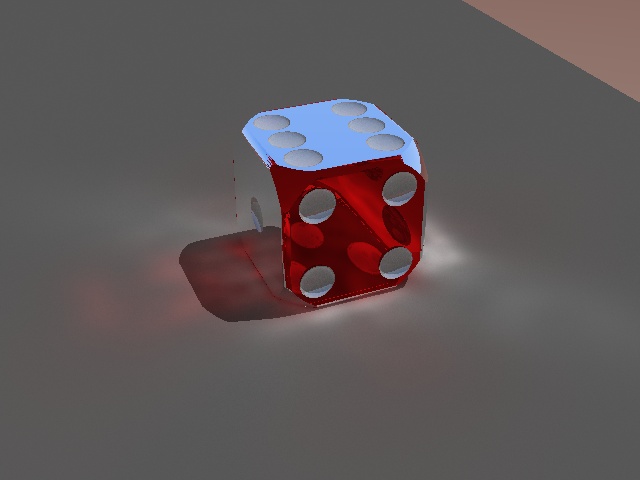
only two materials, top is a reflection, thats why its blue.
Attachments
dice-yafapokus2.7z
my dice test scene
(538.22 KiB) Downloaded 263 times
Michal aka bitkar
tS freak since tS2 (1998) and forever (tS7.61 modeler)
User avatar
clintonman
Captain
Posts: 5659
Joined: 21 May 2009, 21:08
Type the number ten into the box: 0
Location: California

Re: YafaRay is grey!

Post by clintonman »

bitkar wrote:wow, you really surprised me... I loaded up in the scene, used your version with the render button in the panel. Only things that doesnt work is bringing the internal viewer window and save settings button. But the horse.tga (what?? :D) is there and it seems to work. (btw even original version cant run the tga viewer, dont know why, but the internal window is better)

one more thing: Refracted light with red glass shader is colored red (that works) but dont you know why the reflected is not? It can be seen on refl. caustics.

thanks a bunch! yafaray is really cool, its worth using it.
horse_1.jpg
All 3 viewer options work for me as well as the save settings button. Maybe you should reinstall yafaray4ts from the original setup.exe file. That might at least fix the tga viewer.
Clinton Reese

http://clintons3d.com
User avatar
bitkar
Captain
Posts: 2089
Joined: 16 Mar 2010, 07:14
Type the number ten into the box: 0
Location: Czech Republic

Re: YafaRay is grey!

Post by bitkar »

anyone has an idea why the glass shader is so reflective?? it doesnt look good, but i dont see and reflection values. And it doesnt color the reflected light. Is the tS yafaglass shader wrong? I dont like the glass shader at all - its not working well, no reflection, shines and roughness settings there. But its a big shame, coz yafa can make very nice caustics very fast, but with this glass shader its unusable :(
Michal aka bitkar
tS freak since tS2 (1998) and forever (tS7.61 modeler)
User avatar
clintonman
Captain
Posts: 5659
Joined: 21 May 2009, 21:08
Type the number ten into the box: 0
Location: California

Re: YafaRay is grey!

Post by clintonman »

It's possible that the glass does not do light reflections on it's own and needs to be combined with another material via blending. The current yafaray4ts doesn't do blend materials.
Clinton Reese

http://clintons3d.com
User avatar
bitkar
Captain
Posts: 2089
Joined: 16 Mar 2010, 07:14
Type the number ten into the box: 0
Location: Czech Republic

Re: YafaRay is grey!

Post by bitkar »

hm, iam not sure... http://www.yafaray.org/documentation/userguide/material"
look at this, i doubt this has been blended, coz it describes the shader itself only. The colored glass really looks colored well, altought the shape is different. Maybe I should try to reproduce the scene within tS.
Michal aka bitkar
tS freak since tS2 (1998) and forever (tS7.61 modeler)
User avatar
bitkar
Captain
Posts: 2089
Joined: 16 Mar 2010, 07:14
Type the number ten into the box: 0
Location: Czech Republic

Re: YafaRay is grey!

Post by bitkar »

i was making some testrenders today. Absorption made the glass colorfull as it should be (didnt worked recently, started after reinstall of yafa4ts). I have no clue what the values should be for the absorption, not even about which units are used, but around 50 its ok. Seting to 0 should make it compute physically based or what, but the result is not that good.

What i cant get right and is wrong:
1) reflection causics are still white no matter what
2) there is some fresnel effect on the glass. but the glass can either reflect or refract, not both in different ratios - no translation between refl and refr.
3) the mirroring is just too strong. its dependend on IOR but anyway its too strong
4) when absorption is on there is some black reflection, it cannot reflect enviromnent (background, IBL, HDRi map)

here is a testrender. Using light from background or not, doesnt matter(4). Notice the line (2), reflection caustics are not too noticables, but trust me, its white, not colored. But it can look very glassy from certain angles.
Attachments
testrenders
testrenders
Michal aka bitkar
tS freak since tS2 (1998) and forever (tS7.61 modeler)

Return to “Rendering”