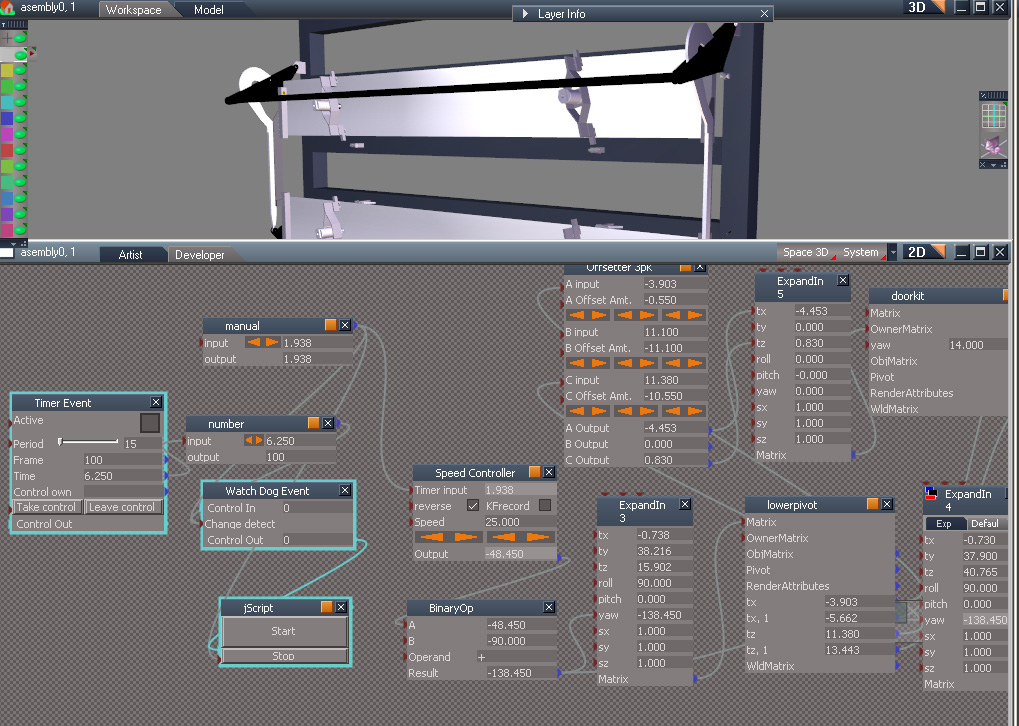
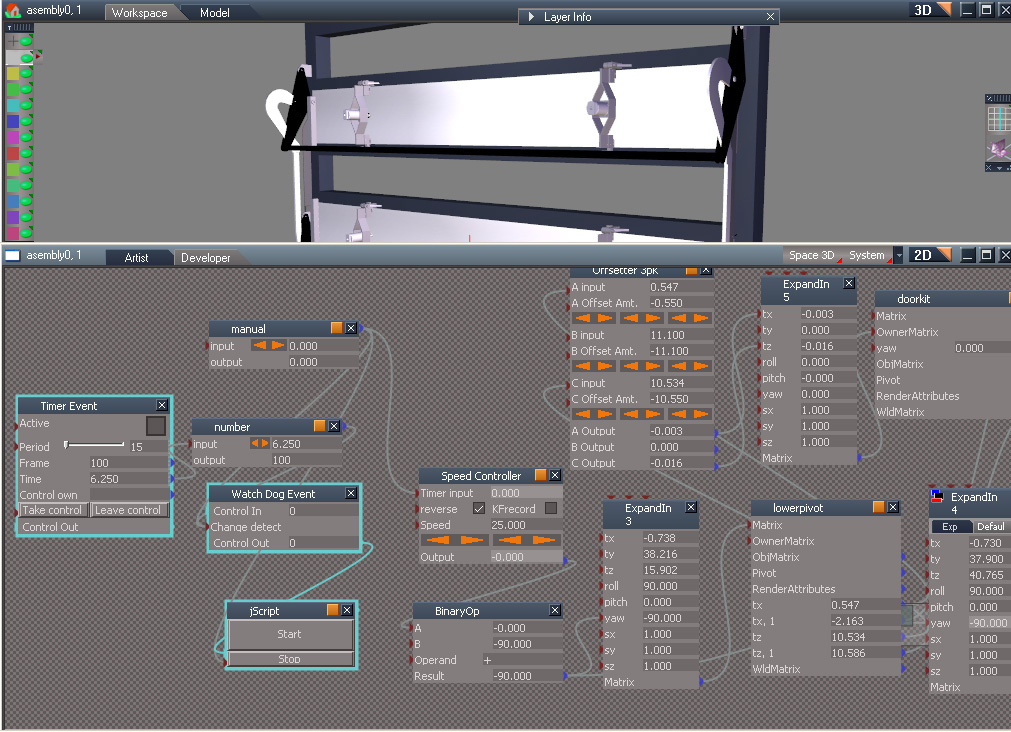
I know what you mean.. I agree is complex to understand.. During the beta i beg Tomas to build a solution and for that he made the all mighty (Flatten Axis tool)

Let me try to explain..
Imagine you have a cylinder.. if you rotate by the widget or by the matrix the rotation is always by its center.. Right??
Now, Click on the Axis tool to add a pivot point.. Move it to z=0 lvl.
Now, if you rotate by the widget, the cylinder rotates around that z=0 point.. GREAT!!! BUT!! if you expand the matrix and you try to rotate, the things has not changed.. Cos the matrix is not affected by the pivot..


I know...
hahahaha
So how fix this? Again.. Flatten Axis tool
Move the pivot on the right location, and then with the Axis visible click on Flatten Axis.. You will not see any visible difference, but will work for the matrix..
One important tip.. the Flatten Axis
ONLY!!! works if the object its on the root scene lvl, with this i mean is not inside any other object or sublvl.
So what's the best workflow?
Make the model, set the matrix pivot on the right position and then encapsulate it..
If you have already a model and you want to rebuild??( Like i do on the Reach stacker) The best way i found is, go to the lvl where the encapsulated object is located, save it.. and load it again on the scene root lvl.. Set the Matrix Pivot on the right location, save it and load it or move it where the original file was located and linked again to its owner..
Sorry for the poor explanation, but is simple once you understand it..