Parts Hutch

User avatar
ranger0101
Master Chief Petty Officer
Posts: 363
Joined: 22 May 2009, 13:15
Type the number ten into the box: 0
Location: Orrville Ohio U.S.A.

Parts Hutch

Post by ranger0101 »

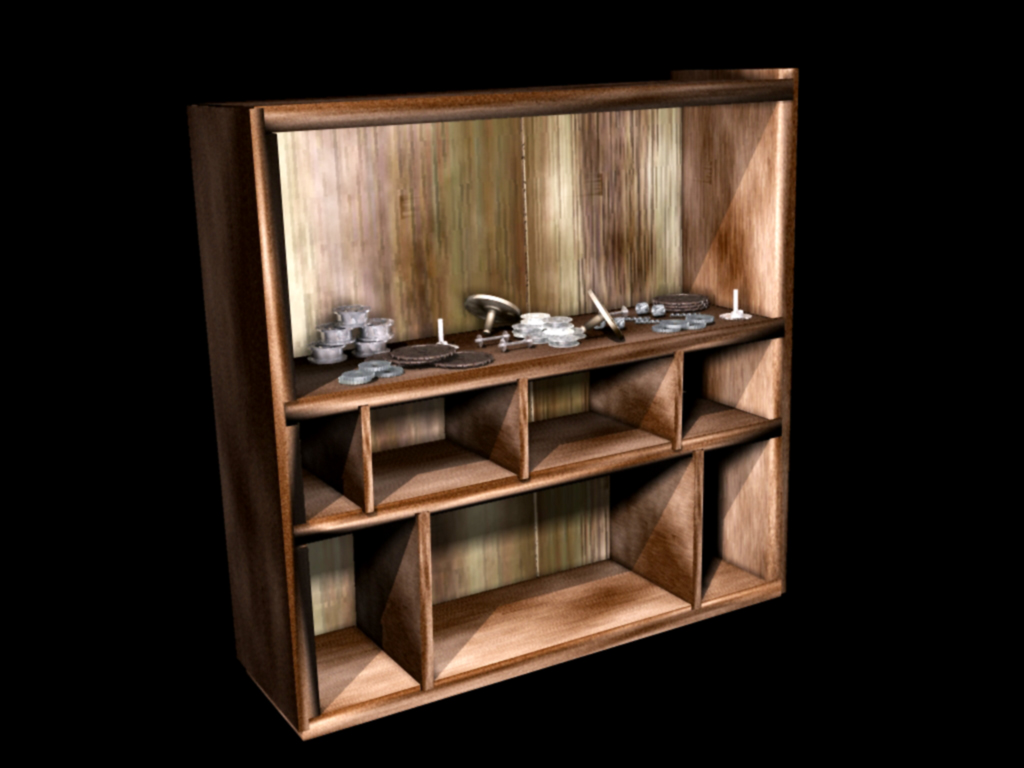
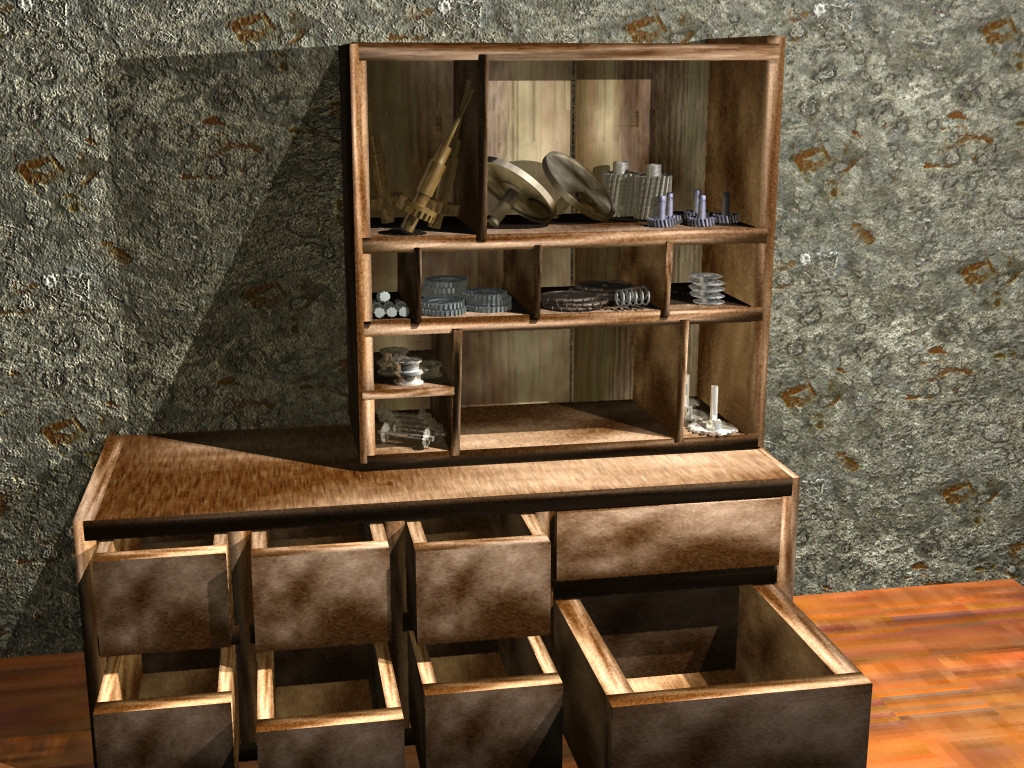
My new WIP... :bananaclaus:

A chance to model a lot of interesting and eclectic stuff...

And lighting lighting lighting will be the key...
Attachments
Parts Hutch 02 PS.jpg
In order to Create Art... You must first learn to See...
My Website http://www.theartoftimkoons.yolasite.com
User avatar
ranger0101
Master Chief Petty Officer
Posts: 363
Joined: 22 May 2009, 13:15
Type the number ten into the box: 0
Location: Orrville Ohio U.S.A.

Re: Parts Hutch

Post by ranger0101 »

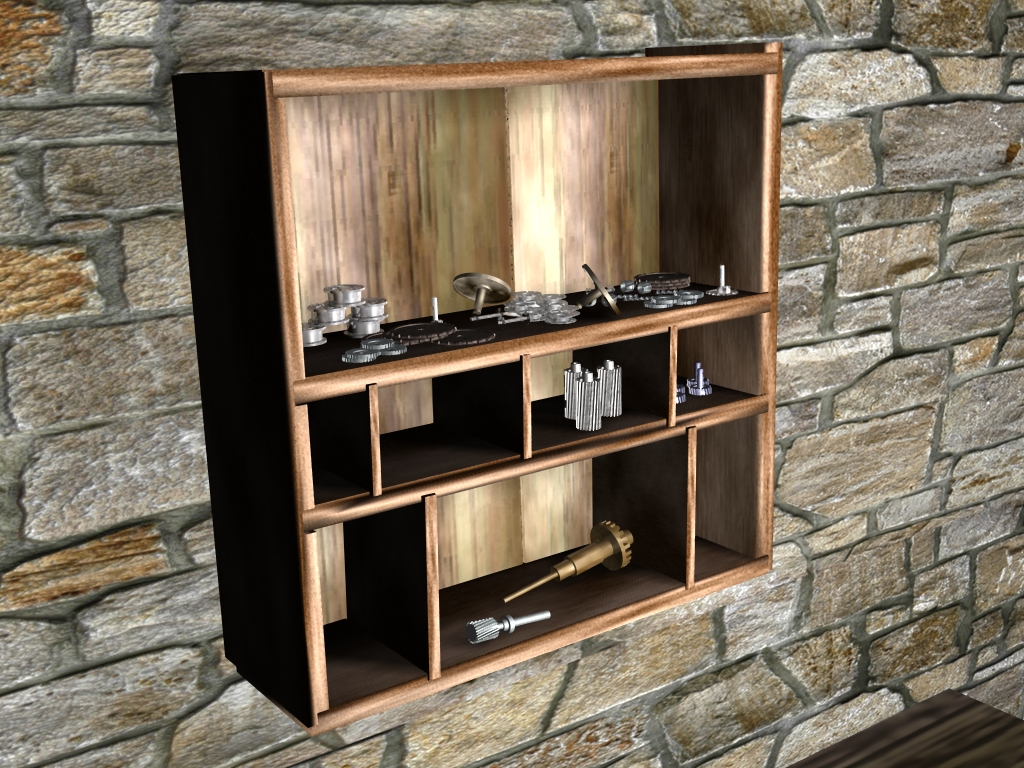
Moving right along... :)

Lighting very tricky..

Would appriciate some suggestions... :?
Attachments
Parts Hutch 08.jpg
In order to Create Art... You must first learn to See...
My Website http://www.theartoftimkoons.yolasite.com
User avatar
bitkar
Captain
Posts: 2089
Joined: 16 Mar 2010, 07:14
Type the number ten into the box: 0
Location: Czech Republic

Re: Parts Hutch

Post by bitkar »

place an IBL light around the scene... half of it will lit the scene with soft shadows (maybe hard shadowmaps would be ok)... then maybe use some point light for some harder shadows or a light array. These suggestion are for LW renderer.
Michal aka bitkar
tS freak since tS2 (1998) and forever (tS7.61 modeler)
User avatar
ranger0101
Master Chief Petty Officer
Posts: 363
Joined: 22 May 2009, 13:15
Type the number ten into the box: 0
Location: Orrville Ohio U.S.A.

Re: Parts Hutch

Post by ranger0101 »

Thanks for the advice bitcar... :bananathumb:

IBL was impossibley long render so I made a 13 area light aray
and one infinate light..

I think it looks a bit better... ;)

Long way to go... Lots more parts and junk to model..

Cheers
Attachments
Parts Hutch 14.jpg
In order to Create Art... You must first learn to See...
My Website http://www.theartoftimkoons.yolasite.com
User avatar
bitkar
Captain
Posts: 2089
Joined: 16 Mar 2010, 07:14
Type the number ten into the box: 0
Location: Czech Republic

Re: Parts Hutch

Post by bitkar »

if I use an IBL, its good to set it up with low quality during work and hi quality during bigger testrenders and final work. But this looks quite ok so far. Consider taking time for the final render to compare if it looks better with the IBL (i think it will, this doesnt give you the proper shadow depth). Yea and I use usually two IBLs - one for the shadow and second with shadows off to control the shadow darkness (with low q settings).

btw: if i think well about the light strenght and positions.. I would use more of ibl and less of infinite light (or 50:50). Also making it shine a little more from the side could make it better, or even better could be a point light simulating a cieling lightbulb (it could be even visible in scene, placing some lightbulb in the front, it could be good for the scene depth, then you could blur it with the dof efect or so).

btw: check the materials sometime. the table looks very flat.
Michal aka bitkar
tS freak since tS2 (1998) and forever (tS7.61 modeler)
User avatar
ranger0101
Master Chief Petty Officer
Posts: 363
Joined: 22 May 2009, 13:15
Type the number ten into the box: 0
Location: Orrville Ohio U.S.A.

Re: Parts Hutch

Post by ranger0101 »

Two IBL's one Genomian one Area...
Man lighting is hard...
Attachments
Parts Hutch 18.jpg
In order to Create Art... You must first learn to See...
My Website http://www.theartoftimkoons.yolasite.com
User avatar
ranger0101
Master Chief Petty Officer
Posts: 363
Joined: 22 May 2009, 13:15
Type the number ten into the box: 0
Location: Orrville Ohio U.S.A.

Re: Parts Hutch

Post by ranger0101 »

OK.... :shock: Wow this is hard work... ;)

But I think I'm kinda sorts a little
bit getting the hang of this... :)

Two IBL's one with shadows one without..
One Genorwhatever light to fill out things..
One Infinate light to drive home shadow direction..

Thanks bitkar ... :bananathumb: for all your help...
What now... ;)
Attachments
Parts Hutch 19.jpg
In order to Create Art... You must first learn to See...
My Website http://www.theartoftimkoons.yolasite.com
User avatar
ranger0101
Master Chief Petty Officer
Posts: 363
Joined: 22 May 2009, 13:15
Type the number ten into the box: 0
Location: Orrville Ohio U.S.A.

Re: Parts Hutch

Post by ranger0101 »

Tweek.. Tweek.. Tweeken right along... ;)

Gotta keep sharpening my Skills...
So that maybe some day some one
will actualey pay me to do this kind of thing.. ;)
Attachments
Parts Hutch 20 PS.jpg
In order to Create Art... You must first learn to See...
My Website http://www.theartoftimkoons.yolasite.com
User avatar
ranger0101
Master Chief Petty Officer
Posts: 363
Joined: 22 May 2009, 13:15
Type the number ten into the box: 0
Location: Orrville Ohio U.S.A.

Re: Parts Hutch

Post by ranger0101 »

Moving right along... ;)
Attachments
Parts Hutch 22.jpg
In order to Create Art... You must first learn to See...
My Website http://www.theartoftimkoons.yolasite.com
User avatar
ranger0101
Master Chief Petty Officer
Posts: 363
Joined: 22 May 2009, 13:15
Type the number ten into the box: 0
Location: Orrville Ohio U.S.A.

Re: Parts Hutch

Post by ranger0101 »

Little by little bit by bit... ;)

have to change a few textures..

And then add something soft I think.. :?
Attachments
Parts Hutch 24.jpg
In order to Create Art... You must first learn to See...
My Website http://www.theartoftimkoons.yolasite.com
User avatar
Finis
Captain
Posts: 5410
Joined: 21 May 2009, 18:26
Type the number ten into the box: 0
Location: America!

Re: Parts Hutch

Post by Finis »

Your lighting brings out the depth well.

If you are using model side TS7.6 there is an HDRI light. You can use that like an IBL light and it is much faster. You can only have one HRDI light though.
I prefer dangerous freedom over peaceful servitude. -- Thomas Jefferson/Jean Jacques Rousseau
User avatar
ranger0101
Master Chief Petty Officer
Posts: 363
Joined: 22 May 2009, 13:15
Type the number ten into the box: 0
Location: Orrville Ohio U.S.A.

Re: Parts Hutch

Post by ranger0101 »

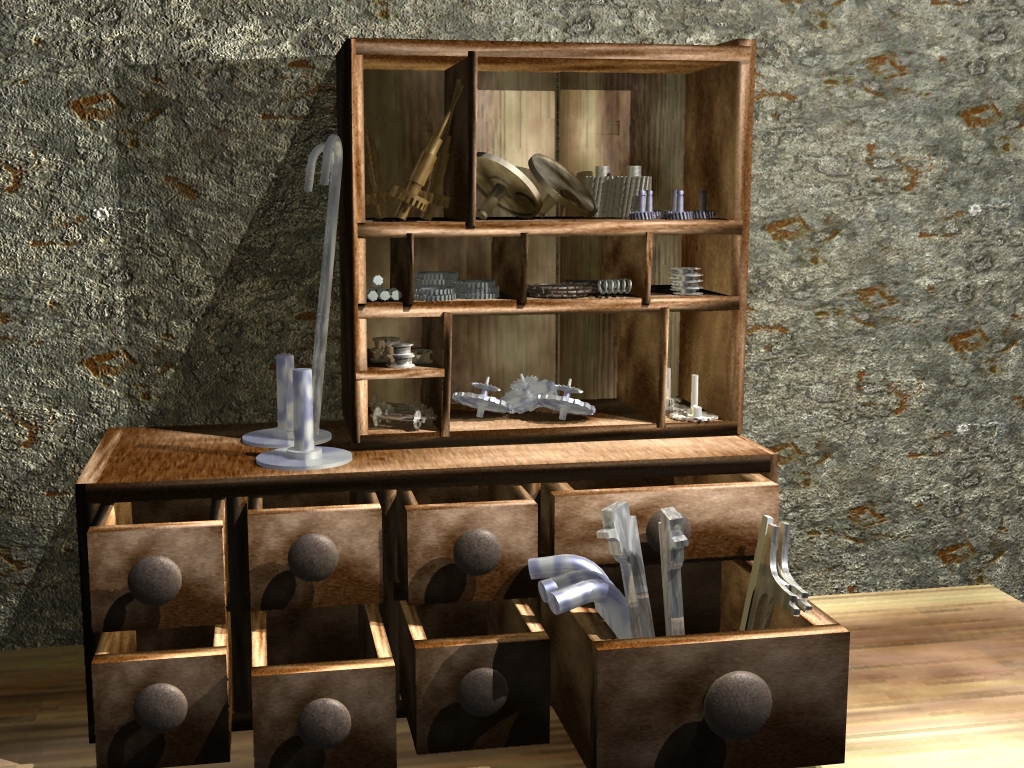
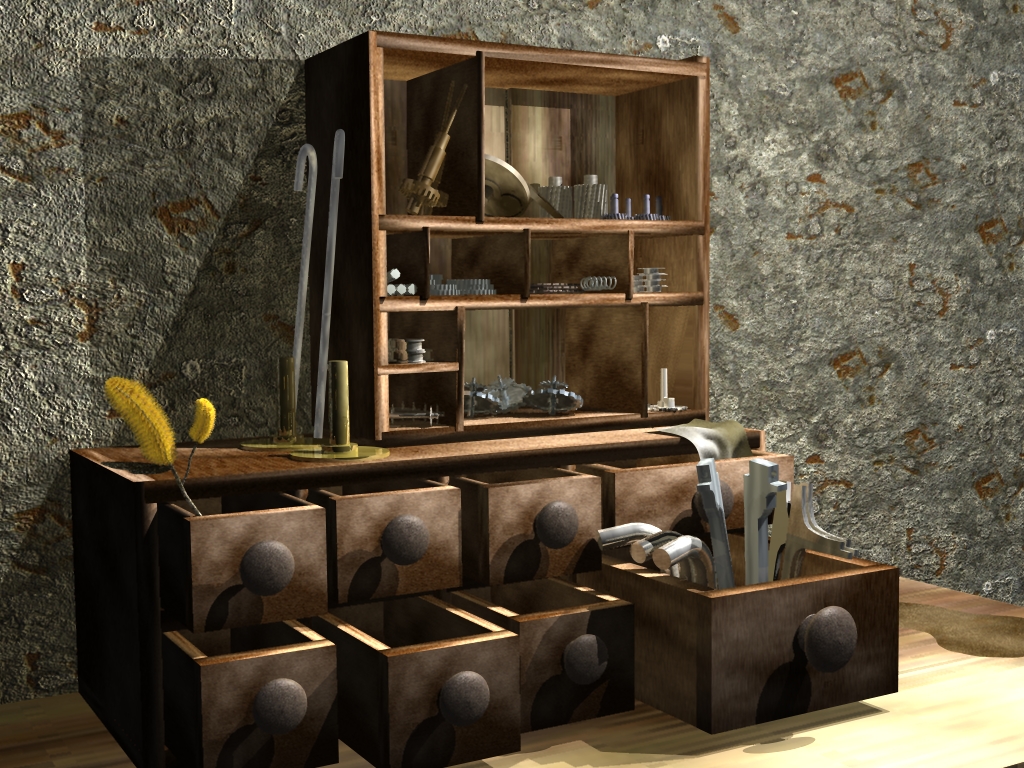
Update...
Added a cloth and a branch with fuzzy stuff on it..
Trying to balace out so much hard shiny stuff..
Fixed a few textures as well..

Getting there I think... ;)
Attachments
Parts Hutch 28.jpg
In order to Create Art... You must first learn to See...
My Website http://www.theartoftimkoons.yolasite.com
User avatar
Buzz
Chief Petty Officer
Posts: 150
Joined: 05 Jul 2009, 12:46
Type the number ten into the box: 0
Location: Netherlands

Re: Parts Hutch

Post by Buzz »

Hey ranger,

I followed this development of your scene and indeed you're getting there but as you already said, the lighting...lighting....lighting...
To help you a little (that's why we are here on this forum right) I send you a simple scene with lights setup in a manner that can make your scene look a bit more natural and less CG. I always like to experiment with lights, it's like painting with it and I am glad if I can help you a bit.

Sheers,
Buzz.
Attachments
lighttest.zip
(1.83 MiB) Downloaded 254 times
User avatar
bitkar
Captain
Posts: 2089
Joined: 16 Mar 2010, 07:14
Type the number ten into the box: 0
Location: Czech Republic

Re: Parts Hutch

Post by bitkar »

you are getting better.... well, but the main q is what pic it will be? photoreal, comic?

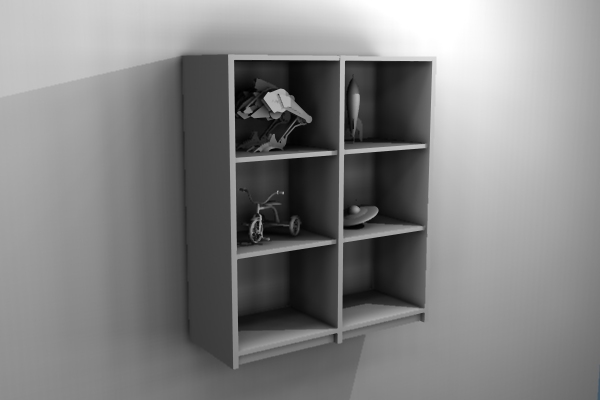
for more real I thought of something like this:
its made by one IBL with shadomaps and one spotlight. You can add one spotlight to lighten the shadows later and replace the spotlight with a light array for more realistic and a little softer shadows.
btw: painting it with a default material is good for light tweeking
Attachments
lightningdemo.jpg
Michal aka bitkar
tS freak since tS2 (1998) and forever (tS7.61 modeler)
User avatar
ranger0101
Master Chief Petty Officer
Posts: 363
Joined: 22 May 2009, 13:15
Type the number ten into the box: 0
Location: Orrville Ohio U.S.A.

Re: Parts Hutch

Post by ranger0101 »

Thanks everybody for all your good advice...

I will be sure to take all of it..
This is my most recent attempt...

I am going for realistis/surealistic..
Attachments
Parts Hutch 31 PS.jpg
In order to Create Art... You must first learn to See...
My Website http://www.theartoftimkoons.yolasite.com
User avatar
ranger0101
Master Chief Petty Officer
Posts: 363
Joined: 22 May 2009, 13:15
Type the number ten into the box: 0
Location: Orrville Ohio U.S.A.

Re: Parts Hutch

Post by ranger0101 »

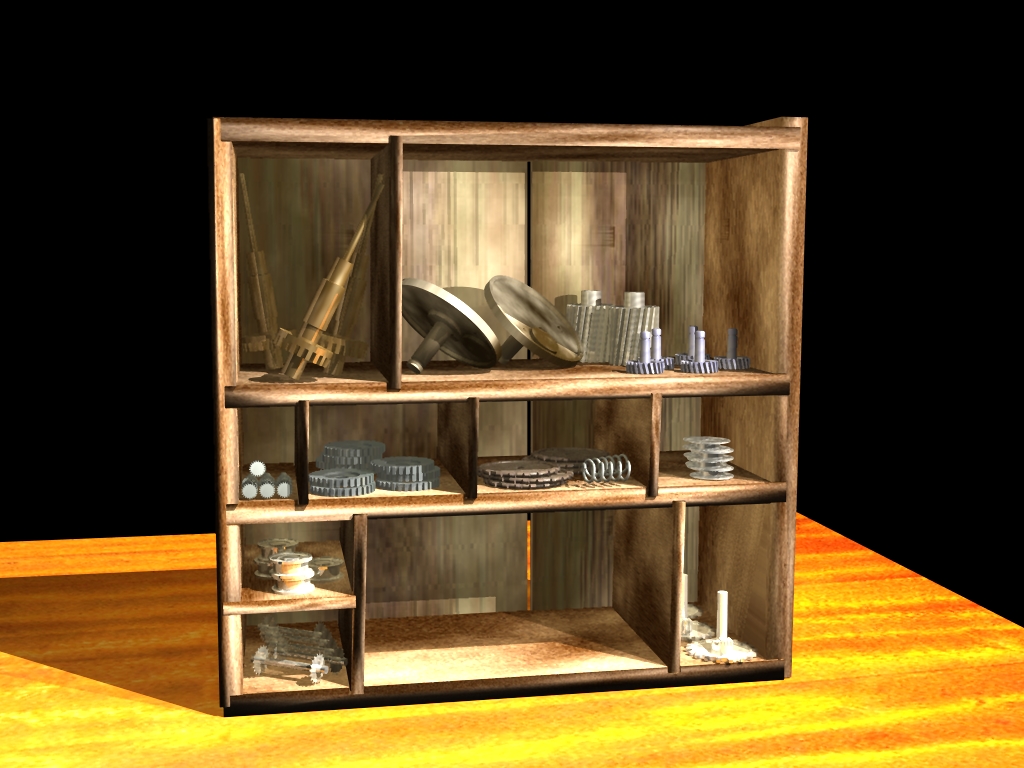
40 light half sphear aray and 1 gornomian... :?

Am I going backwards or forwards...?
Attachments
Parts Hutch 40.jpg
In order to Create Art... You must first learn to See...
My Website http://www.theartoftimkoons.yolasite.com
User avatar
Finis
Captain
Posts: 5410
Joined: 21 May 2009, 18:26
Type the number ten into the box: 0
Location: America!

Re: Parts Hutch

Post by Finis »

I think you could get the same effect as a many-light-sphere by using the IBL or HDRI light. This one's shadows are mostly gone.
I prefer dangerous freedom over peaceful servitude. -- Thomas Jefferson/Jean Jacques Rousseau
User avatar
ranger0101
Master Chief Petty Officer
Posts: 363
Joined: 22 May 2009, 13:15
Type the number ten into the box: 0
Location: Orrville Ohio U.S.A.

Re: Parts Hutch

Post by ranger0101 »

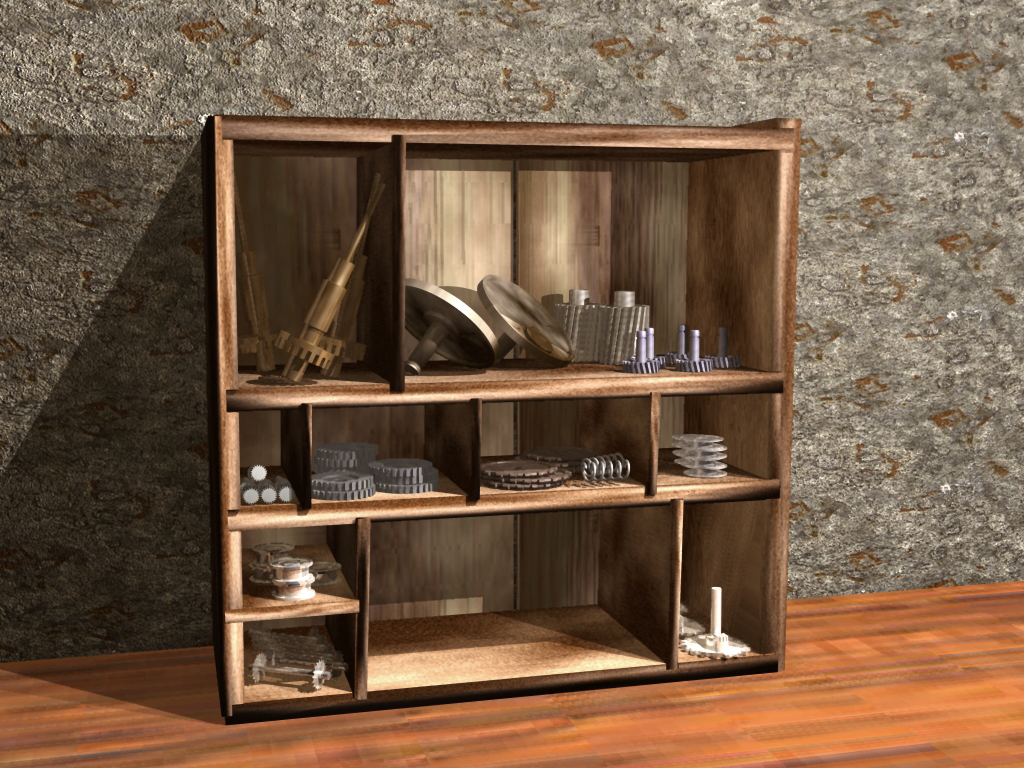
Another angle...
Attachments
Parts Hutch 48.jpg
In order to Create Art... You must first learn to See...
My Website http://www.theartoftimkoons.yolasite.com
User avatar
nigec
Master Chief Petty Officer
Posts: 561
Joined: 21 May 2009, 18:46

Re: Parts Hutch

Post by nigec »

nice, altho the yellow objects on the left look kinda bright, are you using a HDRI?
User avatar
ranger0101
Master Chief Petty Officer
Posts: 363
Joined: 22 May 2009, 13:15
Type the number ten into the box: 0
Location: Orrville Ohio U.S.A.

Re: Parts Hutch

Post by ranger0101 »

Thanks for all your nice comments and advice
Everybody.... :bananathumb:

This time two ibls,one with shadow one without..
one genomian with shadows...
one infinate light with shadows...
one area light with shadows...

The second pic is a Virtual Light Render..
Exact same light setup...

I have learned more about lighting doing this project
than in all my years working with TrueSpace Combined.. Started with ver 3.2

Thanks Nigec... I'm not allowed to use HDRI... This is a lighting torture test...

Buzz... Thank You.. :bananathumb: for the Sample scene with the light set up..
First I must say its a bit beyond me... But I am studying it intencely.. and learning a lot..
You are a lighting Artyst...
Attachments
Virtual Light Render Same light setup.
Latest LightWorks
Latest LightWorks
In order to Create Art... You must first learn to See...
My Website http://www.theartoftimkoons.yolasite.com
User avatar
ranger0101
Master Chief Petty Officer
Posts: 363
Joined: 22 May 2009, 13:15
Type the number ten into the box: 0
Location: Orrville Ohio U.S.A.

Re: Parts Hutch

Post by ranger0101 »

I did not know that using transparent shadows
reverts light to ray traced... :oops:

This is a little better I think... ;)
Attachments
no ray raced shadows
In order to Create Art... You must first learn to See...
My Website http://www.theartoftimkoons.yolasite.com
User avatar
ranger0101
Master Chief Petty Officer
Posts: 363
Joined: 22 May 2009, 13:15
Type the number ten into the box: 0
Location: Orrville Ohio U.S.A.

Re: Parts Hutch

Post by ranger0101 »

Another try with softer shadows..
Attachments
Parts Hutch 58.jpg
In order to Create Art... You must first learn to See...
My Website http://www.theartoftimkoons.yolasite.com
User avatar
bitkar
Captain
Posts: 2089
Joined: 16 Mar 2010, 07:14
Type the number ten into the box: 0
Location: Czech Republic

Re: Parts Hutch

Post by bitkar »

I like the last one! definatly a good one! keep it up this way
Michal aka bitkar
tS freak since tS2 (1998) and forever (tS7.61 modeler)
theuns
Lieutenant Junior Grade
Posts: 868
Joined: 10 Jun 2009, 11:21
Type the number ten into the box: 0
Location: South Africa

Re: Parts Hutch

Post by theuns »

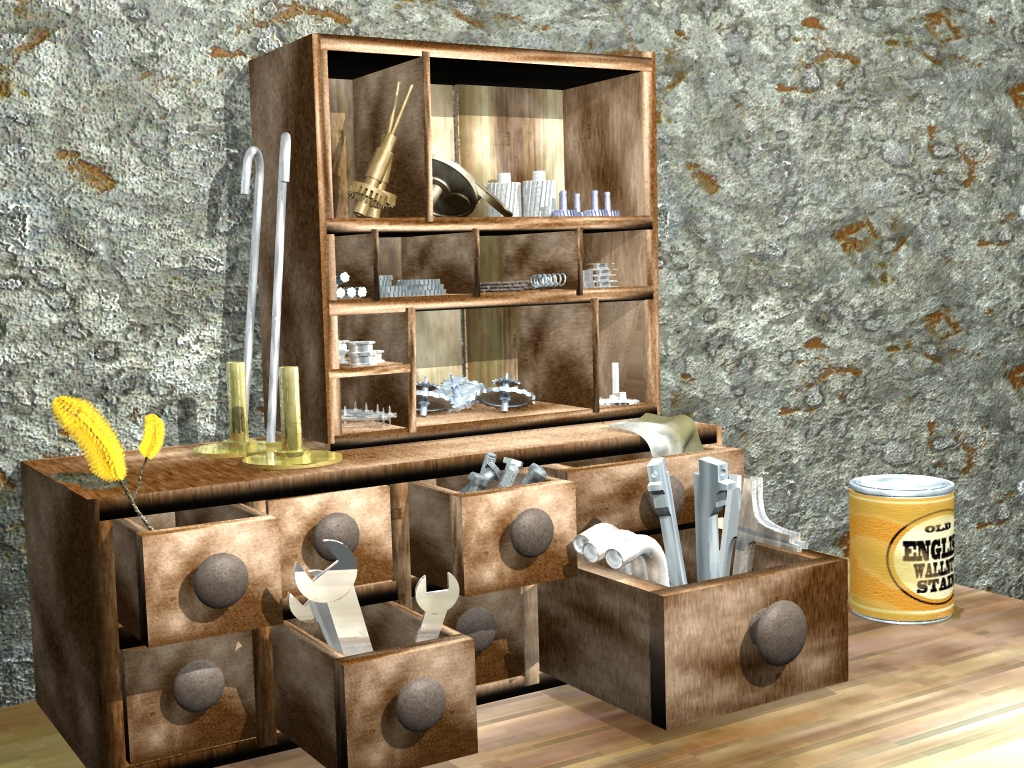
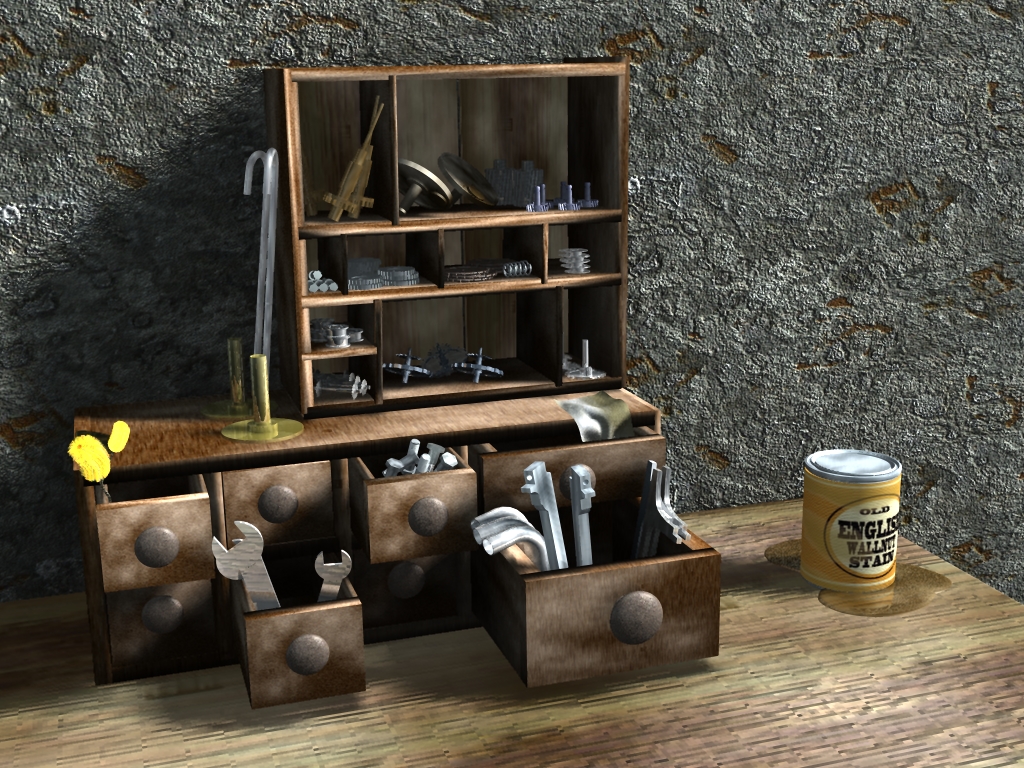
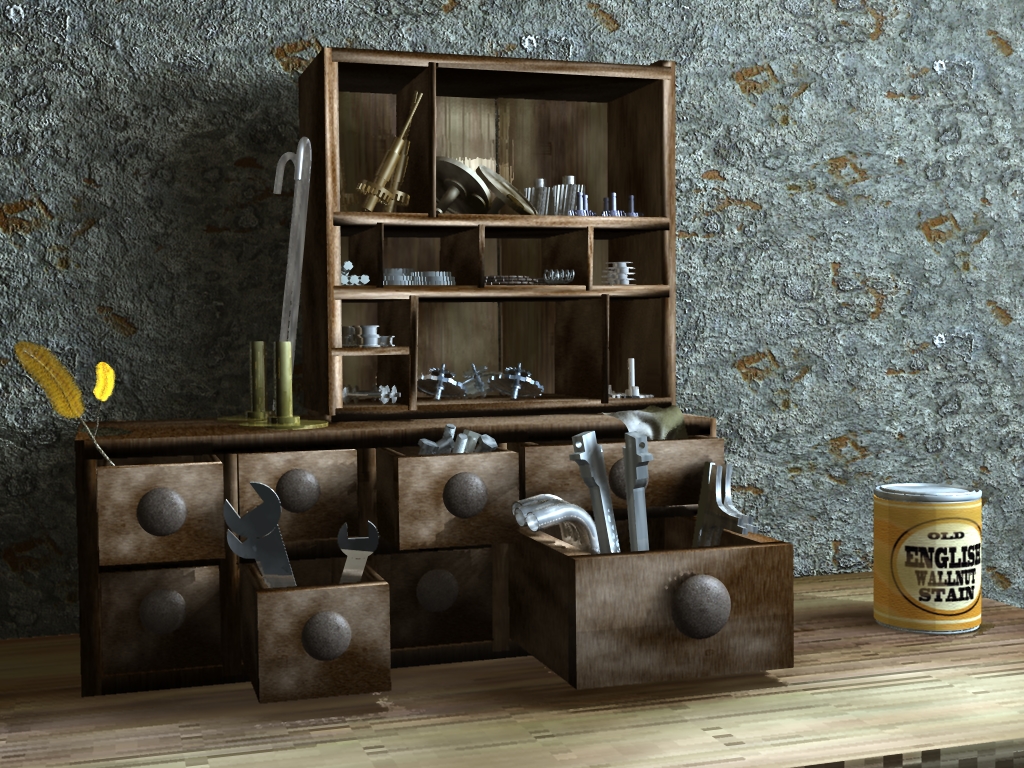
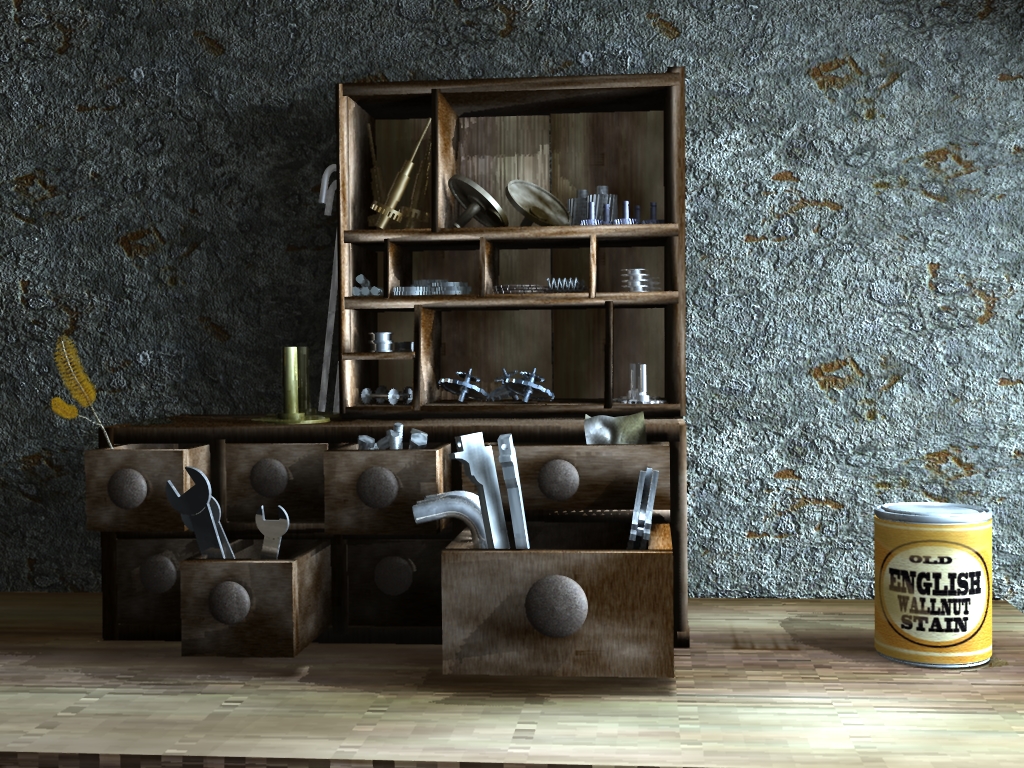
Beautiful lighting on the scene ranger... i like the 1st and 5th one very much! :)
theuns - tSer since 2000
.:| http://theunsfvo.cgarena.com/" onclick="window.open(this.href);return false; |:.
.:| http://bluestarcreations.wordpress.com/" onclick="window.open(this.href);return false; |:.
User avatar
ranger0101
Master Chief Petty Officer
Posts: 363
Joined: 22 May 2009, 13:15
Type the number ten into the box: 0
Location: Orrville Ohio U.S.A.

Re: Parts Hutch

Post by ranger0101 »

Thank You... Bitcar and Theuns...
I rely apriceate your kind comments...

Now I can get back to the easy part...
Modeling the rest of the parts and tools..
stickers.. maybe a calender on the wall...

Another update soon...
In order to Create Art... You must first learn to See...
My Website http://www.theartoftimkoons.yolasite.com
User avatar
Buzz
Chief Petty Officer
Posts: 150
Joined: 05 Jul 2009, 12:46
Type the number ten into the box: 0
Location: Netherlands

Re: Parts Hutch

Post by Buzz »

Hey Ranger,
so far the last one is the best! The lighting in this one has a natural look and that's what makes a 3D image interesting.
Next step is texturing. Don't underestimate the power of the force.... :lol: I mean good quality textures... It really adds to your image.

Keep up the good work bro,
Buzz.
User avatar
ranger0101
Master Chief Petty Officer
Posts: 363
Joined: 22 May 2009, 13:15
Type the number ten into the box: 0
Location: Orrville Ohio U.S.A.

Re: Parts Hutch

Post by ranger0101 »

Are you incinuating that the pieces of thisproject
are not textured.....

I GIVE UP............................
Attachments
Parts Hutch 62.jpg
In order to Create Art... You must first learn to See...
My Website http://www.theartoftimkoons.yolasite.com
User avatar
ranger0101
Master Chief Petty Officer
Posts: 363
Joined: 22 May 2009, 13:15
Type the number ten into the box: 0
Location: Orrville Ohio U.S.A.

Re: Parts Hutch

Post by ranger0101 »

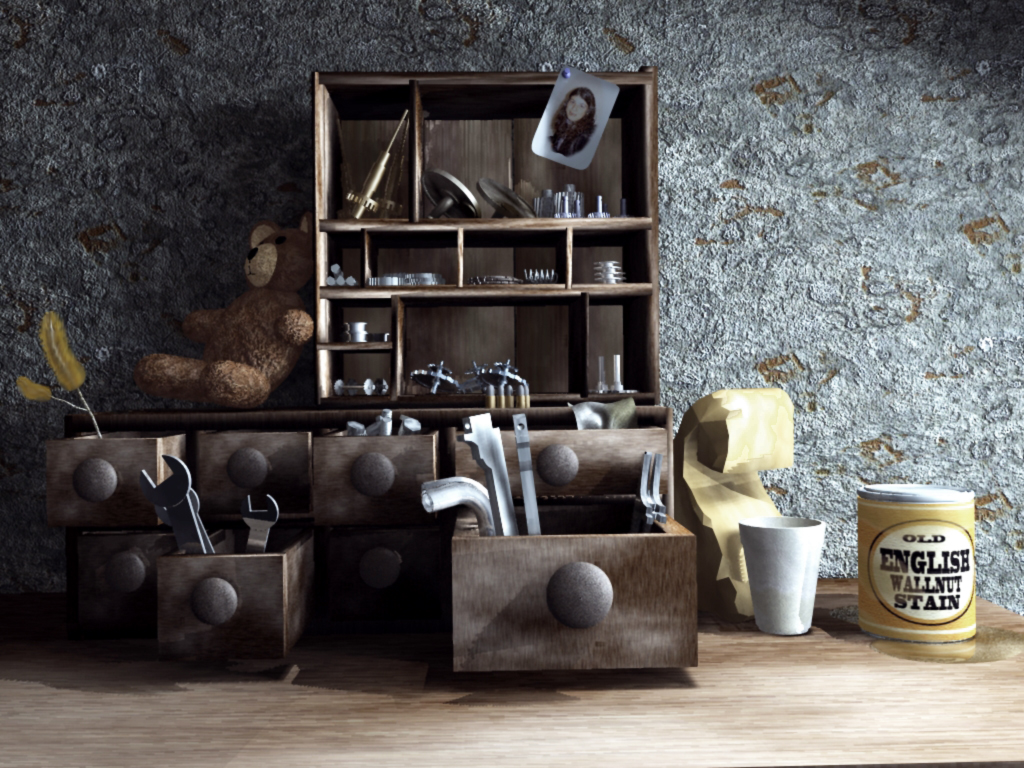
This angle sems to be best...
Attachments
Parts Hutch 63 PS.jpg
In order to Create Art... You must first learn to See...
My Website http://www.theartoftimkoons.yolasite.com
User avatar
marcel
Captain
Posts: 2247
Joined: 21 May 2009, 19:52
Type the number ten into the box: 0
Location: paris - France

Re: Parts Hutch

Post by marcel »

Real progress since the first render! The textures can be enhanced but it is not the real problem:
the drawers are too big and too heavy compared to the shelves. As if these two pieces of furniture have not the same scale. When i see the whole scene, maybe it is the shelves and all his objects inside that is too small.
Design - illustration - Animation
http://www.crea-vision.fr
User avatar
ranger0101
Master Chief Petty Officer
Posts: 363
Joined: 22 May 2009, 13:15
Type the number ten into the box: 0
Location: Orrville Ohio U.S.A.

Re: Parts Hutch

Post by ranger0101 »

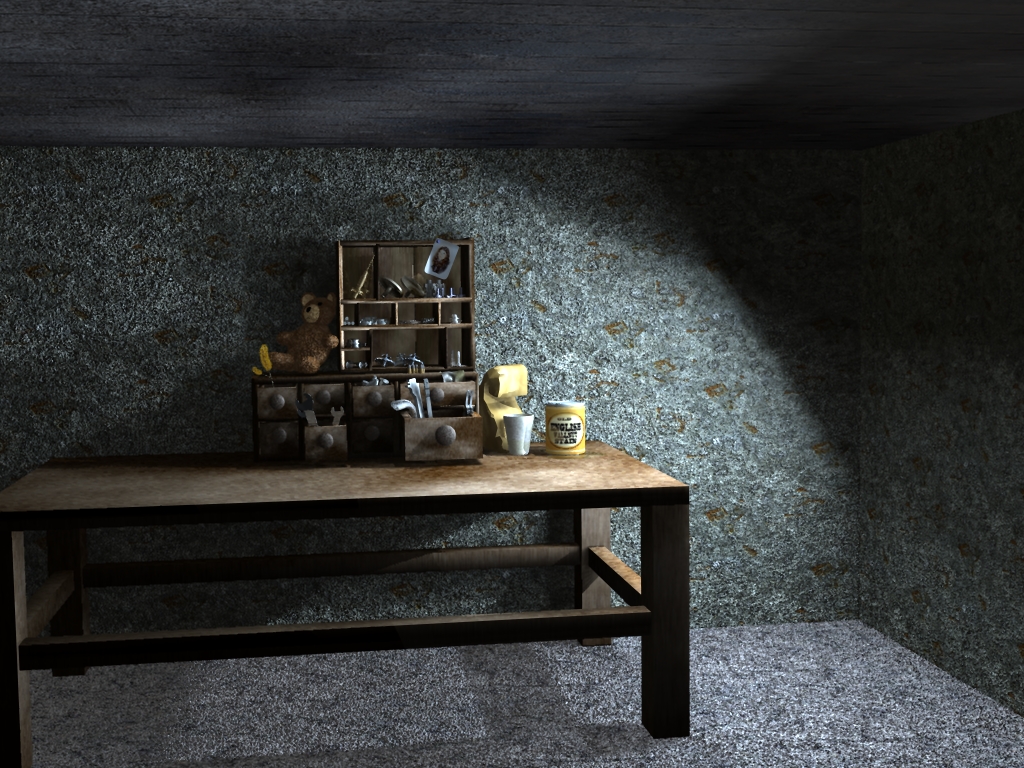
An atempt to show scale...
Attachments
Parts Hutch 64.jpg
In order to Create Art... You must first learn to See...
My Website http://www.theartoftimkoons.yolasite.com
User avatar
Finis
Captain
Posts: 5410
Joined: 21 May 2009, 18:26
Type the number ten into the box: 0
Location: America!

Re: Parts Hutch

Post by Finis »

The scale looks better in context. I think the close up's scale problem is do to scale expectations based on familiarity. The top part of the hutch looks a little like a television, uh, what are those called? An entertainment center. So people who recognize it as that think that part it is big.
I prefer dangerous freedom over peaceful servitude. -- Thomas Jefferson/Jean Jacques Rousseau
User avatar
bitkar
Captain
Posts: 2089
Joined: 16 Mar 2010, 07:14
Type the number ten into the box: 0
Location: Czech Republic

Re: Parts Hutch

Post by bitkar »

i think the proportions are that surealistic/comic part of scene. I like that big drawers.
Michal aka bitkar
tS freak since tS2 (1998) and forever (tS7.61 modeler)
User avatar
marcel
Captain
Posts: 2247
Joined: 21 May 2009, 19:52
Type the number ten into the box: 0
Location: paris - France

Re: Parts Hutch

Post by marcel »

If it is for a comic scene you can do what you want, even a twisted drawer :D . Also with the cam further like the last image, the scale is not a problem.
Design - illustration - Animation
http://www.crea-vision.fr

Return to “Work in Progress”