Plugin: tSsymbols

Legacy tS 6.6
User avatar
Fenerit
Senior Chief Petty Officer
Posts: 173
Joined: 21 Nov 2011, 19:19
Type the number ten into the box: 9

Plugin: tSsymbols

Post by Fenerit »

Hi! A plugin to play with: tSsymbols.
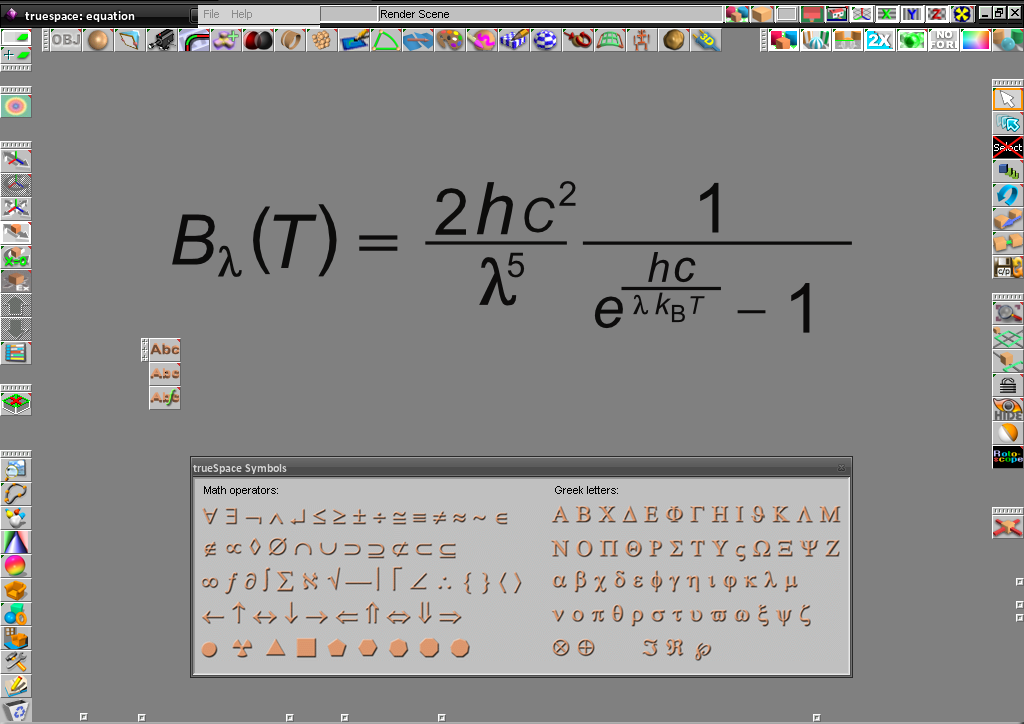
I developed this plug-in as an aid to model equations without to be stressed in searching/switching amongst fonts, since often I model with equations as markers. It add on scene some math and Greek symbols through two truetype fonts which map the usual, western, lower and upper case alphabetical keys. Once unzipped within the "..\tsx\" folder, the fonts needs to be installed onto the system: drag&drop it within the main Windows' font folder.
tSsymbols.png
An equation write by mixing the usual key text and the tSsymbols one.

Zip:
tSsymbols.zip
(83.9 KiB) Downloaded 331 times
EDIT LATER:
I forgot to say that one must click the symbols within the dialog box to add it on scene. :mrgreen:
Engelskrieger79
Petty Officer First Class
Posts: 69
Joined: 26 Mar 2012, 09:35
Type the number ten into the box: 9

Re: Plugin: tSsymbols

Post by Engelskrieger79 »

Thanks very much - will be very usefull :)

r:
User avatar
Fenerit
Senior Chief Petty Officer
Posts: 173
Joined: 21 Nov 2011, 19:19
Type the number ten into the box: 9

Re: Plugin: tSsymbols

Post by Fenerit »

Engelskrieger79 wrote:Thanks very much - will be very usefull :)

r:
Happy you like it. BTW, the plugin is intended for western keyboard only; nonetheless do check whether also on yours keyboards some keys have been wrong mapped. Feedbacks and suggestions are appreciated.
User avatar
Emmanuel
Chief Warrant Officer
Posts: 670
Joined: 14 Jun 2009, 06:47

Re: Plugin: tSsymbols

Post by Emmanuel »

Thank you for this handy tool.

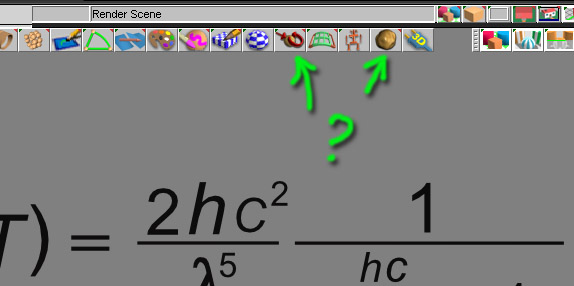
In your screenshot, there's 2 plugins I don't think I've seen before. What are they for ?
whatisthis.jpg
User avatar
Fenerit
Senior Chief Petty Officer
Posts: 173
Joined: 21 Nov 2011, 19:19
Type the number ten into the box: 9

Re: Plugin: tSsymbols

Post by Fenerit »

Hallo Emmanuel, the icon on the left is a plugin which unify the two buttons "normalize location" (left click) and "normalize rotation" (right click) without to shift among the relevant buttons. I think there was already one which did the same operation, o no? :roll: :?:
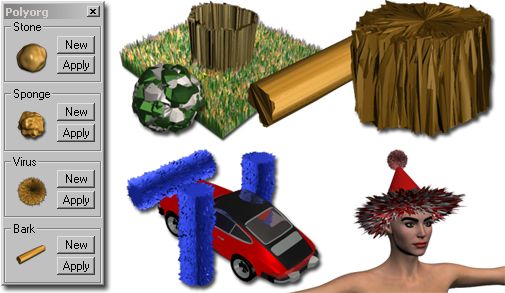
The second is a prototype (working) of a generic purpose "wiggle" based tSx organic deformator named "polyorg", for making grass, trunks, food, velvet, stones, asteroids, foam, rough minerals, underwater biology and more. Useful when either procedural textures and bumpmaps are not required.
polyorg.jpg
such deformations are left to the user's phantasy, and some deformation works best whether subdivided after as well as whether some faces are first removed and then added newly. As example:
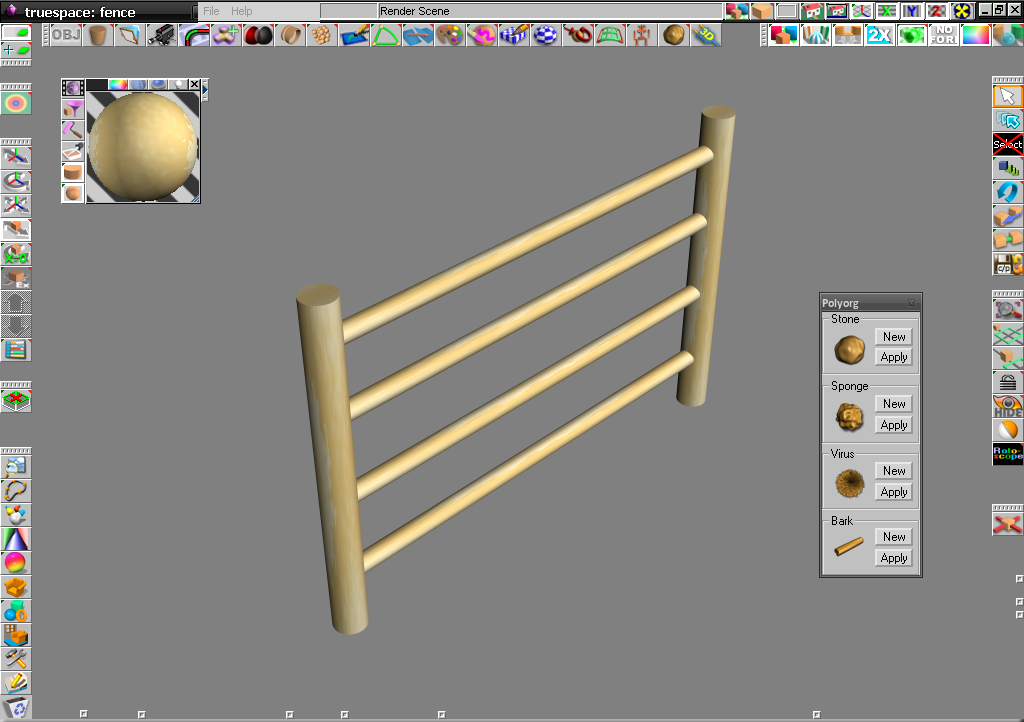
the naive fence below:
fence_1.png
can be deformed and made "old" through the "bark" apply and/or a bit of "stone":
fence_2.png
It work with division tools but SDS and only on polyhedrons. No undos, sorry.
User avatar
Fenerit
Senior Chief Petty Officer
Posts: 173
Joined: 21 Nov 2011, 19:19
Type the number ten into the box: 9

Re: Plugin: tSsymbols

Post by Fenerit »

The zip:
Polyorg.zip
(20.46 KiB) Downloaded 351 times
Engelskrieger79
Petty Officer First Class
Posts: 69
Joined: 26 Mar 2012, 09:35
Type the number ten into the box: 9

Re: Plugin: tSsymbols

Post by Engelskrieger79 »

Very cool :) Thanks again!