Rhino169 wrote:
The file size? 132mb
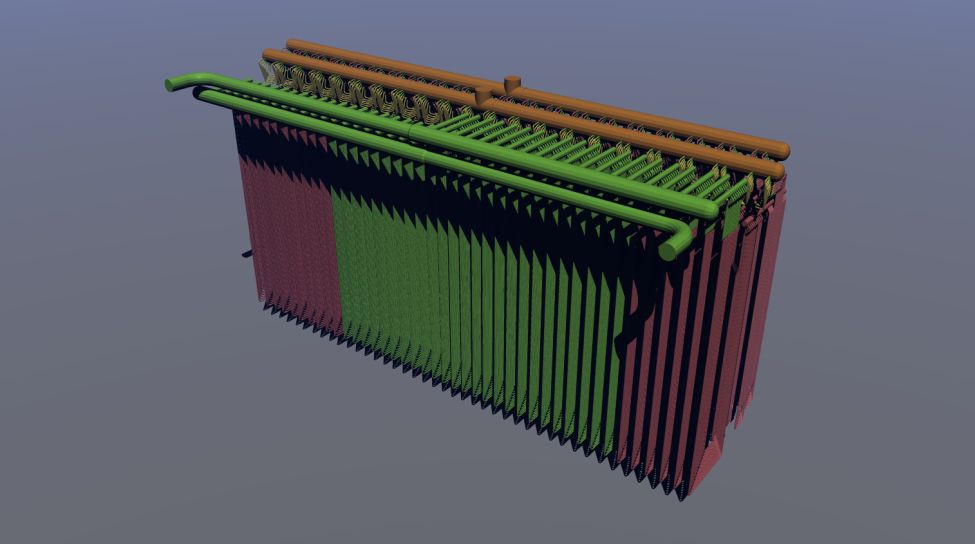
Amount of vertices or polygons or objects? Could textures/shaders be a factor? ( I used none in this model)
TrueSpace fills the memory during your work. If a render fails, you can try to close tS, then restart, reload the scene and hit the render button. Sometimes, it works.
Remember, if a render fails, you have to exit tS and restart it before trying a different setting.
A black screen is always a sign that the memory is full, and any other tests after a black render are likely to fail also.
Now, regarding the factors leading to a rendering failure, they are cumulative.
The amount of objects, the amount of vertices, the size of textures, the lights settings, the shaders in use, and the render size in pixels are all factors.
A render can fail at 8000x6000 pixels but complete at a lower resolution.
A render can fail if you have a ton of 2048x2048 bitmap textures but complete if you reduce the size of the textures.
A 132 mb scene is too much for tS (and also for several 3D apps).
From my experience, scenes bigger than 40 or 50 mb often lead to errors.
During my work I always try to optimize the weight of the scene. Sometimes you can use textures rather than objects (that's especially true for trees). You can also reduce the number of vertex on objects that are far from the camera.
Lightworks does not like transparency and reflectance. It increases the calculations and memory use. Some shaders are more demanding.
It is sad to say, but only experience teaches all these tricks.
Could you upload your scene in some server to let us try to render it ? Perhaps we will find a workaround.


 ... and lightworks will probably stop rendering if tS's own memory use exceeds 1 or 1.5 Gb.


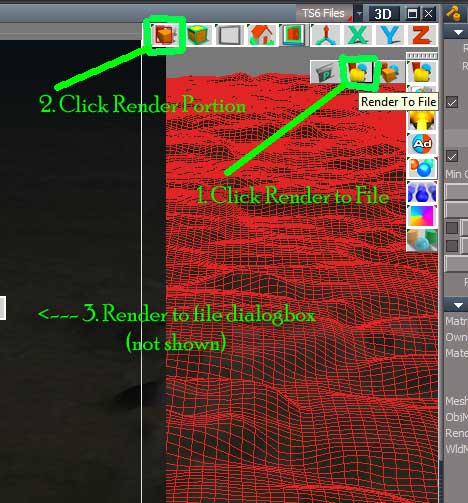

 ..except while in task manager, I see only 10% of the memory being used while rendering. 1/4 screen rendered - 3/4 screen black.


 but I will give it a try! Thanks!!