When the Package Manager pops up you right click and select Install.
In the dialog window locate and select the RSX you want to install and hit Open.
To load the plugin right click the plugin entry and select Load.
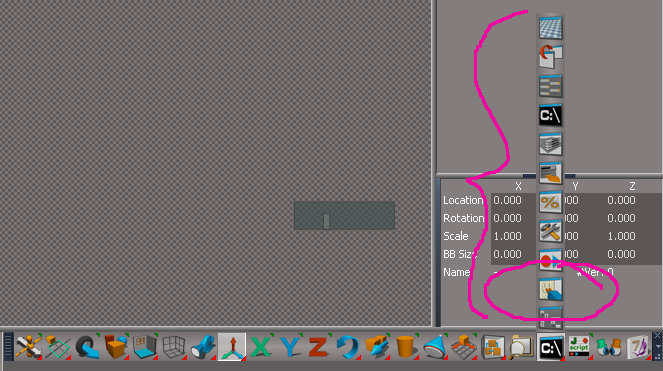
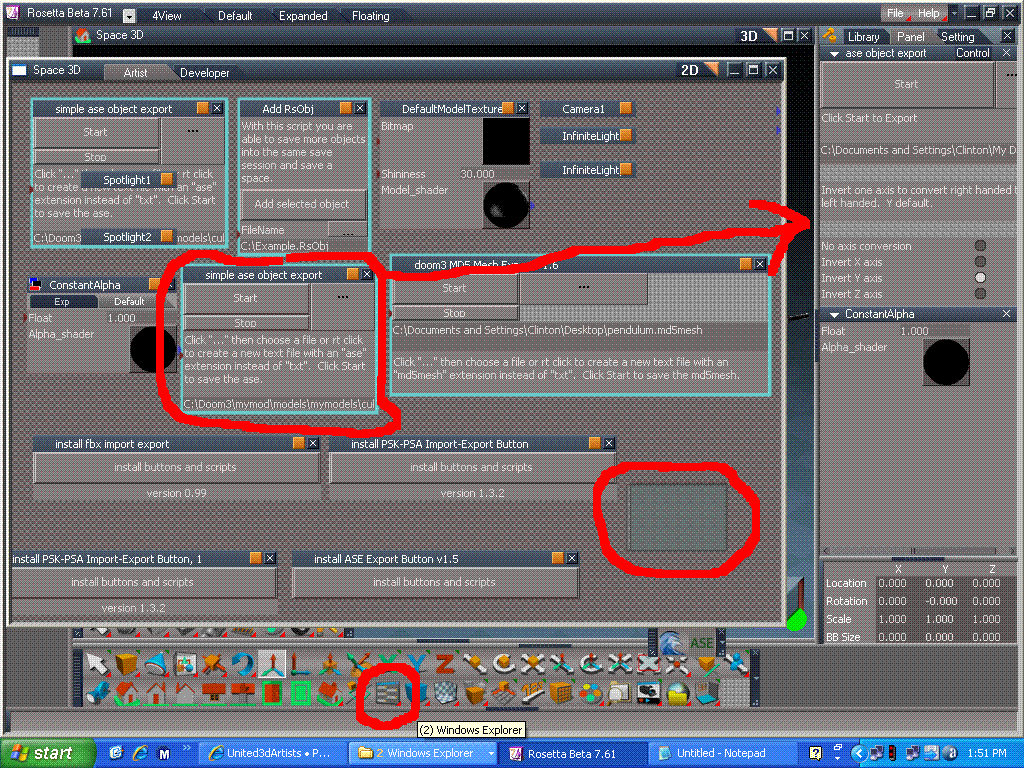
I guess this is how it's supposed to be done, but where's the tool bar?
The only RSX plugin that I see is the Turbosquid tool bar.
I installed a couple of Clintons RSX plugins, but have yet to see any tool bar or new button to actually use them.
These were installed to TS 7.6 as the 7.61 version has no plugin button to load an RSX to 7.61. Could someone post a tutorial on how to install an RSX plugin to the 7.61 Standalone Beta? Thanks.