
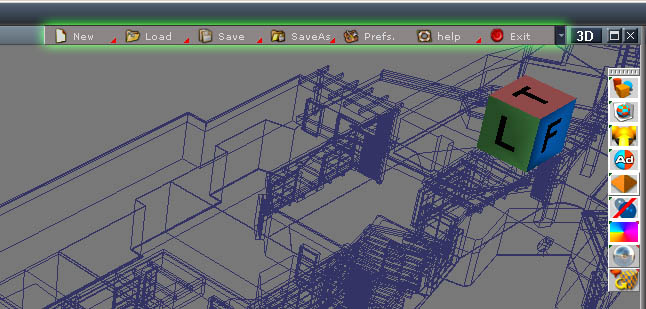
There is a bug with tooltips in tS7.6 that removes the numbers you enter in data fields if the mouse cursor is over a zone that calls a tooltip. To avoid this bug, you can now turn off the tooltips options in the new menu

How to install this menu :
1. Download and unzip the file below.
2. In tS7.6, open a Link Editor window, and browse up 2 times in the hierarchy (clic 2x on the orange triangle in the LE title bar, next to "2D")
3. In the LE window, find and enter the "Toolbar Prototype Encapsulator" (clic the orange square)
4. Select the "tSFileMenu", and delete it (press Del key on your keyboard)
5. In MS Windows, open the folder you unzipped the new tSFileMenu.RsObj into, and simply drag it into the tS's LE window, so it will replace the one you deleted in 4.
6. Now you can exit tS and restart it. The new menu should be in place.
